

Time to Money
Screenshots
ASO analysis
Good use of the title field.
Could go longer. The first 252 chars are above-the-fold; everything else still indexes.
Keyword rankings
iTunes Search · top 200About
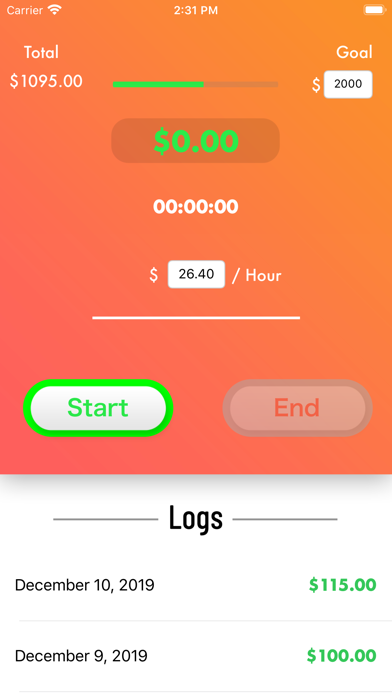
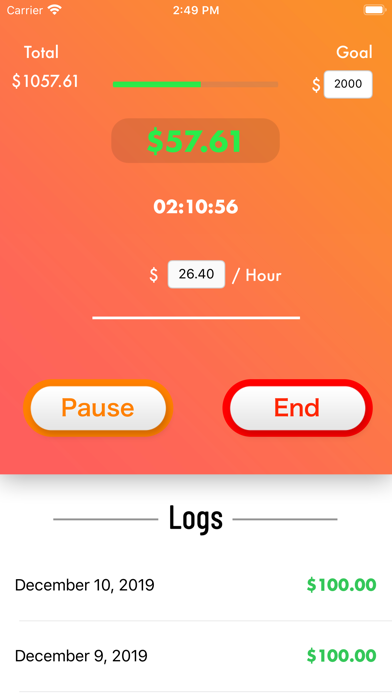
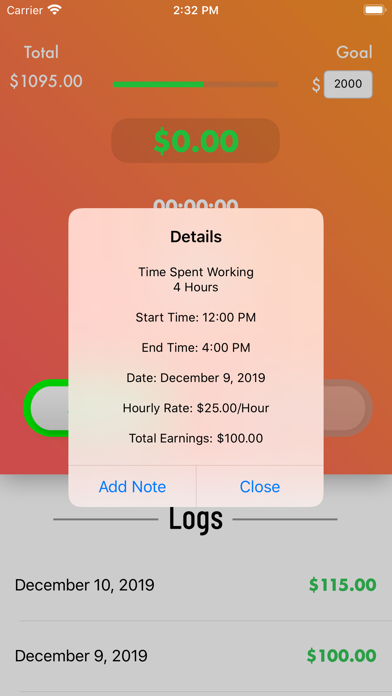
Have you ever wanted to see how much money you have made on a job at any given time after the job has started? Well now you can with the "Time to Money" App! Simply open the App, enter your hourly rate, and tap the Start button when you begin a job and watch your earnings grow per second! You can enter your device into sleep mode, exit the App, or even completely power off your device and whenever you open "Time to Money" again, it will update your earnings from the time you tapped the Start button to the current time and continue to calculate each second! On a break? No worries. Just tap the Pause button, and when you are ready to continue the job, tap the Resume button. Finished with a job? Nice work! Tap the End button to end the job and save a log! These logs can be viewed at any moment and contain information about that job. In addition, you can also set a goal that you wish to reach. Your goal can be changed at any time. There is also a "Time to Money" App for Apple Watch, where you can watch your earnings grow right on your wrist! And better yet, the Apple Watch version of the App can easily be accessed via a Watch face complication (there are multiple complication styles to choose from). Tap the complication, and see your earnings at a glance from within the App! The Apple Watch version of the App is also linked with the iPhone version of the App, ensuring that if you tap Start on one device, it will begin on the other device as well! When you tap the End button on the Apple Watch version of the App, a log is sent to your Phone. Oh yeah, and one more thing! After tapping the Start or Resume button, you will receive hourly notifications that let you know how much money you have made so far to help motivate you while you work!


