

Total files
Screenshots
ASO analysis
Short title. You're leaving keyword space on the table.
Could go longer. The first 252 chars are above-the-fold; everything else still indexes.
Used by similar apps in your niche, but not in your title or description. Adding these (where genuinely relevant) can broaden your search reach.
Words you and your peers both use. Confirms positioning in this niche.
Keyword rankings
iTunes Search · top 200About
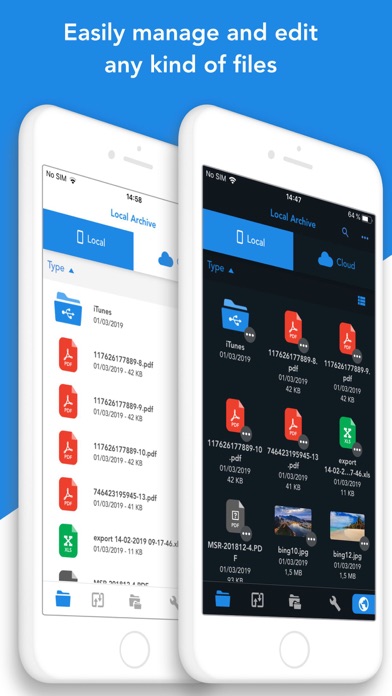
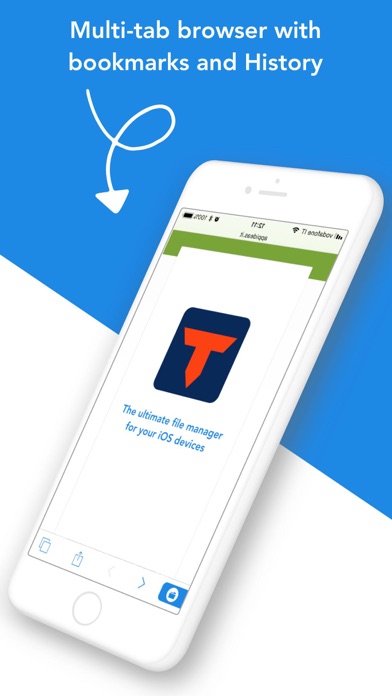
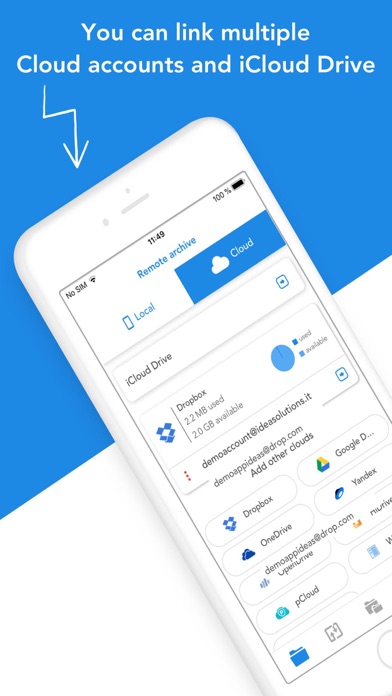
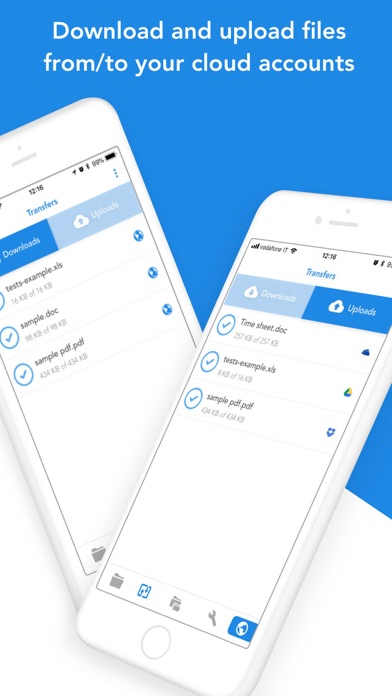
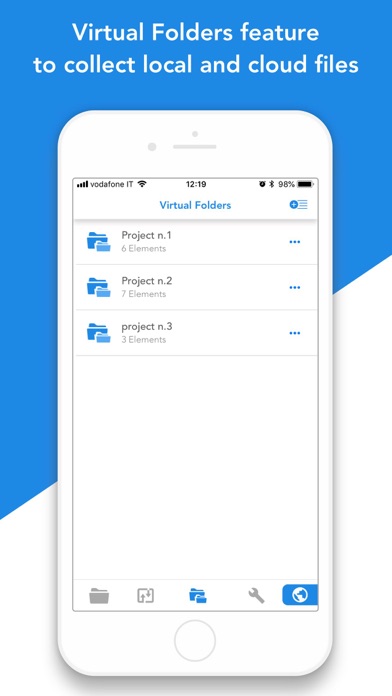
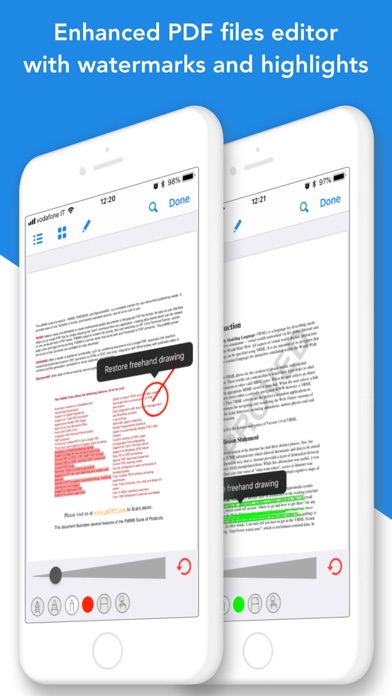
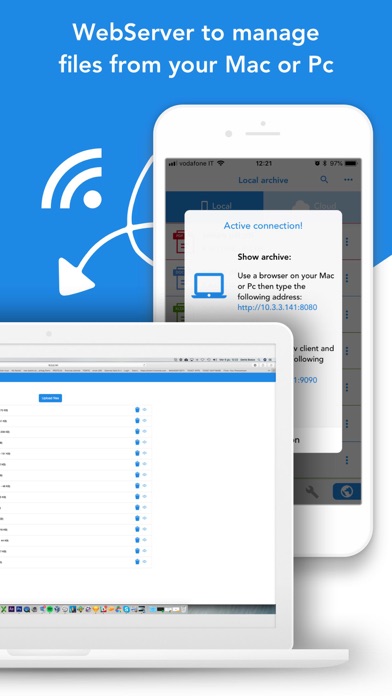
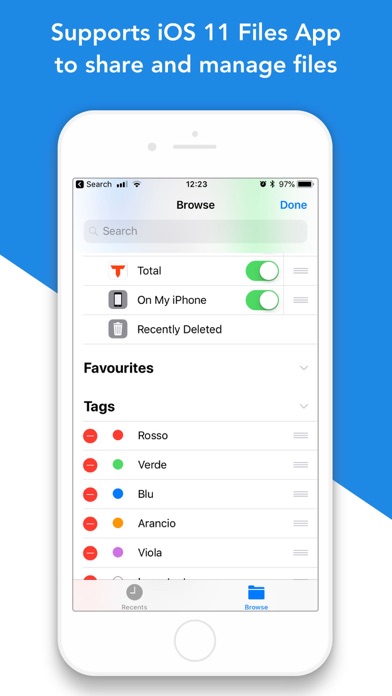
Total Files is the one stop file manager for iOS, with powerful PDF reader, cloud storage support and much more! Total Files supports DropBox, Google Drive, OneDrive and iCloud Files and offers iOS Files app integration to download and upload to any cloud from any app! You'll not need to install a separate app for each storage provider that you want to use from your device! Link all cloud accounts in Total Files and enjoy the full integration with iOS. For example, thanks to the iOS “Files” integration, you can directly save files to one of the cloud linked in Total, simply using the "Save in files” feature available in any apps on your device. Virtual folders allows to group files that come from different sources (cloud or local). The Spotlight indexing of all local contents allows to immediately find and open the file you're looking for, without opening the app! Our powerful PDF viewer offers annotation capabilities and automatically recognise common shapes and gestures to highlight paragraph Main features: - iOS 11 Files app integration for ALL clouds linked to the app in read write mode. - Supports Dropbox, GDrive, OneDrive, iCloud services for remote file storage. - Search between all contents in the app and in the linked cloud storages thanks to the advanced search - Compression and decompression features (zip) - Spotlight indexing - PDF editor with annotation, shape recognition - Simultaneous linking of multiple Cloud accounts and management of folders shared with other users. - Bookmarks and history management. - URL autocomplete - Quick search bar, and enhanced search within all cloud and local files. - PIN to hide and secure folders. - Multi-tab browser


