Treadmill Smart Speed
Screenshots

Estimates
low confidenceASO analysis
Good use of the title field.
Could go longer. The first 252 chars are above-the-fold; everything else still indexes.
Used by similar apps in your niche, but not in your title or description. Adding these (where genuinely relevant) can broaden your search reach.
Words you and your peers both use. Confirms positioning in this niche.
Keyword rankings
iTunes Search · top 200About
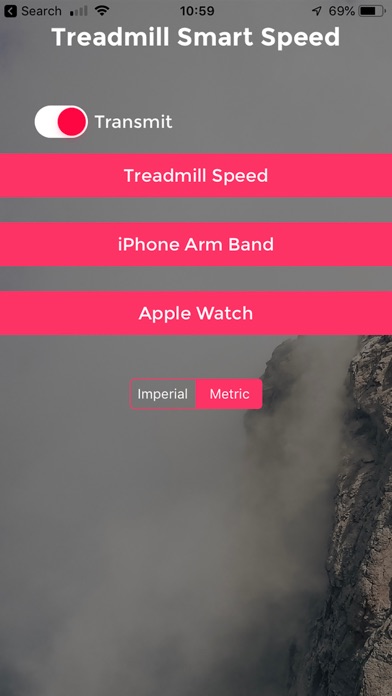
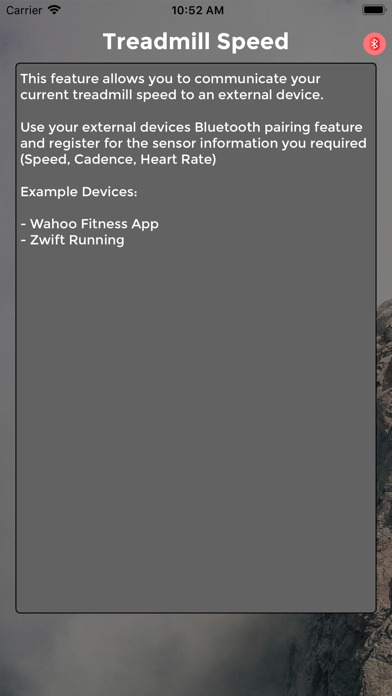
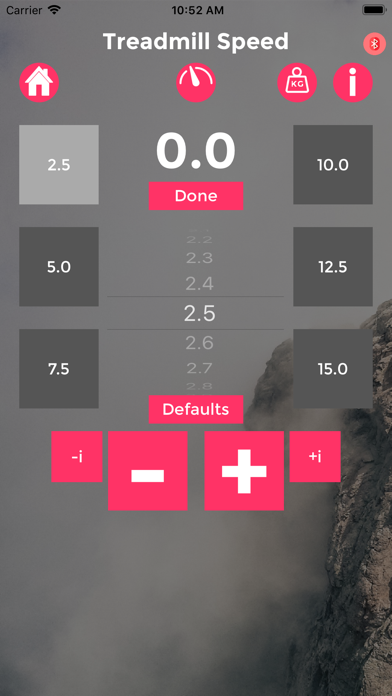
Treadmill Smart Speed is design to communicate your Treadmill Running Speed from you iPhone or Watch to a receiving devices. It used the same Bluetooth communications protocols as expensive running footpods. You choose your preferred Speed Input: 1 - Select the speed your treadmill is moving on the app and this is transmitted via bluetooth to your receiver. (This is my personal recommendation) 2 - Attach the iPhone security to yourself and run. The iPhone's motion sensor will estimate your speed and transmit this to your bluetooth receiver. ****** iPhone 5S and above. ***** (fully dependant on accuracy of iPhone) *****THIS OPTION WILL BE DISCONTINUED IN FUTURE VERSIONS, PLEASE RELY ON TREADMILL MODE OR WATCH MODE 3 - Use your phone in combination with your Apple Watch. The Watch will send Speed, Cadence and Heart Rate via your phone and transmit these to your bluetooth receiver. (Watch workouts can be saved as part of your daily activity rings) (fully dependant on accuracy of Watch) *New Feature :you can control the speed manually using the crown, simply tap the digital speed to enable/disable. Notes: • TSS Watch Module - requires an Apple Watch to calculate Heart Rate, Cadence and Speed data. • TSS Watch Module integrates with the Health App on your iPhone to contribute to your Activity Rings. It will request permission to access the relevant data types associated with a workout. *Connection to MAC Requires BLE 4.0 - The Mac mini , MacBook Air were both updated with Bluetooth 4.0 support in 2011. The MacBook Pro Mac 2012. The Mac Pro in December 2013.