

Video Editor: Make Music Video
Screenshots
ASO analysis
Tight against the limit — verify it doesn't truncate on small screens.
Could go longer. The first 252 chars are above-the-fold; everything else still indexes.
Used by similar apps in your niche, but not in your title or description. Adding these (where genuinely relevant) can broaden your search reach.
Words you and your peers both use. Confirms positioning in this niche.
Keyword rankings
iTunes Search · top 200About
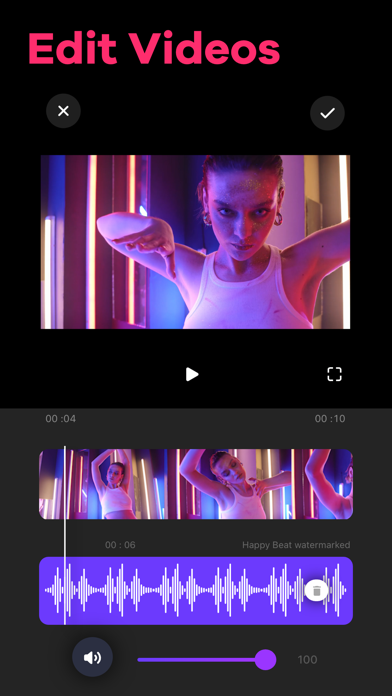
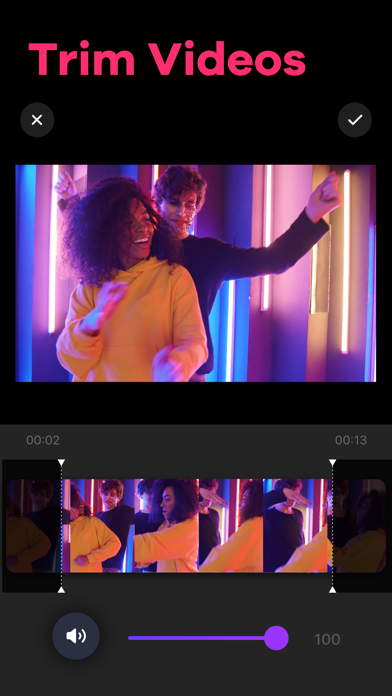
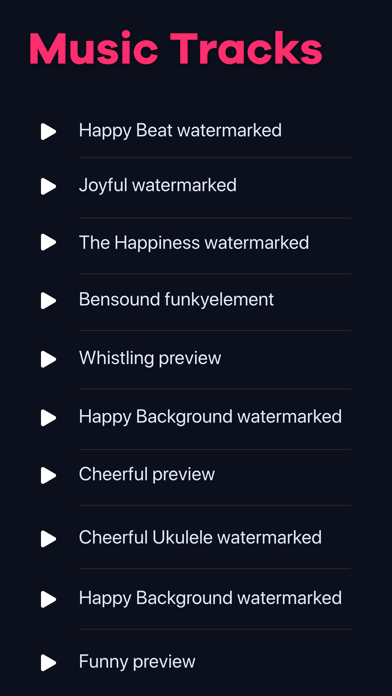
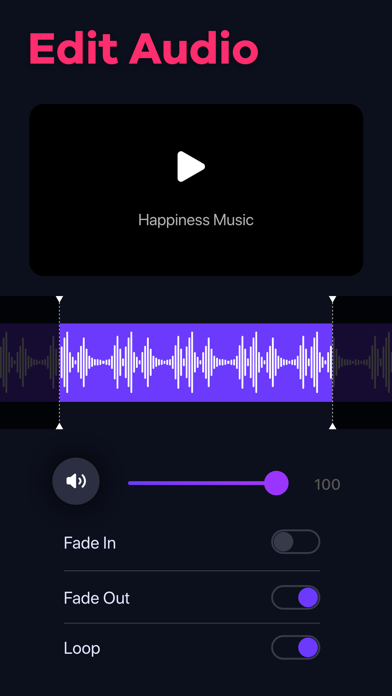
Video Editor app for iPhone and iPad simplifies the entire process of adding music to your videos. Grab videos directly from your camera or gallery and cut out unwanted moments using the video trimmer feature. You can add tracks to any videos by recording the audio yourself or choosing songs from iTunes Music. Key Features of Video Editor: - Trim videos in just a few steps - 3 ways to add music to videos: in-app tracks, iTunes Music, and by recording your own audios - Trim audio tracks as necessary after adding - Adjust volume, loop audio, use fade-in, and fade-out option - Share on social media platforms like Instagram, Facebook, etc. - No watermark Terms of Use: https://www.twinbit.net/tc/addmusic/terms.php Privacy Policy: https://www.twinbit.net/tc/addmusic/privacy.php Disclaimer: This app is free to download, but you will be required to make a one-time purchase to access the app's full functionality.


