Video Resize & Scale - HD
Screenshots


Estimates
low confidenceASO analysis
Good use of the title field.
Solid length. Make sure the first 252 chars hook the reader.
Used by similar apps in your niche, but not in your title or description. Adding these (where genuinely relevant) can broaden your search reach.
Words you and your peers both use. Confirms positioning in this niche.
Keyword rankings
iTunes Search · top 200About
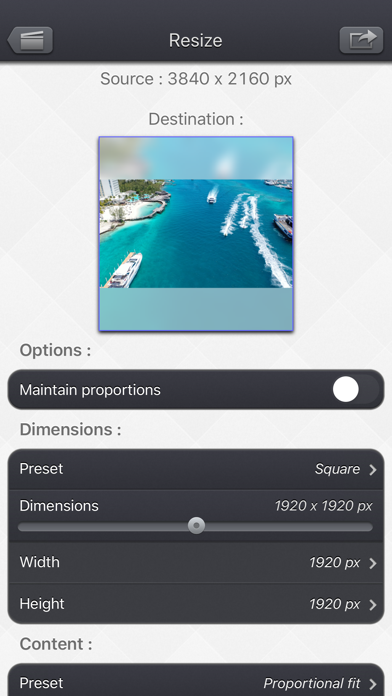
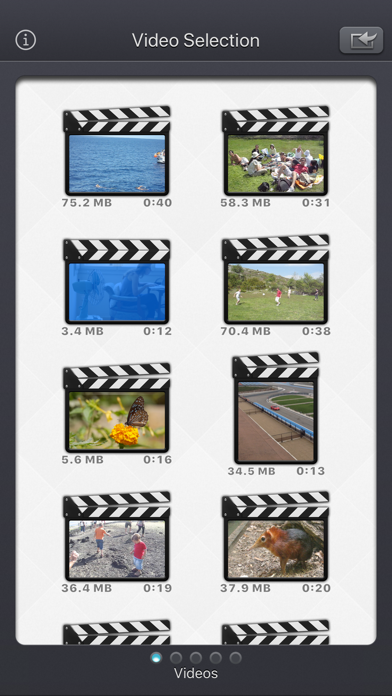
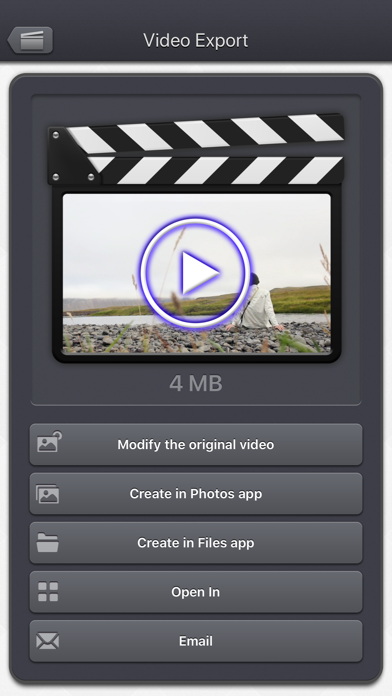
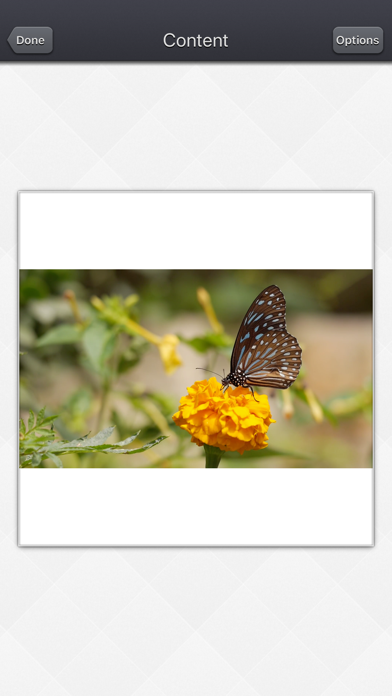
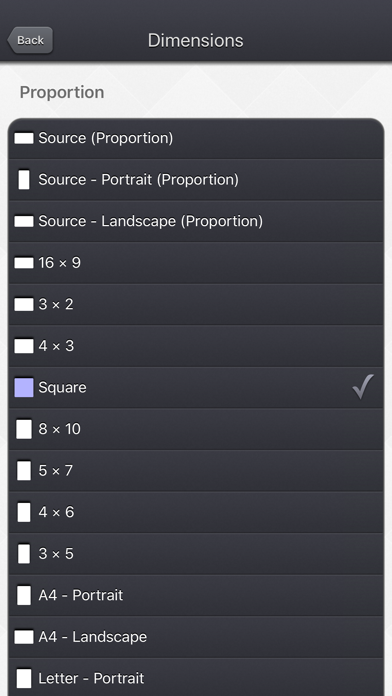
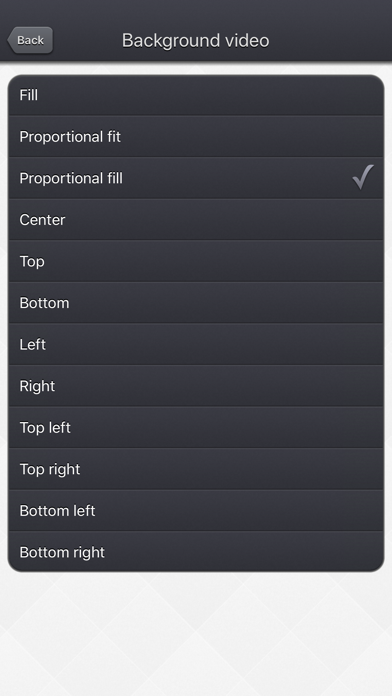
With Video Resize & Scale - HD, change the dimensions of your videos with precision, by stretching the image or by adding a beautiful and configurable animated blurred background. More specifically, here are the main things you can do with the application: • Modify the dimensions of your video by precisely entering the width and height, or by quickly selecting a predefined usual values (720p, Device Portrait / Letter ...). • Create squared videos from your videos, by adding an animated blurred background (or a fixed color) around your source video (Letterbox feature). • Convert your protrait videos to landscape videos (and vice versa) by either adding a background around your video or by cropping fixed extremities of your video. • Modify the aspect ratio of your videos by stretching them, and then distorting the image. • Easilily position your input video in the output one, thanks to some presets : (center / fill / aspect fill / aspect fill ...), or direclty entre the position in pixels. • Reduce the file size of your videos by making the dimensions smaller, to preserve disk space, or to quickly send them to your friends or on your social networks. • Remove the potential hidden extra pixels (outside the clean aperture) that are inside some video (like the ones in the Live Photos), to make the video smaller. • Force the display of those hidden pixels (outside the clean aperture). They are usually nor meant to be displayed but they might contain some interesting information. • Change an exotic pixel format (PAR) to a square pixel format for better compatibility. Thanks to the customisable settings, the app will also let you: • Add a fixed color border around your video. • Add a soft blurred glowy halo around your video. • Totally blur your video. • Totally fade your video with a custom colour. • Precisely position 2 instances of your source video in the output video, allowing you some fun effects like having it side by side. The Input video can be imported from your device in several ways. The modified version (if there is one) or the original version of the video are both available. The camera can be used directly to record a video if needed. You can also connect your device to your computer in order to drag and drop specific videos (Files feature). The output video can be exported in several ways. Create a new video in the Photo app or in the Files app. Directly modify the input video by adding an edited version. Share the video to another application. This application can run, on your iPhone and your iPad, as a standalone application, a Photo Extension, or as an Action Extension (from the compatible applications like the Photo app). Portrait and Landscape orientations are supported in all screens. Dark mode of iOS13 is supported. You will find the original and intuitive user interface, common to all our videos applications. These applications have been featured many times by Apple and various websites.