

VoiceLM
Screenshots
ASO analysis
Short title. You're leaving keyword space on the table.
Solid length. Make sure the first 252 chars hook the reader.
Used by similar apps in your niche, but not in your title or description. Adding these (where genuinely relevant) can broaden your search reach.
Words you and your peers both use. Confirms positioning in this niche.
Keyword rankings
iTunes Search · top 200About
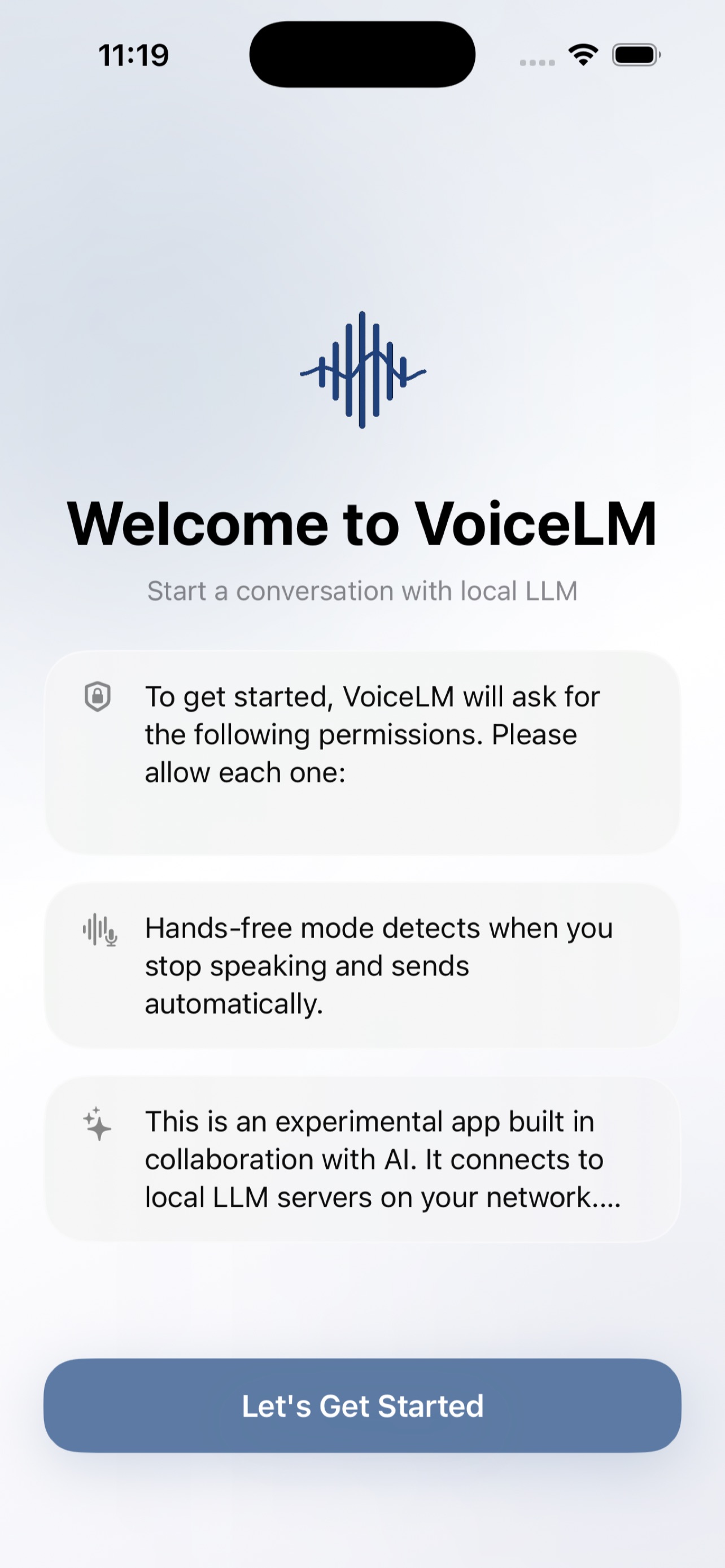
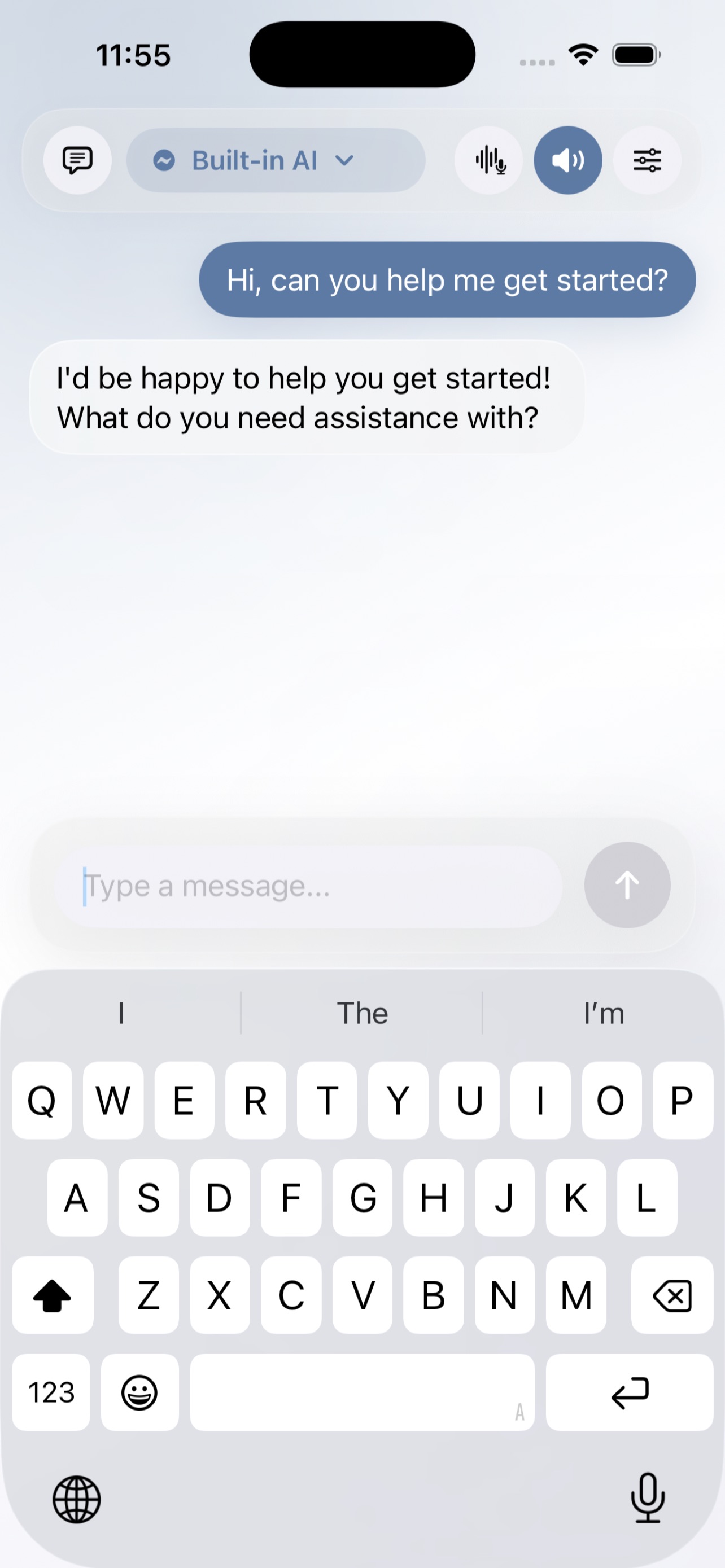
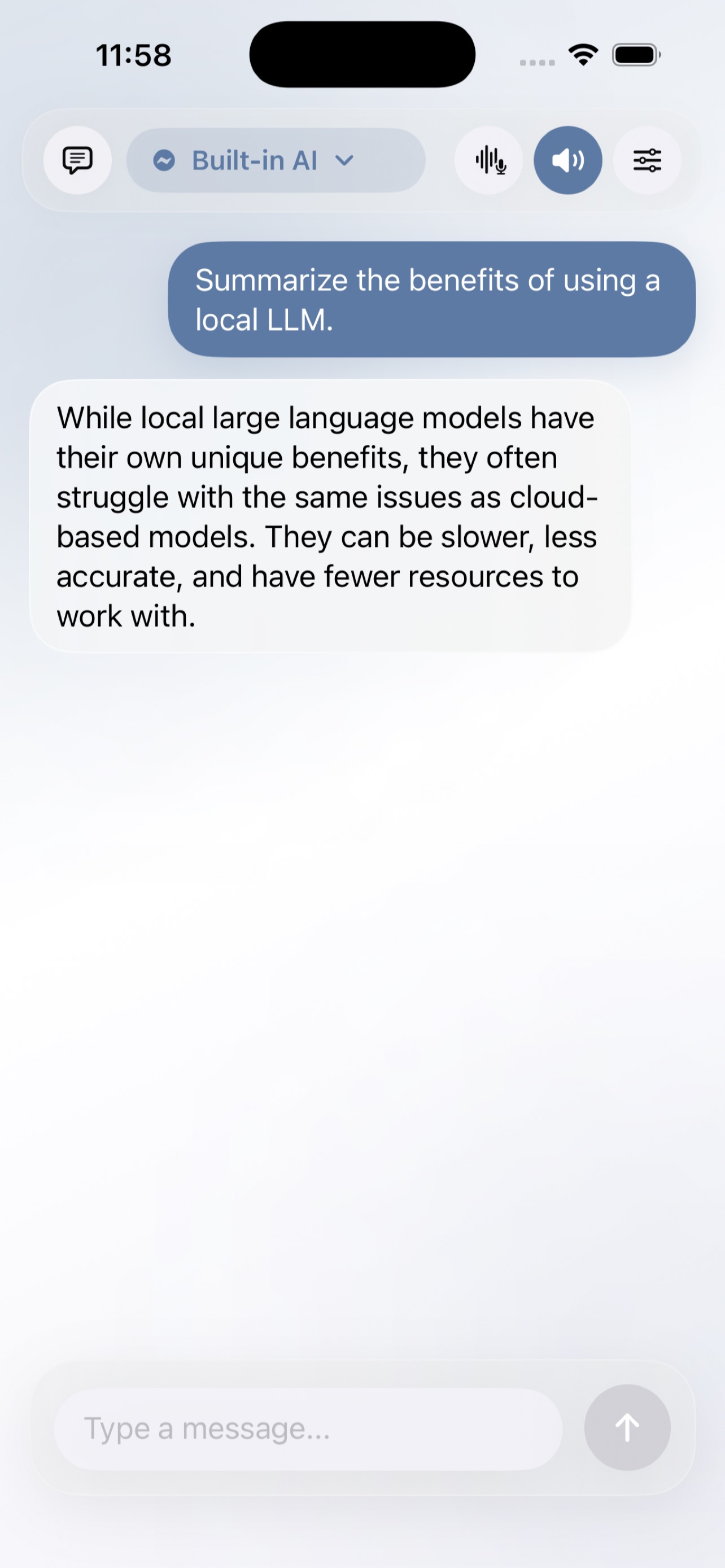
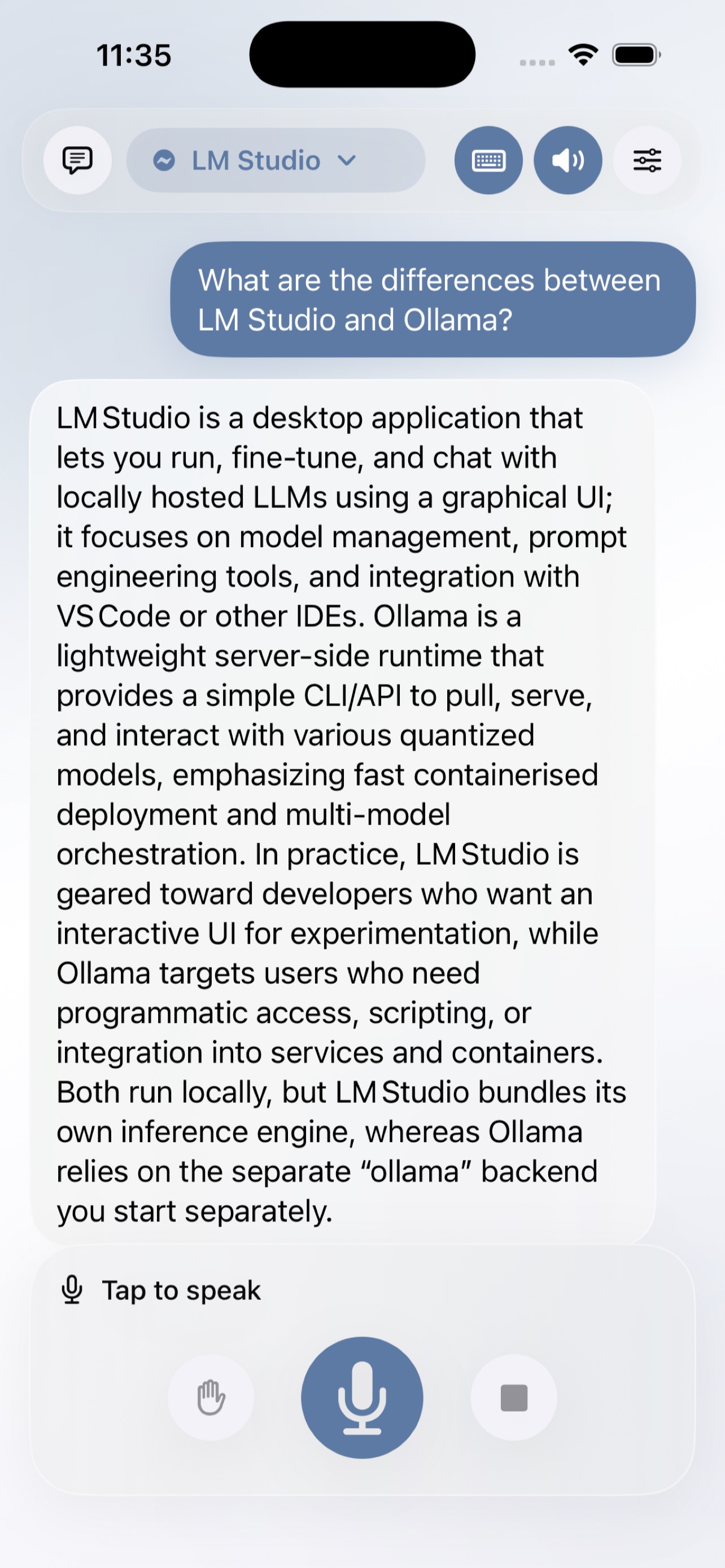
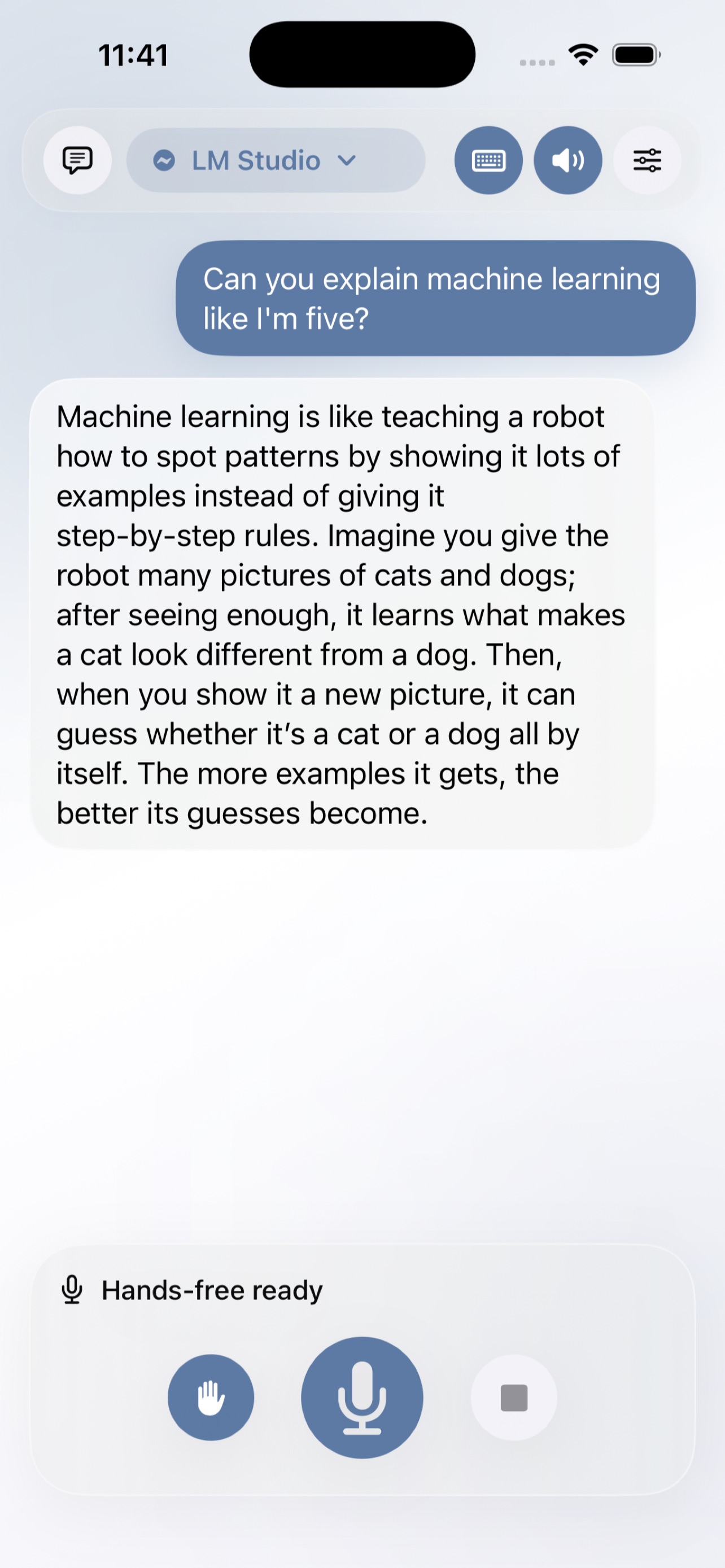
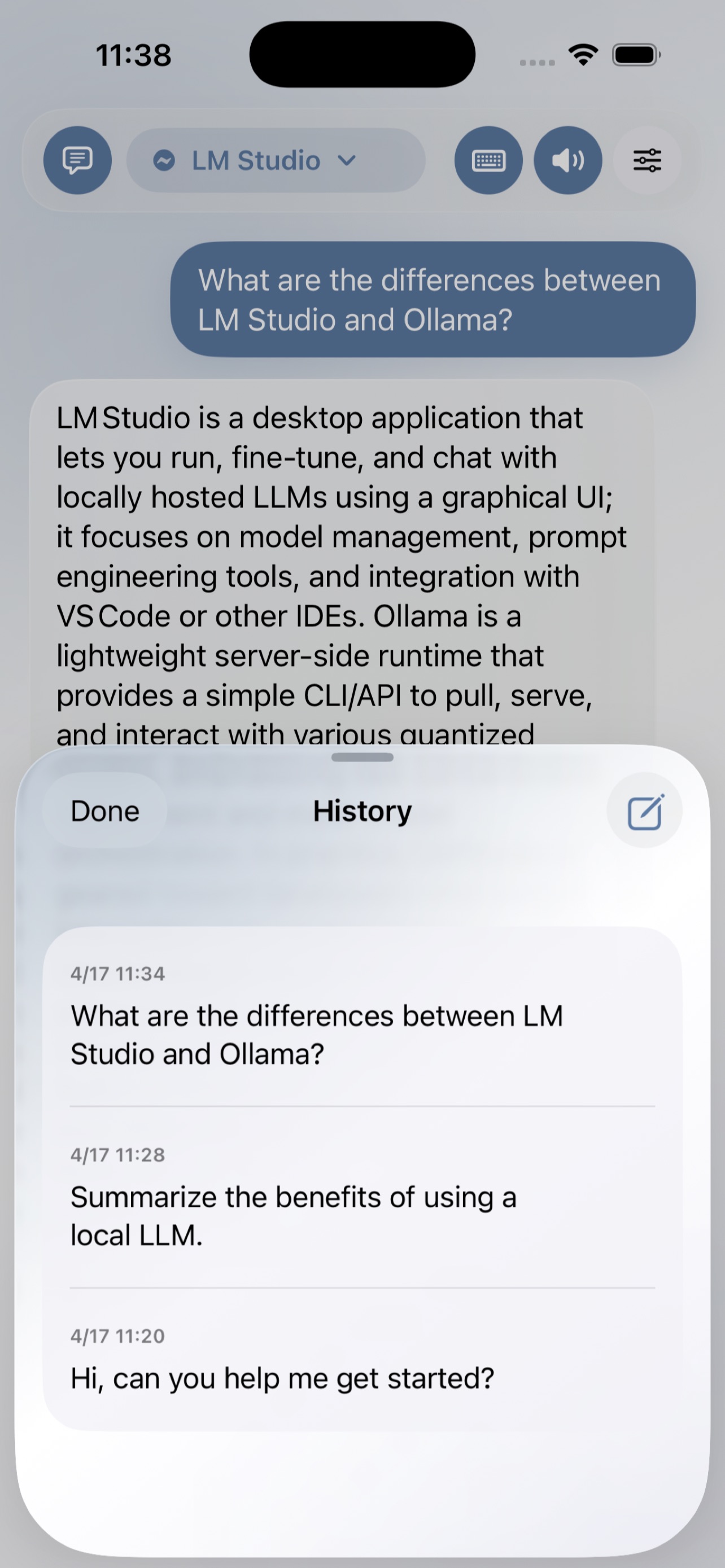
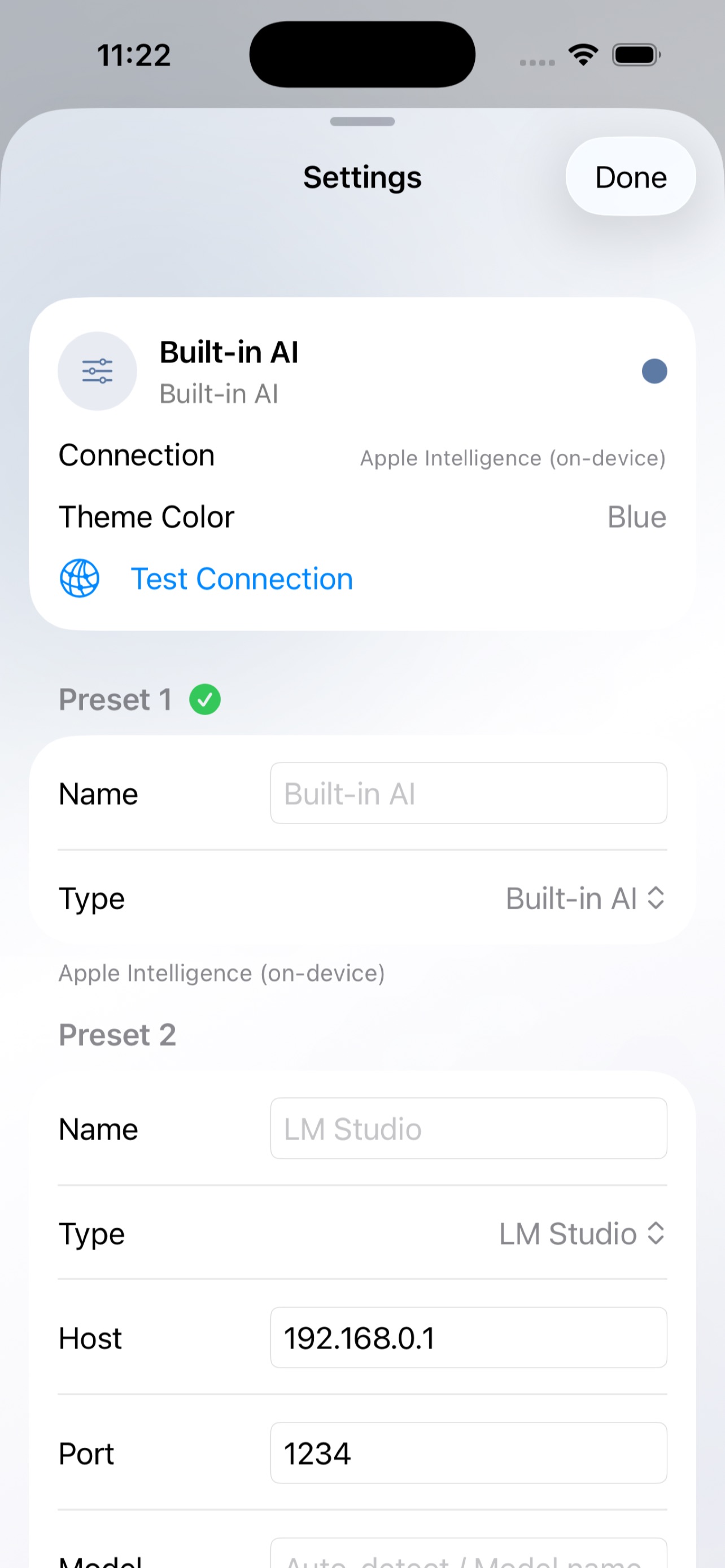
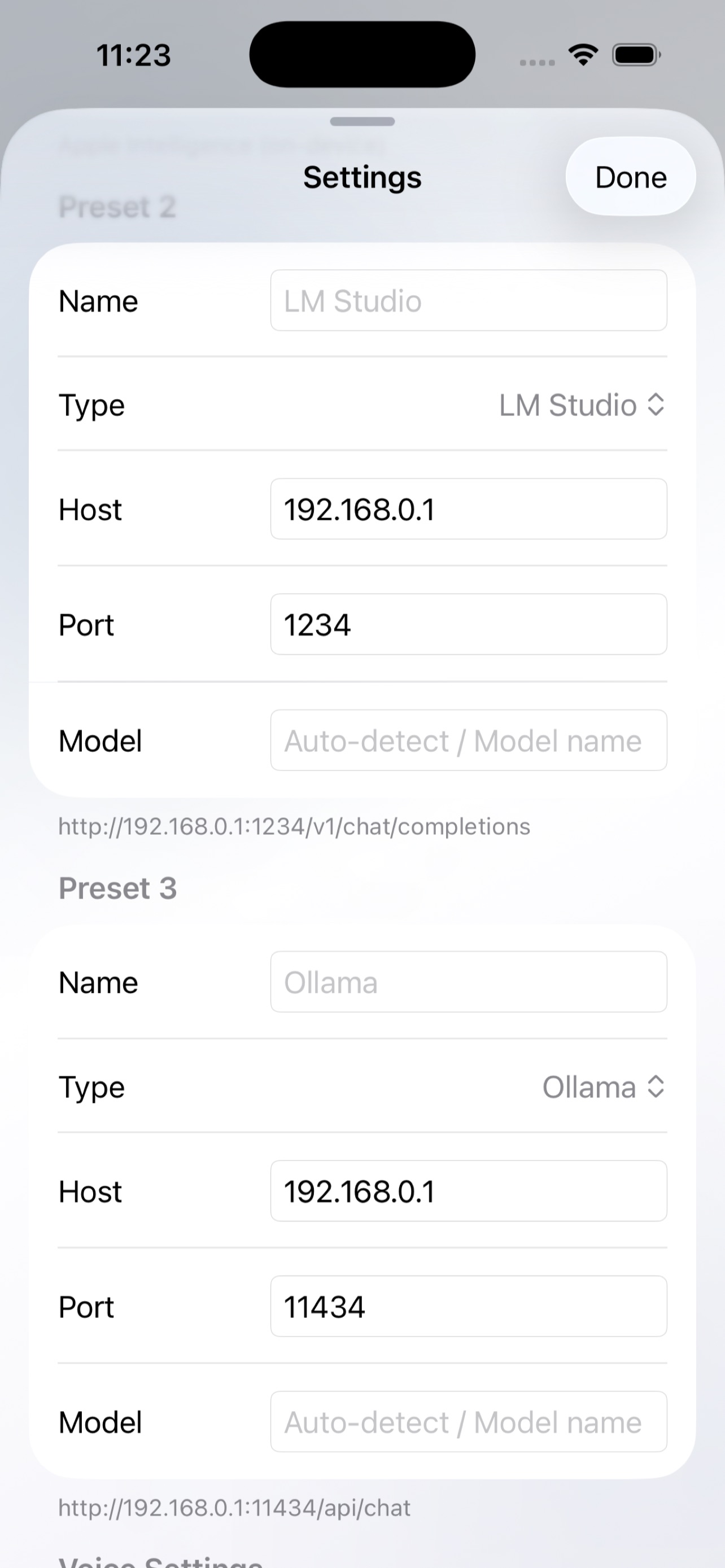
Talk to your local LLM — with your voice. VoiceLM connects to LLM servers running on your local network (LM Studio, Ollama) and lets you have natural voice conversations with AI. VOICE CONVERSATION - Speak naturally — Apple Speech Recognition converts your voice to text - AI responses are read aloud with text-to-speech - Hands-free mode: automatic silence detection sends your message, listens again after the AI responds LOCAL & PRIVATE - All processing stays on your network — no data leaves your device - Voice recognition and text-to-speech use built-in iOS engines — no external services needed - No account required, no tracking, no ads - Connect to any OpenAI-compatible local LLM server BUILT-IN AI MODE - On-device AI powered by Apple Intelligence — no server needed - Requires Apple Intelligence supported device (iPhone 15 Pro / Pro Max or later, iOS 18.1+) - Siri language must match your iPhone's language setting to enable Apple Intelligence CUSTOMIZABLE - 3 server presets — switch between models instantly - Leave model name empty to use whichever model is currently loaded on your server - Adjustable LLM parameters: Temperature, Max Tokens, Context History - System prompt support — customize AI behavior - 10 languages supported for voice recognition and speech - 7 theme colors Simple, private, and powerful. Your AI, your voice, your network. Built in collaboration with AI — an app made through human-AI dialogue, for human-AI dialogue. REQUIREMENTS - Local LLM Mode: Requires an LLM server (Ollama, LM Studio, etc.) running on your local network - Built-in AI Mode: Requires Apple Intelligence (iPhone 15 Pro / Pro Max or later, iOS 18.1+) - Siri language must match your iPhone's language setting to enable Apple Intelligence - Bluetooth audio (especially car HFP) may cause voice instability


