

Wait Timer Visual Timer Tool
Screenshots


ASO analysis
Good use of the title field.
Could go longer. The first 252 chars are above-the-fold; everything else still indexes.
Used by similar apps in your niche, but not in your title or description. Adding these (where genuinely relevant) can broaden your search reach.
Words you and your peers both use. Confirms positioning in this niche.
Keyword rankings
iTunes Search · top 200About
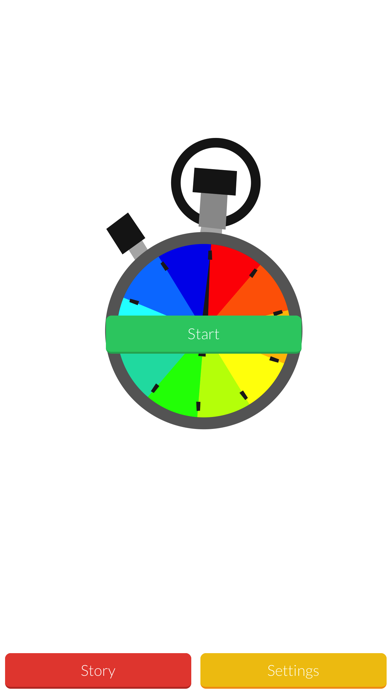
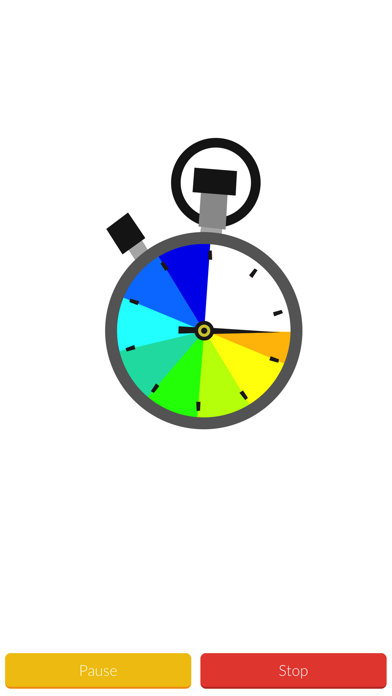
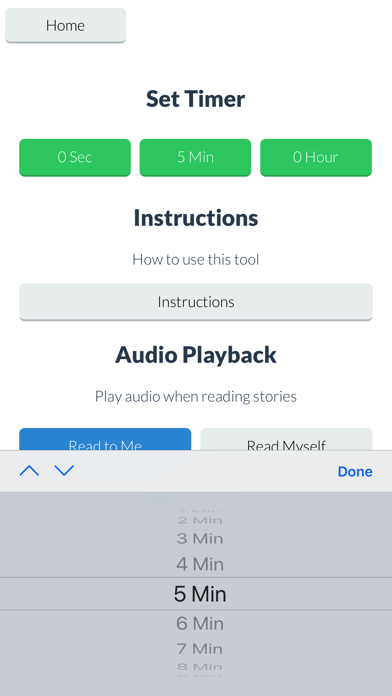
Wait Timer is a visual and audio tool to help teach good waiting behavior. The app includes a social story about waiting, and an audio/visual timer that can be set to different times. Features: - Great color-coded visual timer that shows the time ticking away. - Settings to easily change the “wait” time. - Social story that talks about waiting and waiting strategies. - Wait time is the time of the whole clock (full circle), so users can always clearly see time remaining. - Helps students with transitions between tasks. - Timer does not re-set if device “goes to sleep.” - Set the timer to as little as one second to gradually introduce waiting! - No minimum or maximum times, the Wait Timer can time as little or as much time as you want. - App runs in the background and notifies you when time has elapsed, phone calls will not re-set your timer! - Start the timer with just one click so students and children can use it independently. The app opens up to a screen with a large timer on it and a “start” button.” Once the button is tapped the timer will start counting down the last time set in the “settings.” As the hand on the timer clock moves the clock face will go from colored to white, letting the waiter see how much time is remaining. The app also includes a social story about waiting and the Wait Timer. The social story talks about frustration that may happen with waiting, and how to wait for something you want. The settings and instructions screen allows you to choose the amount of time the timer is set for, and includes instructions for the parent or caregiver on how to introduce the Wait Timer.


