

WinZip: #1 zip & unzip tool
Screenshots
ASO analysis
Good use of the title field.
Solid length. Make sure the first 252 chars hook the reader.
Used by similar apps in your niche, but not in your title or description. Adding these (where genuinely relevant) can broaden your search reach.
Words you and your peers both use. Confirms positioning in this niche.
Keyword rankings
iTunes Search · top 200About
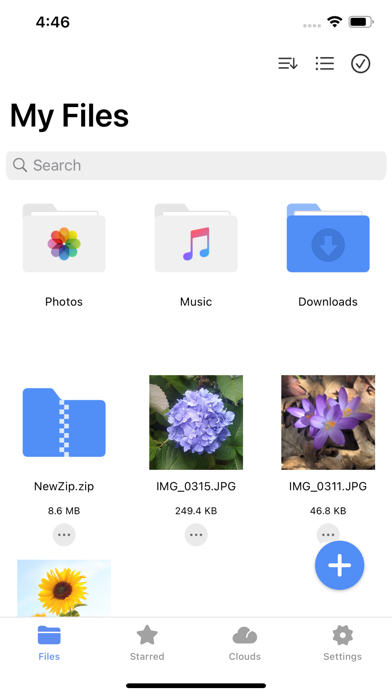
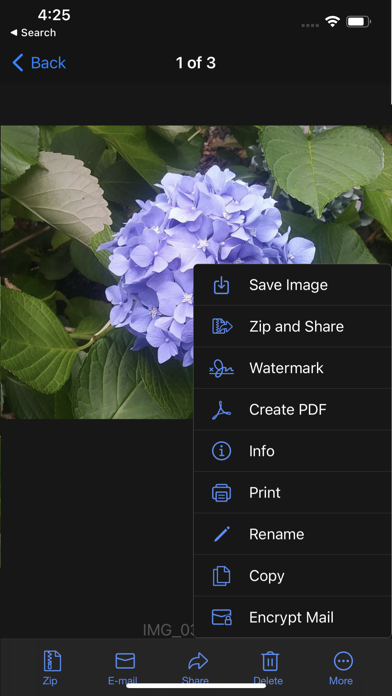
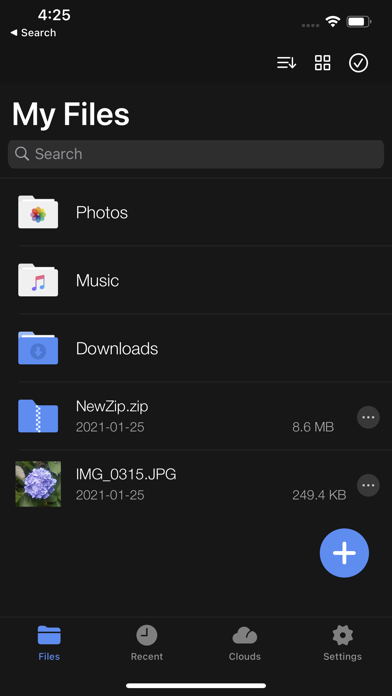
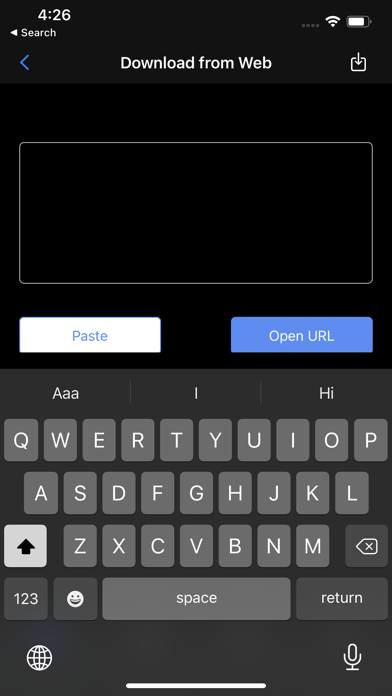
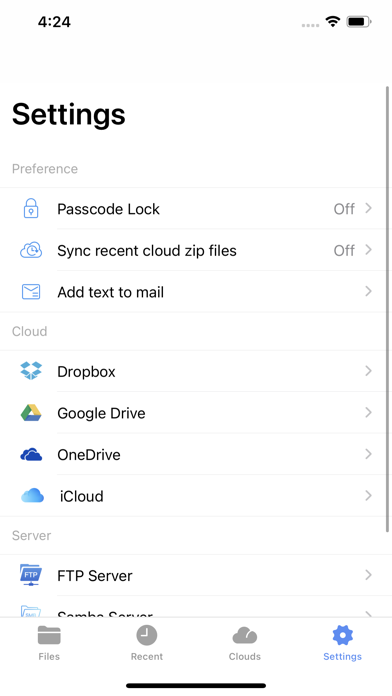
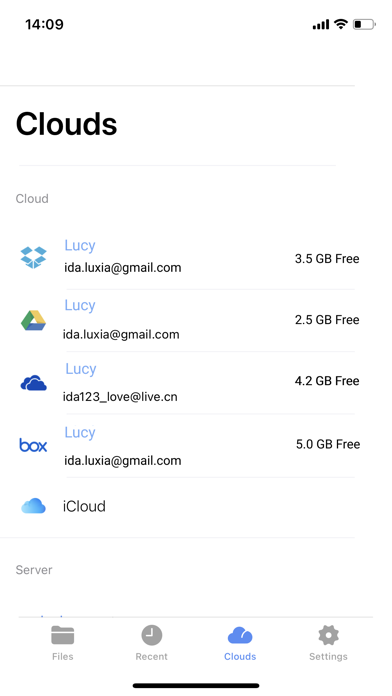
Get the world’s #1 zip file opener utility on iOS! Create Zip and Zipx files, extract files, encrypt, open Zip, Zipx, 7z, RAR or LHA files, send large files by email, share to Dropbox, Google Drive, OneDrive, iCloud, Twitter or Facebook. The reviews are unanimous! “Trying to open zip files a zip file on your mobile phone? Good luck -- unless you happen to have this handy tool installed. It launches directly from your inbox to give you a look inside those pesky file packages. “ - Mashable CNET (download.com) gives WinZip for iOS a 5 star rating, saying "We love apps that are simple and straightforward to use. WinZip definitely fits that description. We recommend it for all users." If you frequently use your iOS device to send and receive documents and large image files, you'll find a friend in the new WinZip app for iPhones and iPads, according to CIO.com blogger James A. Martin. From AppPicker: "Why not sink a few dollars into this fantastic full version of WinZip for your iPhone and iPad!" WinZip makes it easy to handle major compressed types of files on your iPhone, iPad or iPod Touch! Whether you receive a Zip, Zipx, 7z, RAR or LHA file as an email attachment, or want to extract download and view the contents of a Zip, Zipx, 7z, RAR or LHA file from the web, just “Open with WinZip”. Sharing files is safe and simple too, with direct integration with Dropbox, Google Drive, OneDrive and iCloud, and support for AirDrop. Now you can: • Connect directly to your Dropbox, Google Drive, OneDrive and iCloud accounts to zip, unzip and share files • Zip your cloud storage files, unzip files to your accounts, and create and save .zip and .zipx files to your accounts • Send or copy links to your files in your cloud storage accounts • Copy files from your cloud storage accounts and save them on your device • Unzip major compressed file types, including .ZIP, .Zipx, .RAR, .7z and LHA with just a tap • Choose Zip or Zipx format to compress and email large files, photos and videos with ease • Zip and share photos and videos from your Camera Roll • Use WinZip to access music files on your device and save them to your cloud accounts • Send files to other iOS users with integrated support for AirDrop • Protect your files before you save and share with powerful 128- or 256-bit AES encryption • Open and save email attachments to your connected cloud storage accounts or My Documents folder on your iPhone or iPad • Easily view all images in a Zip file with the enhanced image viewer • Browse your Photo Album and easily multi-select, zip and share photo collections • Share photos in your zip files to Facebook and Twitter • Download or upload files from/to WinZip through iTunes/iTools • Unzip and view most common file types, including: .doc, .docx, .xls, .xlsx, .ppt, .pptx, .pages (including new iWork 13), .numbers (including new iWork 13), .key, .rtf, .pdf, .jpg, .png, .bmp, .gif, .tif, and more View any of the following types of files within your Zip or RAR file: • Word documents (.doc, .docx) • Excel spreadsheets (.xls, .xlsx) • PowerPoint presentations (.ppt, .pptx) • PDF files (.pdf) • Photos and images (.jpg, .jpeg, .png, .bmp, .gif, .tif, .tiff, .heic) • Text files (.txt, .ini, .inf, .bat, .js, .log, .xml, .css, .java, .cs, .h, .m, .cpp, .c, .sql) • Web documents (.htm, .html, .jsp, .asp) • Rich Text Format documents (.rtf) • Keynote presentations (.key) • Numbers spreadsheets (.numbers) • Pages documents (.pages) • Media files (.m4a, .mp3, .wav, .mp4, .mov) Would you like to translate WinZip from English into your native language? Please contact help(at)winzip.com using the subject line "Translate WinZip into XXX", replacing XXX with your native language. In recognition of your efforts, your name will be included in the application description.


