

Where - your stuff organized
Screenshots
ASO analysis
Good use of the title field.
Could go longer. The first 252 chars are above-the-fold; everything else still indexes.
Used by similar apps in your niche, but not in your title or description. Adding these (where genuinely relevant) can broaden your search reach.
Words you and your peers both use. Confirms positioning in this niche.
Keyword rankings
iTunes Search · top 200About
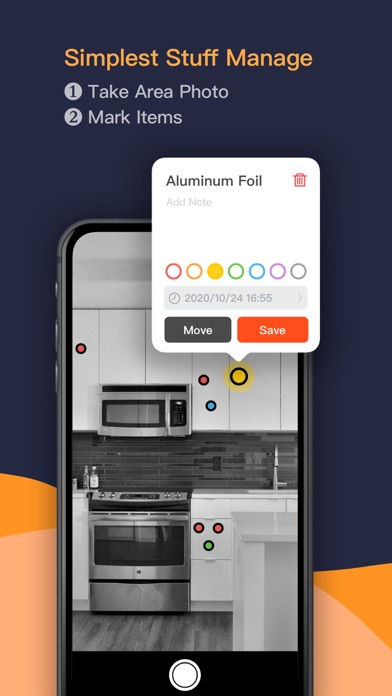
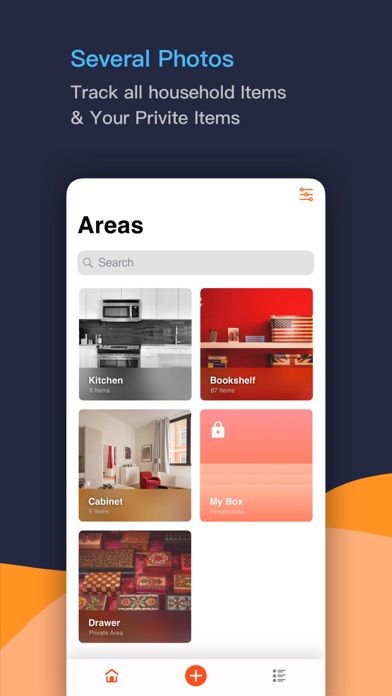
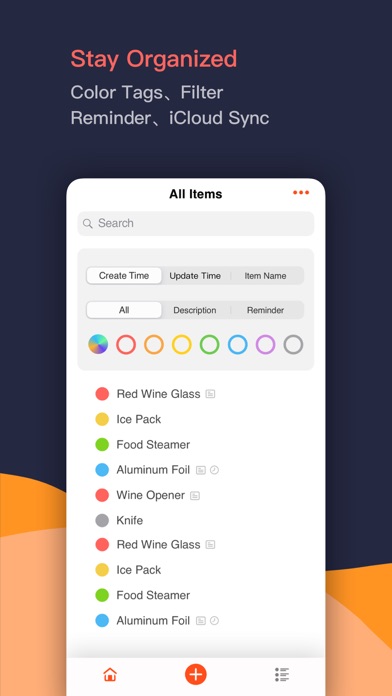
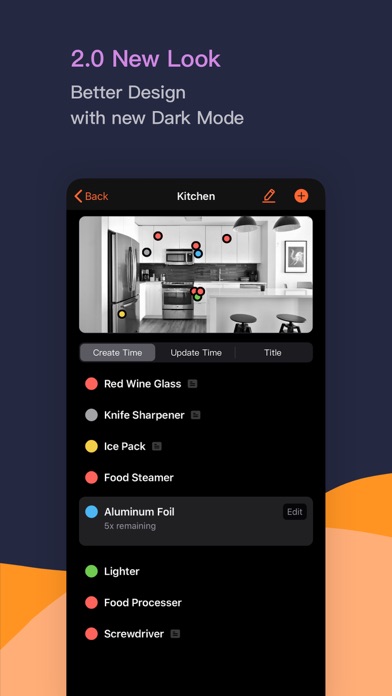
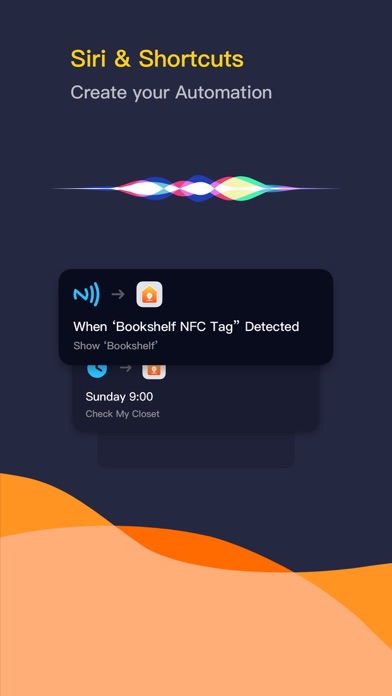
Where is it? Where is a manager which helps to manage your stuff by annotating them on your room photos. Track your stuff and stay organized with 3 simple steps: 1. Take an area photo 2. Annotate important items on it 3. Find anything anytime Several photos are enough to track all your stuff. Things management should be as simple as your life. ----- Powerful Features Under the Hood: Annotate, Edit, Manage, Search... Annotate your items on photos with color tags, add descriptions, user manual, the remaining amount... Move items, edit items, update item reminder. Search with Spotlight. Dark Mode Full support for iOS 13 dark mode. Where can follow the system to switch between dark and light, you can also select your favorite interface style. Area Lock Manage your private items with full privacy protection. Use passwords to view items in locked areas. You can even choose to hide the area photo, so no one can know your little secret. Item Reminders Set up reminders for food to avoid heath-risky consumption after expiration. Set up reminders for important items and checkout them regularly. Siri & Shortcut Record a shortcut for an area and you can check it via Siri anytime. You can even paste an NFC tag on your room, your cabinet, or a storage box, and set up the automation on iOS Shortcut App. Anytime you are going to check the items in this area, just scan this tag. iCloud Sync & Backup Never lost an item, never lost any data. ----- Contact: hi@yuanjoy.com


