Wireless Transfer
Screenshots
ASO analysis
Good use of the title field.
Solid length. Make sure the first 252 chars hook the reader.
Used by similar apps in your niche, but not in your title or description. Adding these (where genuinely relevant) can broaden your search reach.
Words you and your peers both use. Confirms positioning in this niche.
Keyword rankings
iTunes Search · top 200About
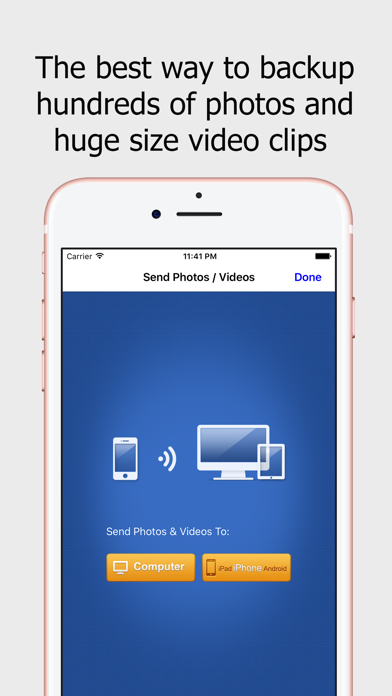
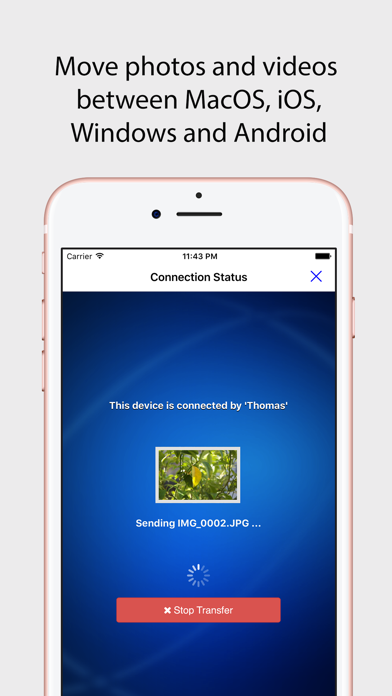
Wireless Transfer App is an easy to use photo and video transfer tool. It helps you easily and quickly transfer photos and videos between iPhone and iPad, as well as transfer photos and videos from computer to iPad/iPhone/iPod and vice verse. With Wireless Transfer App, you can transfer photos and videos from iPad to iPad, from iPad to iPhone, from iPhone to iPad, from iPhone to iPhone, from computer to iPad, from iPhone to computer and more. There is no need for USB cable or extra software. You just need to put your devices under the same Wi-Fi network. Key features of Wireless Transfer App: * Transfer as many photos and videos as you want, not any limitations on the amount or file size of photos and videos you want to copy. * Remember the photos and videos that have been transferred, so you can skip them to avoid duplicated copy if the transfer process is interrupted. This exclusive feature makes Wireless Transfer App is an ideal tool for copying your whole photo library to a new device. * Explore photos and videos other device just like on your own devices, select and then download. * Support non-iOS devices, easily move photos to and from other devices. * Password protected and authorization is asked while downloading from your device. * Preserve EXIF Info and support RAW format photo files * Pay once for use on multiple devices with the same iTunes account * Very easy to use with an user-friendly wizard interface * If there is no Wi-Fi network available or in public Wi-Fi (Hotels, Coffee Bars etc.) which is configed to prevent communication between devices, you can turn on "Personal Hotspot" on your iPhone and join devices to Personal Hotspot, then use this video and photo transfer app to copy photos and videos with high speed just like using Wi-Fi. No slow bluetooth transfer is required. * Windows and Mac version is free for downloading. Even though this software is not required to transfer photos / videos to and from computers, it is easier than using Internet browser.