

Word Editor: Edit Word Docs
Screenshots
Estimates
low confidenceASO analysis
Good use of the title field.
Solid length. Make sure the first 252 chars hook the reader.
Keyword rankings
iTunes Search · top 200About
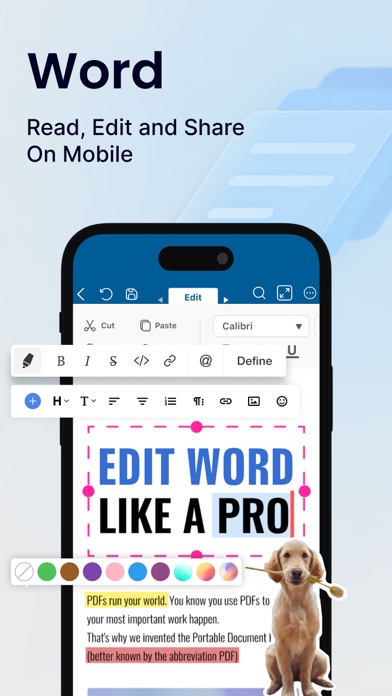
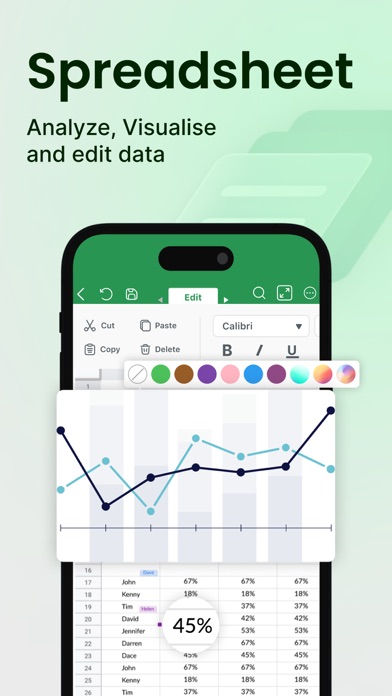
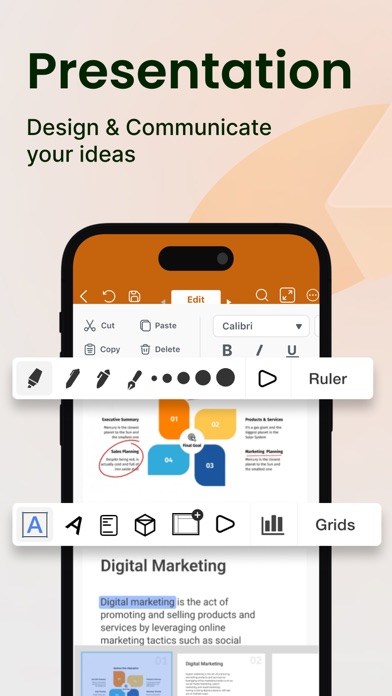
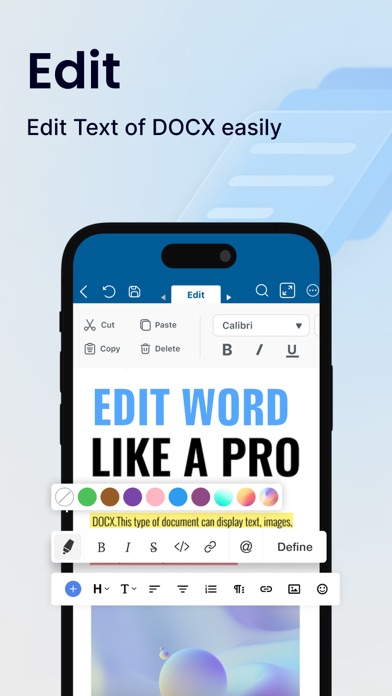
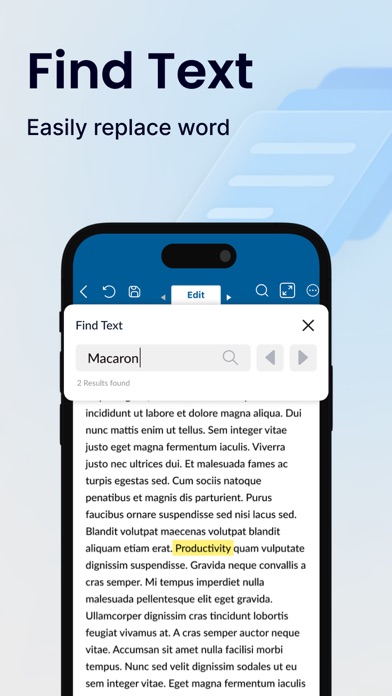
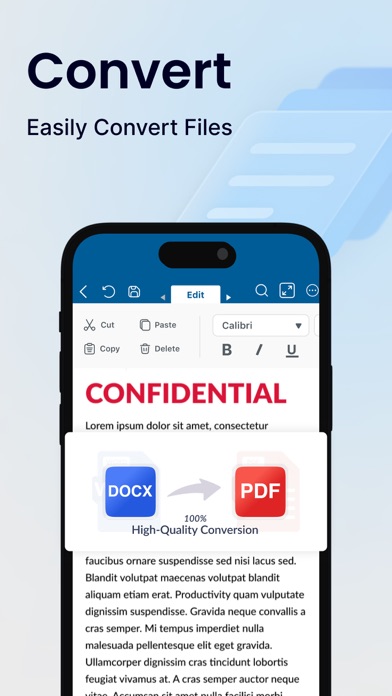
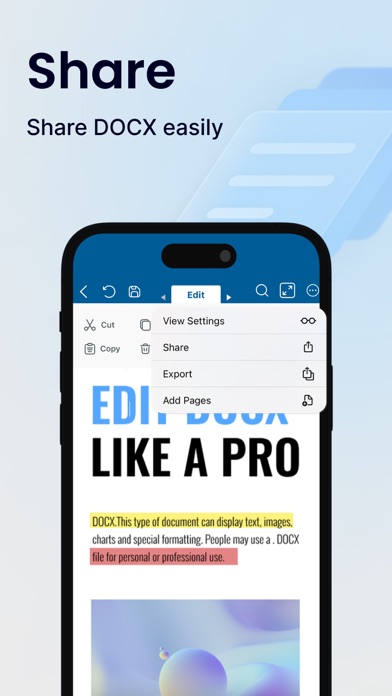
Word Editor: Manage Office Documents. All Your Word Related Documents in One Place! Experience seamless document editing on the go with Word Editor – the ultimate app for creating, editing, and managing your files anytime, anywhere. Designed for productivity enthusiasts and professionals alike, Word Editor supports a wide range of file types, including DOC, DOCX, XLS, PPT, and PDF making it an essential tool for handling all your documents on your IPHONE and IPAD Devices. Key Features: 1. Edit & Format Documents with Ease: Quickly edit DOC and DOCX files with a full range of formatting tools at your fingertips. Adjust fonts, styles, colors, and text alignment to ensure your document looks polished and professional. 2. Comprehensive Spreadsheet Management: Easily create and edit XLS and XLSX files with intuitive spreadsheet tools. Organize data, perform calculations, and visualize information through built-in charts to stay on top of your tasks. 3. Power Up Presentations: Word Editor supports PPT files, allowing you to create, edit, and customize presentations with ease. Add slides, arrange layouts, and make on-the-spot adjustments, all from the convenience of your mobile device. 4. Convert Files to PDF Easily: Convert Docx, XLS & PPT files to PDF instantly. Save and share PDF files to anyone. 5. Versatile File Viewer: Open and view a wide range of file formats without needing additional apps. Access PDFs, DOCX, XLS, and PPT files directly within Word Editor, providing a comprehensive solution for all your document needs. 6. Cloud Sync & Easy File Management: Seamlessly connect with popular cloud storage services like Google Drive, Dropbox, and OneDrive to access your documents from any device. Word Editor keeps your files organized and accessible, wherever your work takes you. 7. Real-Time Collaboration & Sharing: Collaborate on documents with colleagues, classmates, or friends by sharing files directly from the app. Whether it’s a quick edit or a final review, Word Editor supports efficient teamwork. 8. Customizable Viewing & Editing Modes: Switch between light and dark themes, adjust text size, and select a comfortable editing mode that suits your reading and writing preferences. 9. Offline Access: Word Editor ensures that you can access and work on your documents even without an internet connection. Simply download your files and enjoy editing on the go. 10. Free Trial and Flexible Subscriptions:- Explore all premium features with a 3-day free trial and unlock powerful tools for editing your documents and files. Choose the plan that fits your needs, monthly or yearly with 3 days free trial, whether you’re working on documents, spreadsheets, or presentations. You’re free to cancel at any time, with no commitment. Subscriptions are charged to your credit card through your App Store account and will automatically renew unless you cancel at least 24 hours before the current period ends. You can manage or adjust your subscription settings directly in your App Store account after purchase. Premium Features - Create, Edit, Save, Convert, Export and Share. Why Choose Word Editor? This app is your all-in-one solution for document management and productivity. Easily create, edit, view, share, convert and manage documents in seconds. Manage all formats like Docx, XLS, PPTx, PDF etc. Perfect for students, professionals, and anyone in between, this app brings robust editing tools, seamless sharing, and full compatibility with essential file types directly to your device. Say goodbye to juggling multiple apps and streamline your workflow with Word Editor – because staying productive has never been easier. Additional Information • Link to the app's Terms of Use - https://sites.google.com/a1apps.co/tc-wordeditorios/home • Link to the app's Privacy Policy - https://sites.google.com/a1apps.co/privacypolicy-wordeditorios/home


