

Work Diary Pro
Screenshots
ASO analysis
Good use of the title field.
Solid length. Make sure the first 252 chars hook the reader.
Used by similar apps in your niche, but not in your title or description. Adding these (where genuinely relevant) can broaden your search reach.
Words you and your peers both use. Confirms positioning in this niche.
Keyword rankings
iTunes Search · top 200About
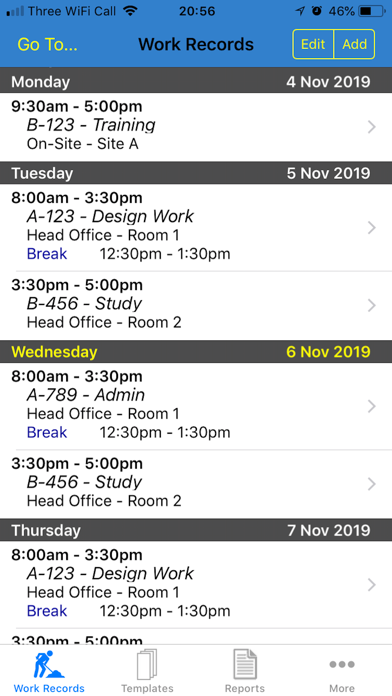
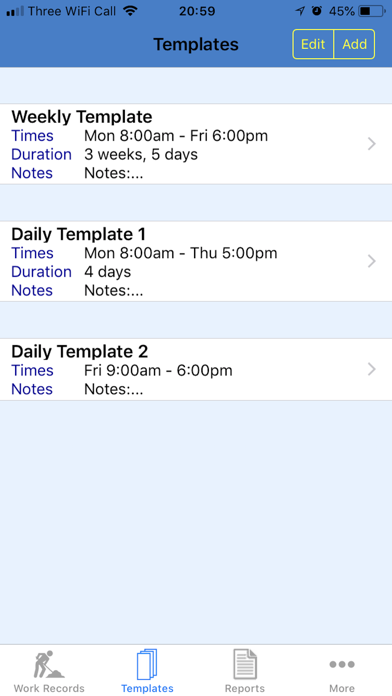
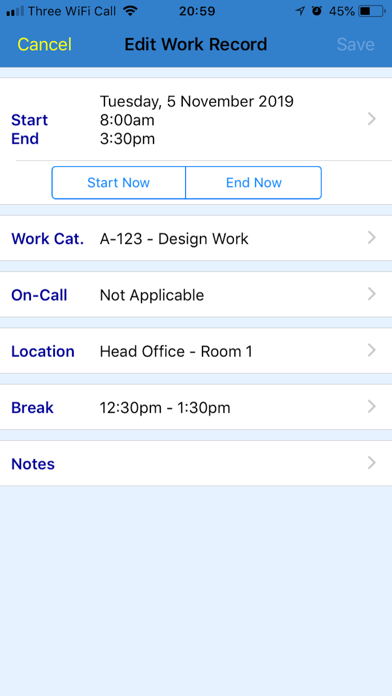
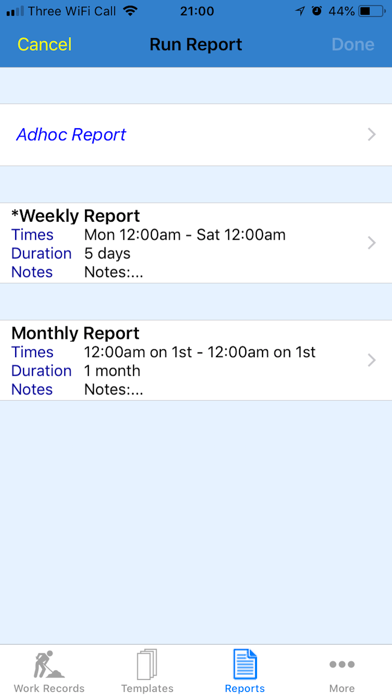
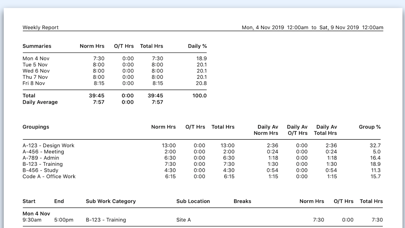
***** "An easy to use work diary is essential for my job planning. This one ticks all the right boxes!" - OIMDr ***** "Excellent app, easily configured and with comprehensive records & reports." - RobJ-UK Work Diary Pro is an amazing new App, ideal for logging, planning, and/or reporting your day-to-day work activities. It lets you spend more time doing your work, and less time on the admin. It is the advanced version of Work Diary - see details below. (If required, you can transfer your data from Work Diary). The key features of the app are: - Can be used as a diary, calendar, planner, tracker, time management tool and/or timesheet generator. - Is suitable for any type of work/business. - Caters for all conceivable working patterns, including shift work, overtime and on-call duty. - Includes powerful reporting features, producing a wide variety of printable and spreadsheet reports, detailing your work. You can email these wherever you want them to go. - Contains no Ads or In-App Purchases. As well as having all of the great features of Work Diary, it also has the following powerful features: - Templates: Enter details of your regular working patterns into a Template. The Template can then be used again and again to record your work activities in one simple step. A great time-saver! - Additional Work Data: - Overtime (premium) hours - On-Call work - Work Sessions (blocks of hours) - Advanced Reporting: - Report Definitions, each containing different report parameters. These can be used again and again. Another great time-saver! - Quick Report feature - Additional Report Data: - Daily and weekly averages and percentages - Filters - ie. only report on a specific Work Category or Location, for example - Groupings - summarises data for each Work Category and Location, for example - Work Categories list - Can use a Code to define each Work Category as well as a Name - There are Main Work Categories, each having a number of Sub Work Categories - Locations list - There are Main Locations, each having a number of Sub Locations


