AppScoutAppScout.gallery
Yam Display icon
Productivity

Yam Display

by Yamstu Inc.
Rating4.0(9)
Price$9.99
Updated3y ago
Released10y ago
Latest rank
#84
Top Paid · Productivity
Rank change
↓ 8
vs last refresh
Rank history
Charting in:CA·Top Paid#84↓8

Screenshots

Yam Display screenshot 1Yam Display screenshot 2Yam Display screenshot 3Yam Display screenshot 4Yam Display screenshot 5

Estimates

low confidence
Downloads / month
24K–244K
Chart-rank signal only
Revenue / month
$136K–$1.4M
After Apple's 30% cut

ASO analysis

Title11 / 30
Yam Display

Short title. You're leaving keyword space on the table.

Description1,152 / 4,000
11 paragraphs · 29% of limit used

Could go longer. The first 252 chars are above-the-fold; everything else still indexes.

Top keywords in your description
mac×6display×5later×5ios×4ipad×4drag×3features×3touch×3com×2drop×2efficient×2fps×2
Keyword opportunities

Used by similar apps in your niche, but not in your title or description. Adding these (where genuinely relevant) can broaden your search reach.

device7 peerssupport7 peersapple6 peersbackground6 peersbrowser6 peerscopy6 peersfiles6 peersicloud6 peersopen6 peerstext6 peers
Shared niche keywords

Words you and your peers both use. Confirms positioning in this niche.

ipad10 peersiphone10 peersios8 peerscom7 peersdevices7 peersmac7 peersview7 peersfeatures6 peersdocuments5 peersdownload5 peers

Keyword rankings

iTunes Search · top 200
Keyword tracking starts automatically for apps on the top charts — ranks appear after the next data refresh. Manual tracking for search-only and niche apps coming soon.

About

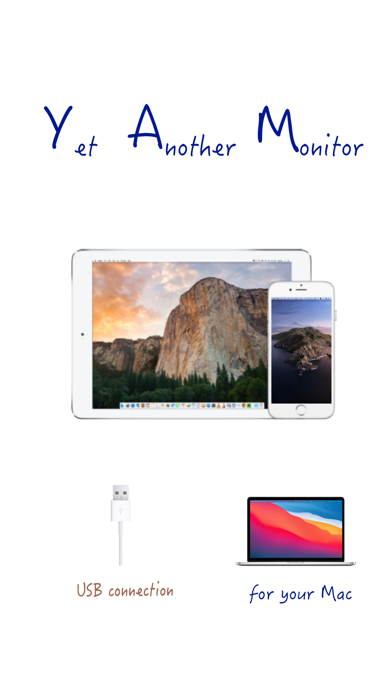
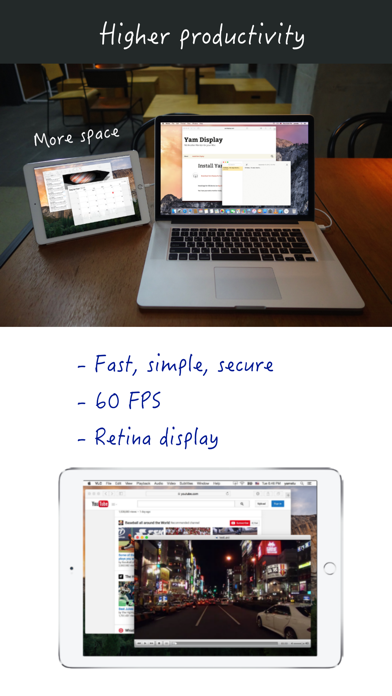
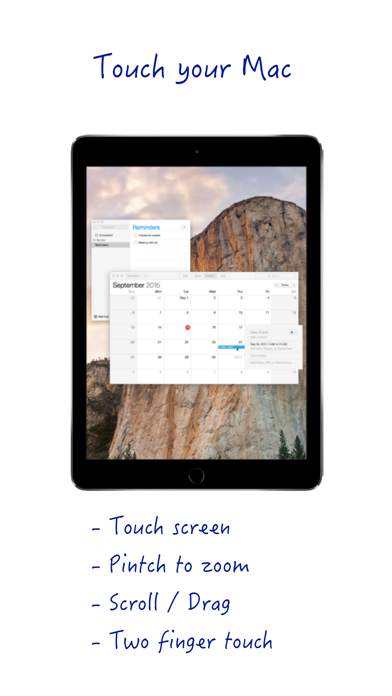
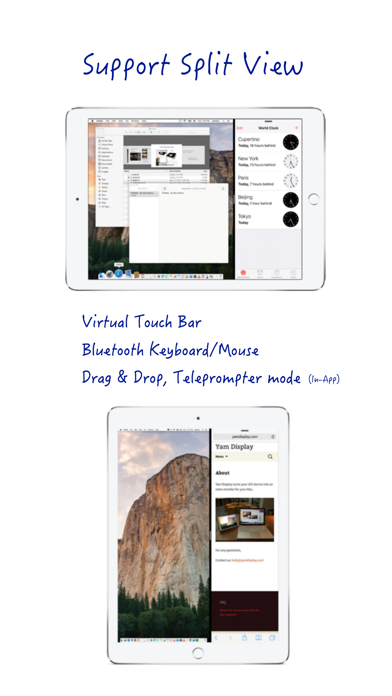
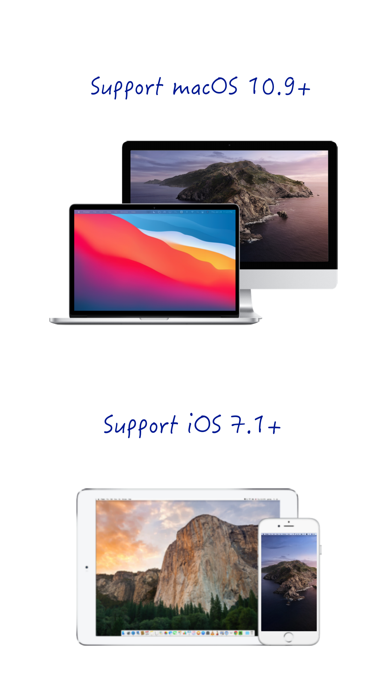
# iPad/iPhone as a second display for Mac via USB # Yam Display turns your iPad/iPhone into a second display for your Mac. Wired by USB, browse documents or watch videos without delay. Control your Mac with touch gestures and keyboard on your iPad. For multitasking enabled iPads, you can utilize every single pixel of your screen in Split View. Plus features such as Drag and Drop and Teleprompter Mode will make your workflow more efficient. Yam Display is fast, secure, simple and will help you to improve your productivity. Key Features: - Minimal lag for browsing or video playback - Energy efficient for static screens - Retina display - 60 FPS / 30 FPS - Split View (iOS 9 or later) - Touch gestures: Click / Zoom / Scroll / Drag / Rotate - Virtual Touch Bar (for Mac with macOS Sierra 10.12.2 or later) - Bluetooth keyboard and mouse Plus Features (In-App Purchase): - Drag and Drop between iPad and Mac (iOS 11 or later) - Teleprompter Mode System Requirements: - iOS devices with iOS 7.1 or later - Macs with macOS 10.9 or later Download app for Mac from: yamdisplay.com (free) For any questions or suggestions: help@yamdisplay.com

01
Yam Air icon
Yam Air
Yamstu Inc.
3.5
02
Yoink - Improved Drag and Drop icon
Yoink - Improved Drag and Drop
Matthias Gansrigler-Hrad
4.7
03
AirDisk Pro icon
AirDisk Pro
Felix Yew
4.4
04
PrompterPal icon
PrompterPal
Sunshine Valley Systems
2.0
05
AirBrowser - AirPlay browser icon
AirBrowser - AirPlay browser
IdeaSolutions S.r.l.
2.9
06
shiftscreen 4X icon
shiftscreen 4X
Yannik Schrade
2.2
07
Hyperduck icon
Hyperduck
Sindre Sorhus
4.9
08
ZoomNotes icon
ZoomNotes
Deliverance Software Ltd
4.5
09
USB Disk SE, File Manager icon
USB Disk SE, File Manager
Imesart S.a.r.l.
4.4
10
Phone Drive: File Storage icon
Phone Drive: File Storage
Eightythree Technology
4.7