

Bluro.
Screenshots



ASO analysis
Short title. You're leaving keyword space on the table.
Could go longer. The first 252 chars are above-the-fold; everything else still indexes.
Used by similar apps in your niche, but not in your title or description. Adding these (where genuinely relevant) can broaden your search reach.
Words you and your peers both use. Confirms positioning in this niche.
Keyword rankings
iTunes Search · top 200About
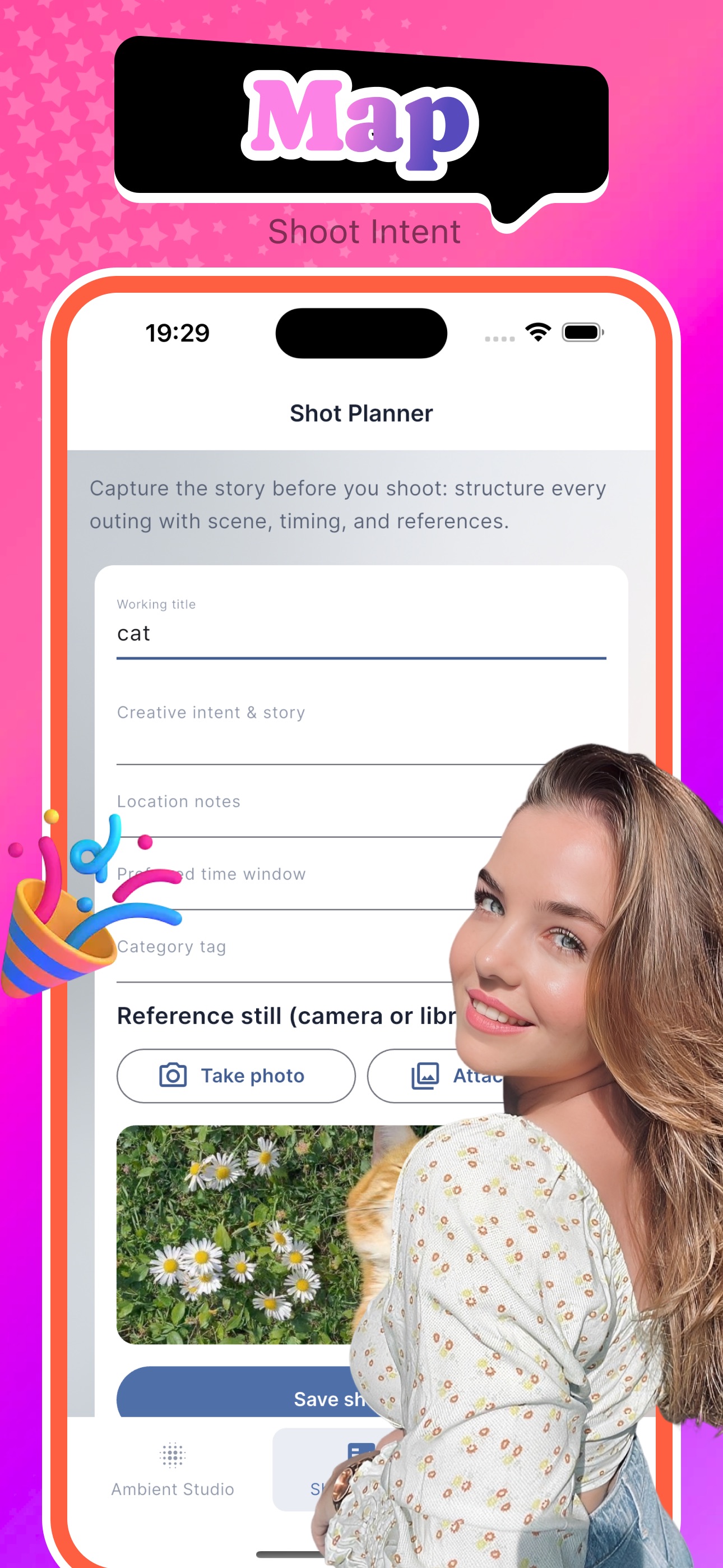
Bluro is an on-device creative utility for iOS that helps you explore soft-focus aesthetics and plan your next photo outing — all without cloud accounts or social feeds. Ambient Studio Pick any photo from your library, adjust blur strength with a real-time slider, and optionally apply a cinematic preset for a premium bokeh look. Add a title, mood tag, and reflection notes to build a personal mood card. Record a short voice memo to capture your creative thoughts in the moment. Save your mood cards to a local studio reel, tap any card to view full details or edit, and export the blurred composition directly to your photo library. Shot Planner Organize your upcoming shoots with structured planning cards. Fill in a working title, creative intent, location notes, preferred time window, and category tag. Attach a reference still from the camera or your photo library to visualize the shot you want to achieve. Tap any plan to edit details on the fly. All plans stay on your device and ready whenever inspiration strikes. Profile & Credits View your credit balance, purchase additional blur credits through Apple In-App Purchase, and access the Privacy Policy right inside the app. Saving a mood card costs a small number of credits, giving each creation a sense of value.


