

PureStatus: ByeBye Blur Status
Screenshots
ASO analysis
Tight against the limit — verify it doesn't truncate on small screens.
Solid length. Make sure the first 252 chars hook the reader.
Used by similar apps in your niche, but not in your title or description. Adding these (where genuinely relevant) can broaden your search reach.
Words you and your peers both use. Confirms positioning in this niche.
Keyword rankings
iTunes Search · top 200About
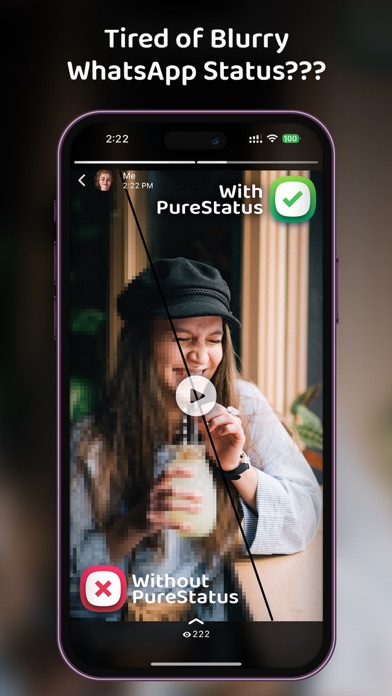
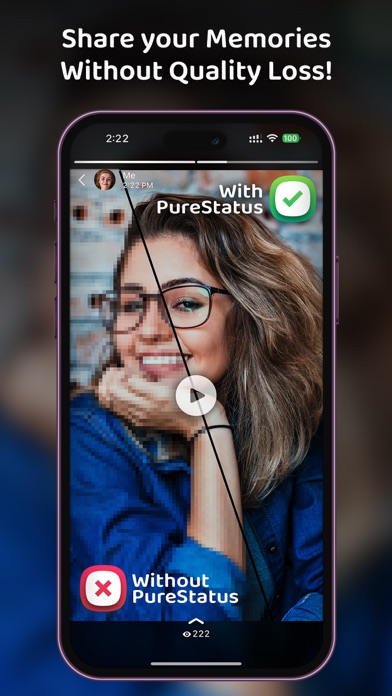
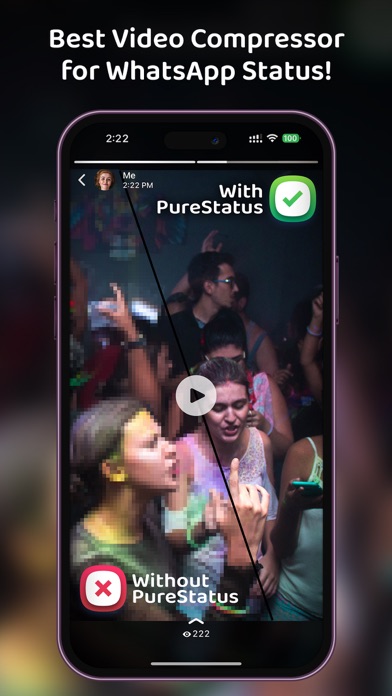
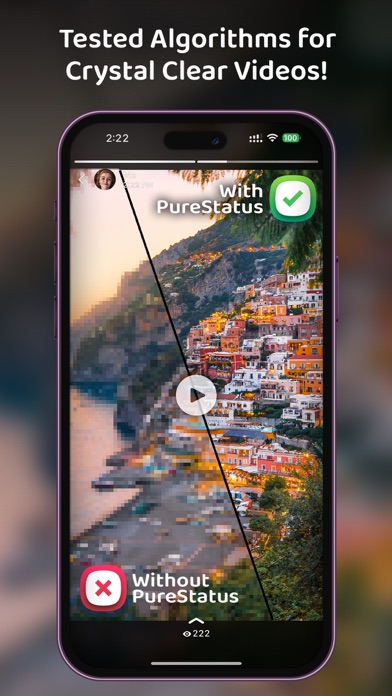
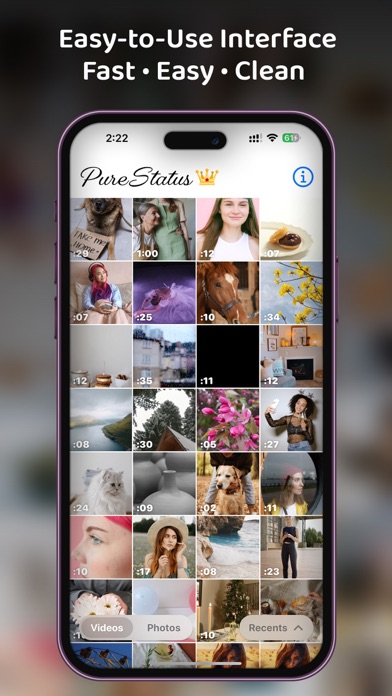
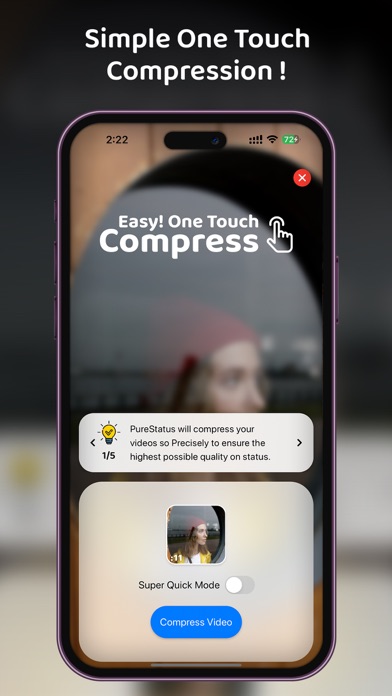
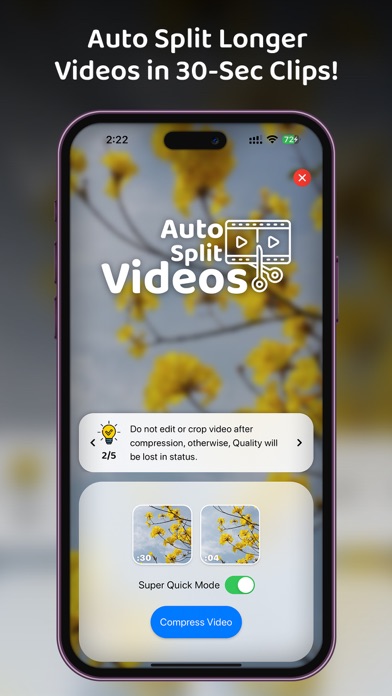
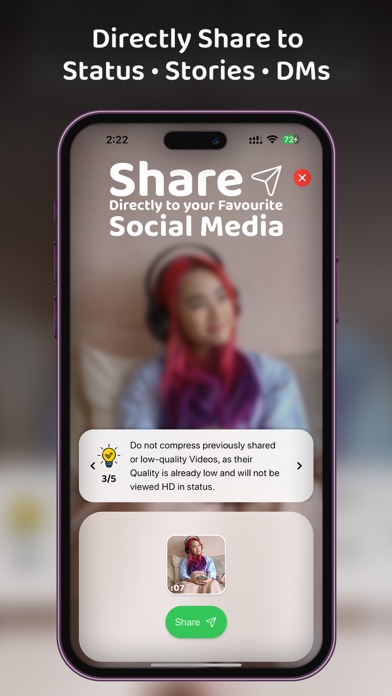
• Introducing PureStatus: Bye Bye Blurry Status: Revolutionize Your WhatsApp Status Experience Are you tired of Blurry, Low- Quality videos & Photos in WhatsApp status? Then the “PureStatus” App is made just for you, When you upload a video status, WhatsApp reduces the video size, resulting in reduced video quality, but “PureStatus” will reduce the size of your video very precisely so that there will be the highest possible HD Video Quality on your WhatsApp status. • Crystal Clear Status Videos in a Few Simple Steps 1. Download PureStatus from the App Store. 2. Open the app, 3. select a video, 4. compress it, 5. Share it to your WhatsApp status and enjoy crystal-clear HD videos! • Get the Best Results with PureStatus 1. Do not edit or crop video after compression, otherwise, Quality will be lost in status. 2. Do not compress previously shared videos, as their quality has already become low and low-quality videos will not be improved for Status. So, Always Compress High-Quality Videos in PureStatus. 3. You can check the Status Quality difference by Uploading Both PureStatus's compressed and your original video on status. 4. Use verticle video & photos in Status as they have more viewing area and they are the most popular on mobile phones. • Please Keep In Mind 1. PureStatus App will not improve your Original Video Quality but it will stop your HD video from getting blurry in your Whatsapp. 2. Photo function is for uploading HD status only, If you send it in chats, it will be sent as a video. 3. Video Splitter Function is only for uploading longer videos in status. If you use it for chats, they will be sent in 30 seconds parts. • Experience the Eye-Catching Difference No more pixel loss when sharing WhatsApp status, thanks to our innovative image & video compressor app. With PureStatus, you can post WhatsApp statuses without compromising video & photo quality. • Bonus Features Another benefit of the PureStatus app is the Video Status Splitter facility. With help of a video splitter, your All longer videos will be cut into 30-second parts so that you can upload longer videos in your status. This Status splitter is very accurate in splitting the video with keeping the best possible HD video quality. Unlock the true potential of your WhatsApp status with PureStatus HD Status Compressor! Download now and start sharing your high-quality videos with the world! Terms of Use: https://www.apple.com/legal/internet-services/itunes/dev/stdeula/


