BrowserMask for Safari
Screenshots
ASO analysis
Good use of the title field.
Could go longer. The first 252 chars are above-the-fold; everything else still indexes.
Used by similar apps in your niche, but not in your title or description. Adding these (where genuinely relevant) can broaden your search reach.
Words you and your peers both use. Confirms positioning in this niche.
Keyword rankings
iTunes Search · top 200About
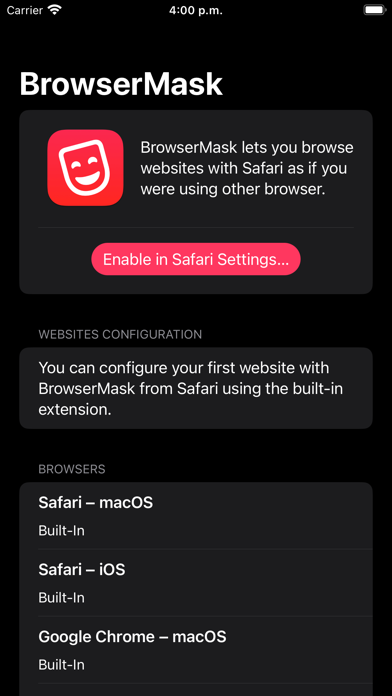
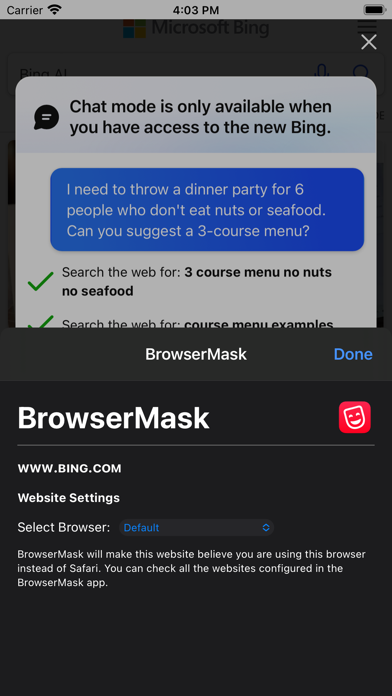
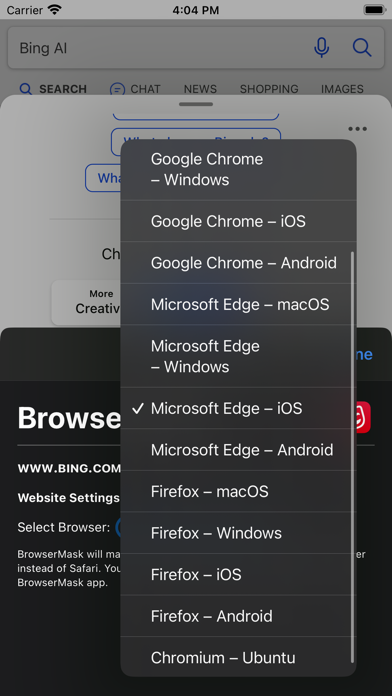
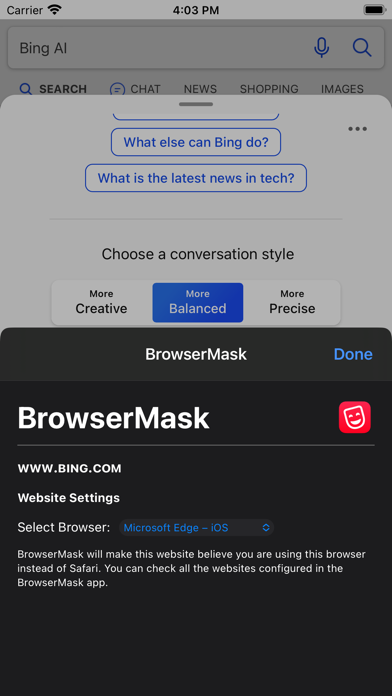
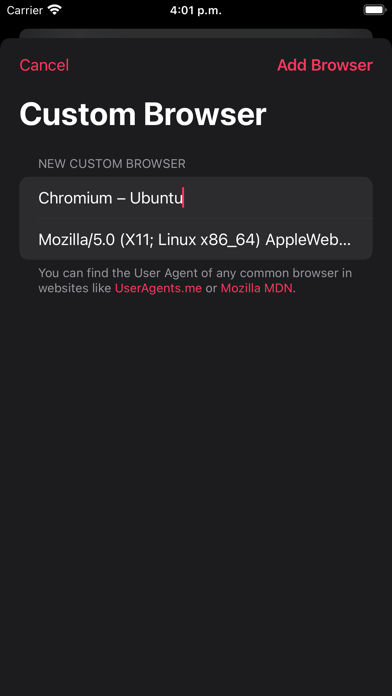
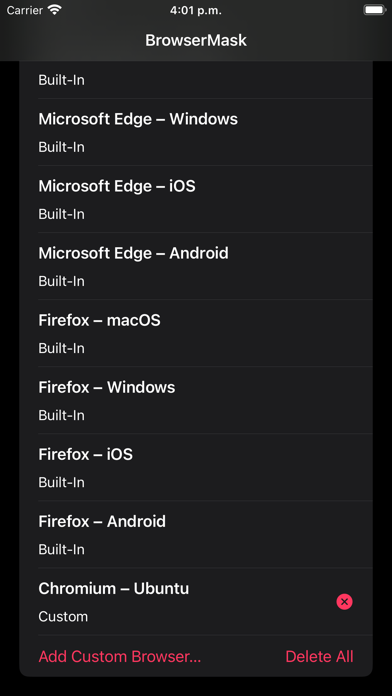
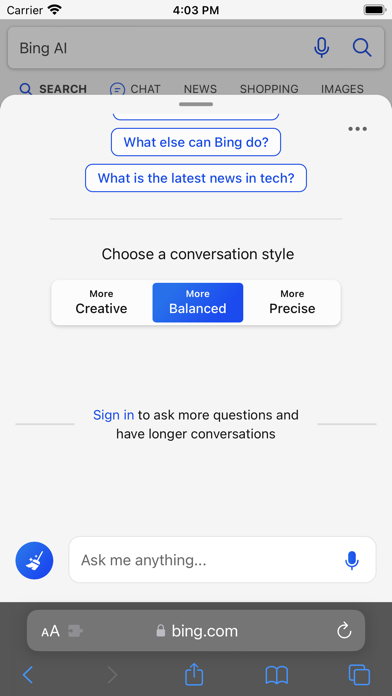
BrowserMask is a Safari Extension that lets you browse websites as if you were using another browser by changing the User Agent Safari uses. This way, you can make any website believe it’s being shown in a browser like Google Chrome or Microsoft Edge. With BrowserMask, you can choose a global default masked browser or customize it per site. Your settings are saved automatically and applied every time you visit each website. This is especially useful for websites that claim to require another browser but actually work in Safari, or to avoid annoying pop-ups and redirects. For example: • Set macOS Safari as the masked browser on reddit.com in iOS Safari to avoid the “Open in the Reddit app” pop-ups. • Set Microsoft Edge as the masked browser on bing.com to use Bing Chat from Safari. BrowserMask supports macOS, iOS, and iPadOS. Notes: • You can enable the BrowserMask extension from the Extensions section in Safari settings. • BrowserMask includes multiple popular browser User Agents built-in, and you can also add custom ones. • BrowserMask can also be enabled in Web Apps created from Safari on macOS. Privacy by Design: BrowserMask works completely on-device and does not store or send any information outside of the protected app sandbox.