

OverPicture for Safari
Screenshots

ASO analysis
Good use of the title field.
Could go longer. The first 252 chars are above-the-fold; everything else still indexes.
Used by similar apps in your niche, but not in your title or description. Adding these (where genuinely relevant) can broaden your search reach.
Words you and your peers both use. Confirms positioning in this niche.
Keyword rankings
iTunes Search · top 200About
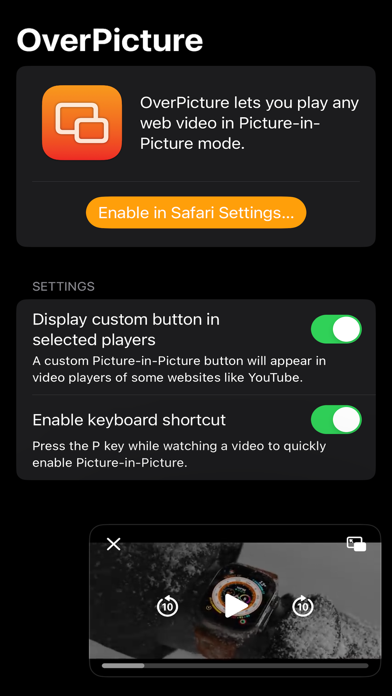
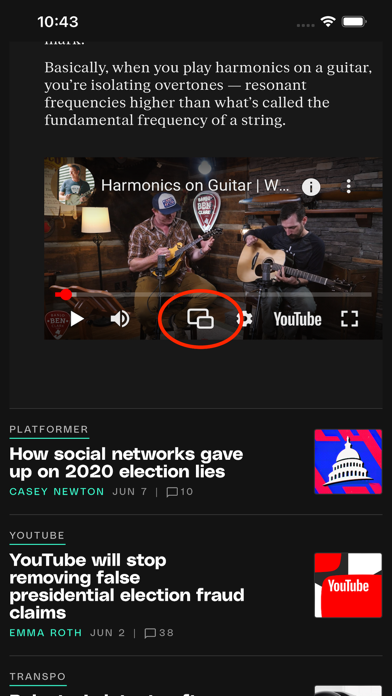
OverPicture is a Safari Extension that lets you play any web video in Picture-in-Picture mode. You can enable Picture-in-Picture for any web video in the following ways: • Using the Picture-in-Picture Safari extension button. • Using the custom button in supported players like YouTube. • Pressing the P key while a video is playing. OverPicture works on macOS, iOS, and iPadOS. Notes: • You can enable the OverPicture Extension from the Extensions section in Safari settings. • OverPicture can also be enabled in Web Apps created from Safari on macOS. Privacy by Design: OverPicture works completely on-device and never stores or sends any information outside of the protected app sandbox.


