Camera M - Handmatige camera
Screenshots


Estimates
low confidenceASO analysis
Good use of the title field.
Solid length. Make sure the first 252 chars hook the reader.
Used by similar apps in your niche, but not in your title or description. Adding these (where genuinely relevant) can broaden your search reach.
Words you and your peers both use. Confirms positioning in this niche.
Keyword rankings
iTunes Search · top 200About
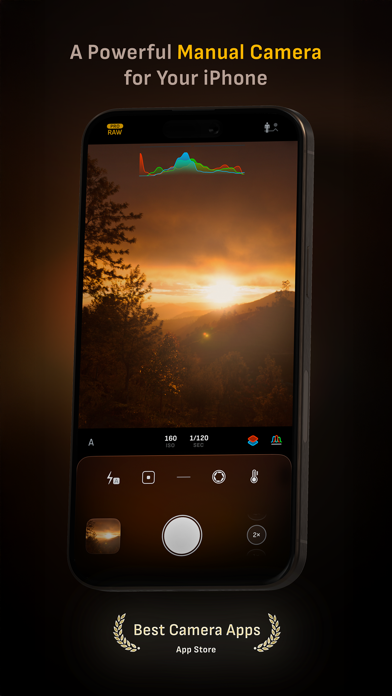
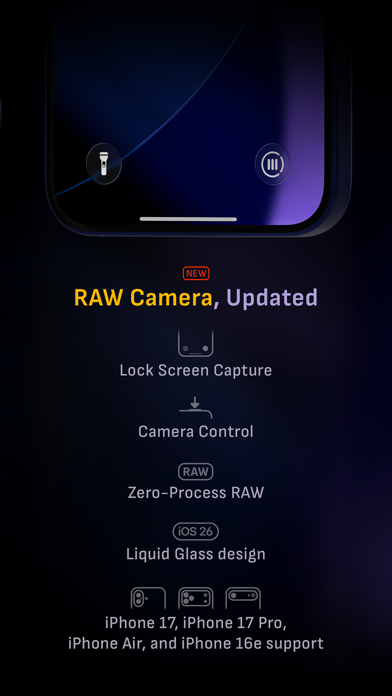
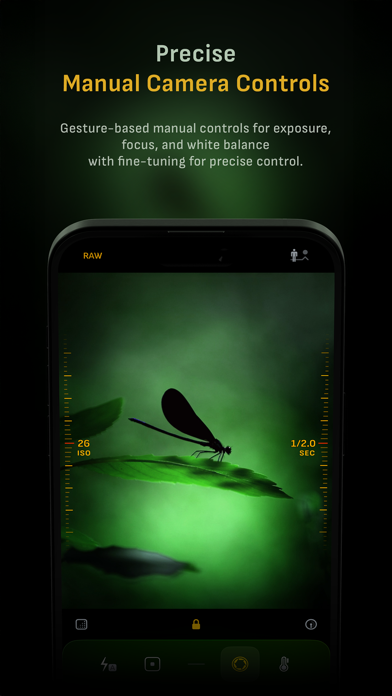
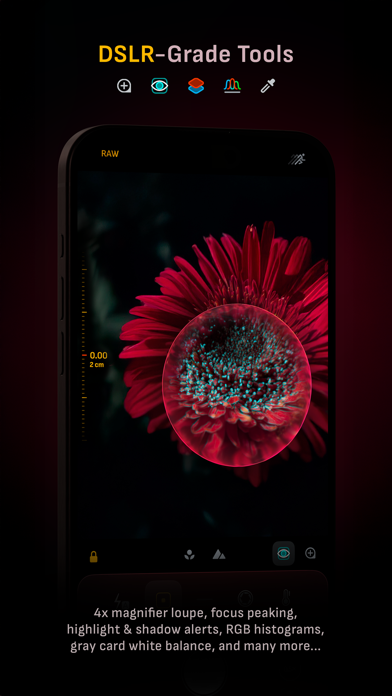
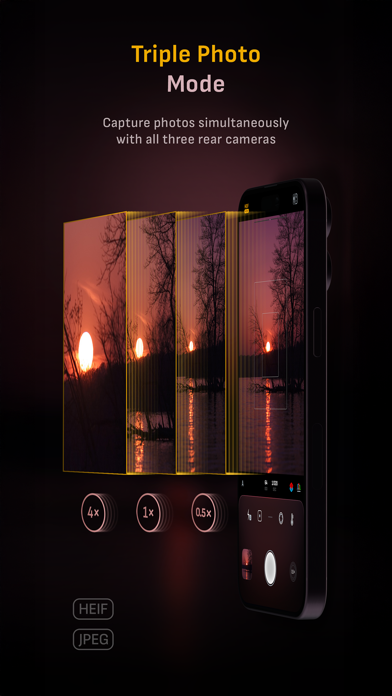
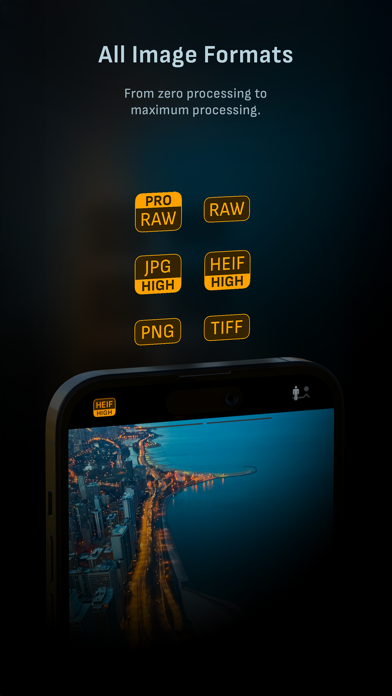
Camera M is een professionele en moderne camera die is ontworpen om één ding uitzonderlijk goed te doen: u helpen prachtige foto's te maken in de hoogst mogelijke kwaliteit met krachtige en nauwkeurige handmatige camerabediening, vergelijkbaar met een DSLR. HIGHLIGHTS • Fluid gesture-based native manual controls with 'Fine-Tuning' feature • iOS 26 optimization with Liquid Glass design • Minimum focus distance display for macro photography • Intelligent Focus Tracking • Focus Peaking and 4x magnifier loupe with panning function • Live RGB histograms • Manual gray card calibration • Max Image Processing for the best image quality • Zero-process RAW support • ProRAW*, RAW, HEIF, JPEG, TIFF, and PNG image formats • Single, Burst, Timer, Live, Depth*, Dual Photo*, and Bracket shooting modes • Triple Photo mode with simultaneous ultra-wide, wide-angle, and telephoto camera capture* • Darkroom integration • Great widgets for photography • App Shortcuts CAMERA CONTROLS – Manual focus – Macro and Scene focus presets – Exposure bias – Manual ISO & exposure duration adjustments – ISO & exposure duration semi-priority modes – Manual white balance temperature and tint – White balance presets – Gray card white balance calibration – Auto, on, and off flash modes – Manual torch brightness level – Manual switching between Ultra Wide, Wide, and Telephoto cameras* – Digital pinch zoom with 10x range – Camera Control support for all manual controls – Lock Screen camera capture support IMAGE FORMATS – Apple ProRAW* – RAW with stabilization* – HEIF with optional minimum compression* – JPEG with optional minimum compression – TIFF – PNG – Live Photo* – P3 wide color support* SHOOTING MODES – Single – Burst – Timer – Depth* – Dual/Triple Photo* – Live Photo* – Bracket TOOLS – Exposure offset gauge – Intelligent Focus Tracking – Live focus peaking assistant – 4x magnifier loupe with panning function – Minimum focus distance display – Live RGB and RGB luminance histograms – Highlight & shadow alert display – Horizon level with available pitch tracking and flat options – Rule of Thirds, Golden Ratio, Quadrant, and Square grids – Siri Shortcuts and App Shortcuts – Detailed camera specifications display with PDF export MAX IMAGE PROCESSING – Deep Fusion and Smart HDR support for iPhone 11 and later. – Ensures maximum image quality with better noise reduction, image stabilization, and additional processing for all other iPhones and iPads ZERO-PROCESS RAW – Capture standard RAW files with absolutely no processing PHOTO LIBRARY – Summarized and full EXIF metadata display – Location data display with compass and elevation – RGB and RGB luminance histogram displays – Access to all photo albums and folders WIDGETS – Home Screen: Golden Hour, EXIF, and Cameras – Lock Screen: Cameras and Golden Hour – Control Center: Focus, exposure, and white balance APPLE WATCH SUPPORT – Shutter button control – Sunrise, sunset, and Golden Hour display with sun position indicator ERGONOMICS – True one-handed control on all iPhones – An uncompromising approach to user experience in landscape orientation ACCESSIBILITY – Dynamic Type and Bold Text support – Increase Contrast support TECHNOLOGY Camera M is powered exclusively by native APIs and frameworks. There are absolutely no dependencies on any outside sources. This makes Camera M responsive and efficient — from its small download size down to its quick app launch times. We hope you enjoy taking amazing photos with Camera M! Website: www.camera-m.com User manual: www.camera-m.com/manual Get in touch: contact@camera-m.com Follow us: @CameraMApp #CameraM * These features are available on supported devices only. * Depth capture requires iPhone X, or later. * Depth capture for selfies requires an iPhone or an iPad with a TrueDepth camera system. * Apple ProRAW capture requires iPhone 12 Pro or later. * For more information on device and feature compatibility: www.camera-m.com/compatibility