CamRef
Screenshots


ASO analysis
Short title. You're leaving keyword space on the table.
Could go longer. The first 252 chars are above-the-fold; everything else still indexes.
Used by similar apps in your niche, but not in your title or description. Adding these (where genuinely relevant) can broaden your search reach.
Words you and your peers both use. Confirms positioning in this niche.
Keyword rankings
iTunes Search · top 200About
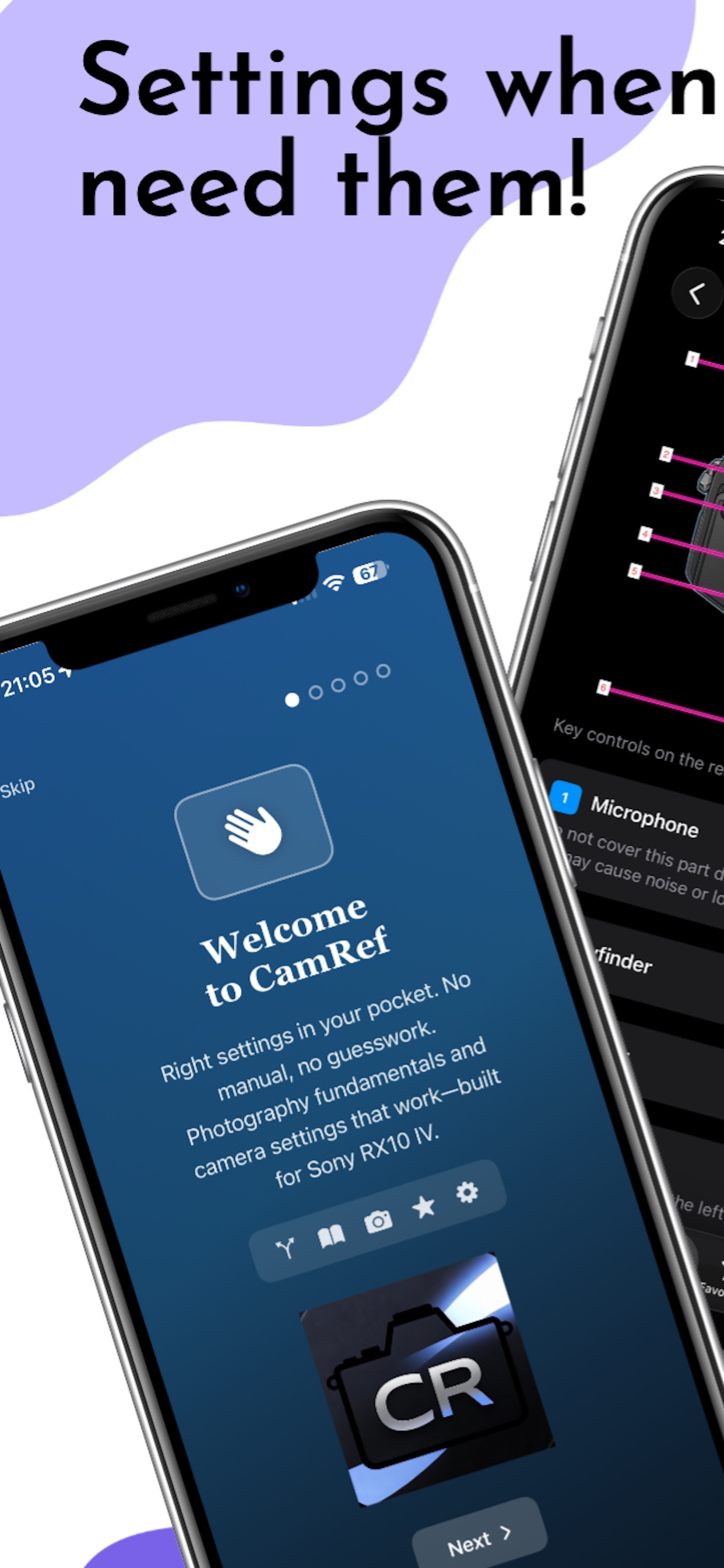
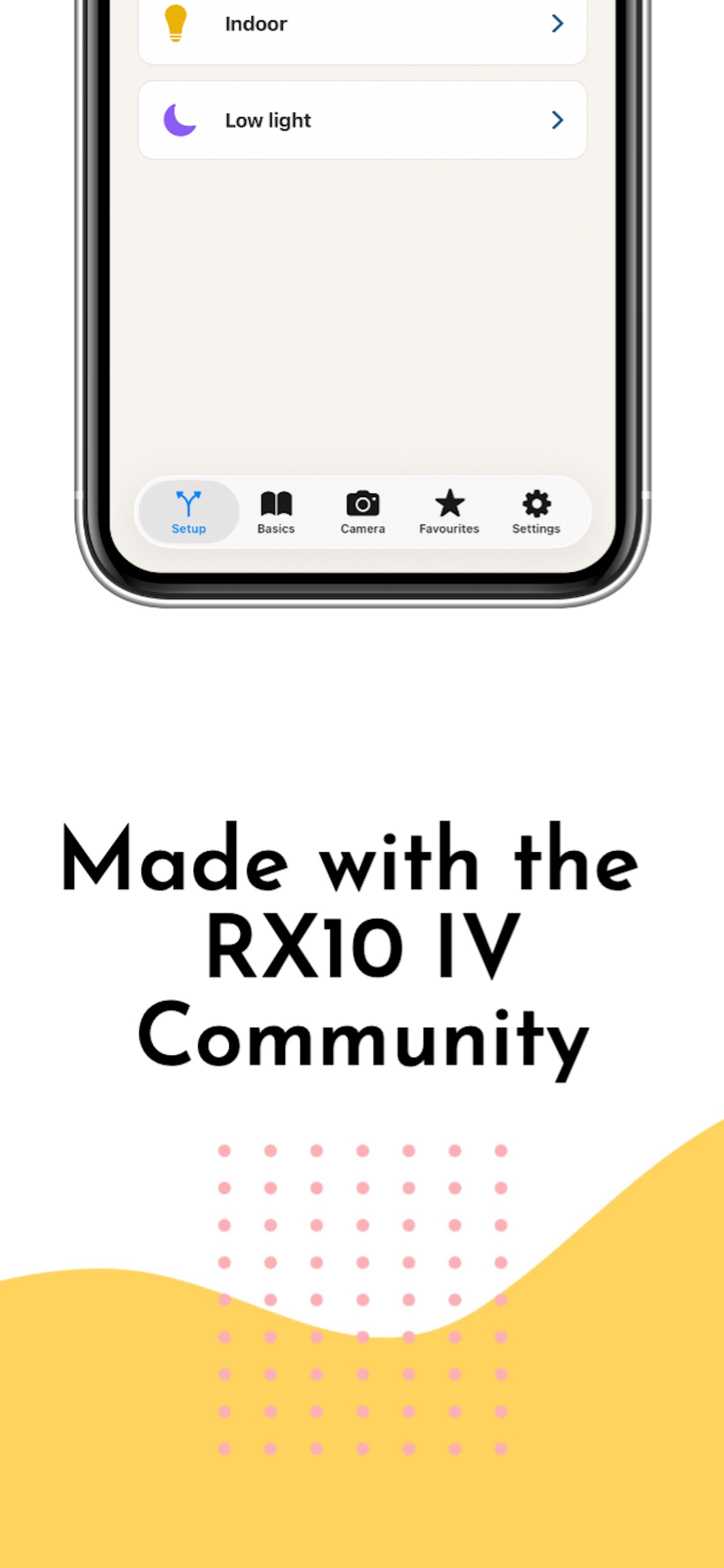
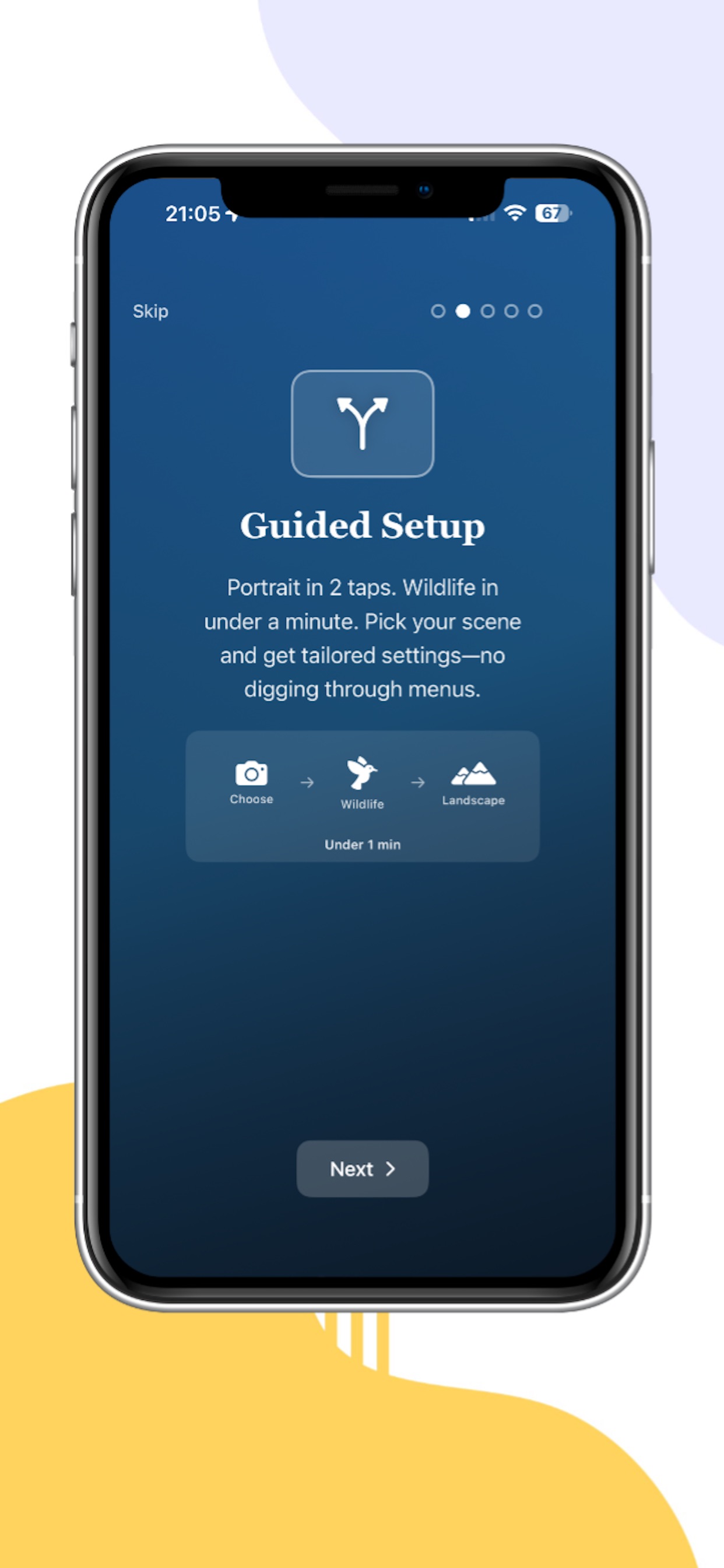
CamRef is a compact reference for the Sony RX10 IV—basics, menus, and a few starting points for common situations. It’s meant for when you’re out shooting and want something shorter and quicker than paging through a PDF. Many of us picked up this camera after reading threads, posts, and tips from other RX10 IV users. This app doesn’t replace that—it’s just one more tool: something you can open on your phone when you need a reminder of what a setting does or where to find it. What’s inside Guided setup — Simple starting suggestions for a few typical situations (not a substitute for your own judgement or conditions on the day). Camera settings — Look up items with brief notes and MENU paths where we’ve mapped them (Camera Settings 1 / 2, etc.). Photography basics — Short explanations of core ideas—ISO, aperture, shutter, white balance, metering, focus—at a reference level, not a full course. Favourites — Pin settings you open often. Camera diagrams — Labelled rear, side, and front views to help match names in the menus to controls on the body. What it isn’t It won’t make every shot a keeper, fix every limitation of the camera, or replace the official manual for deep or firmware-specific detail. It’s here to reduce friction when you’re trying to remember what something means or where Sony hid it. Note: CamRef is independent. “Sony” and “RX10 IV” are trademarks of their respective owners. Not affiliated with or endorsed by Sony.