

CINE WHITE BALANCE
Screenshots

Estimates
low confidenceASO analysis
Good use of the title field.
Solid length. Make sure the first 252 chars hook the reader.
Used by similar apps in your niche, but not in your title or description. Adding these (where genuinely relevant) can broaden your search reach.
Words you and your peers both use. Confirms positioning in this niche.
Keyword rankings
iTunes Search · top 200About
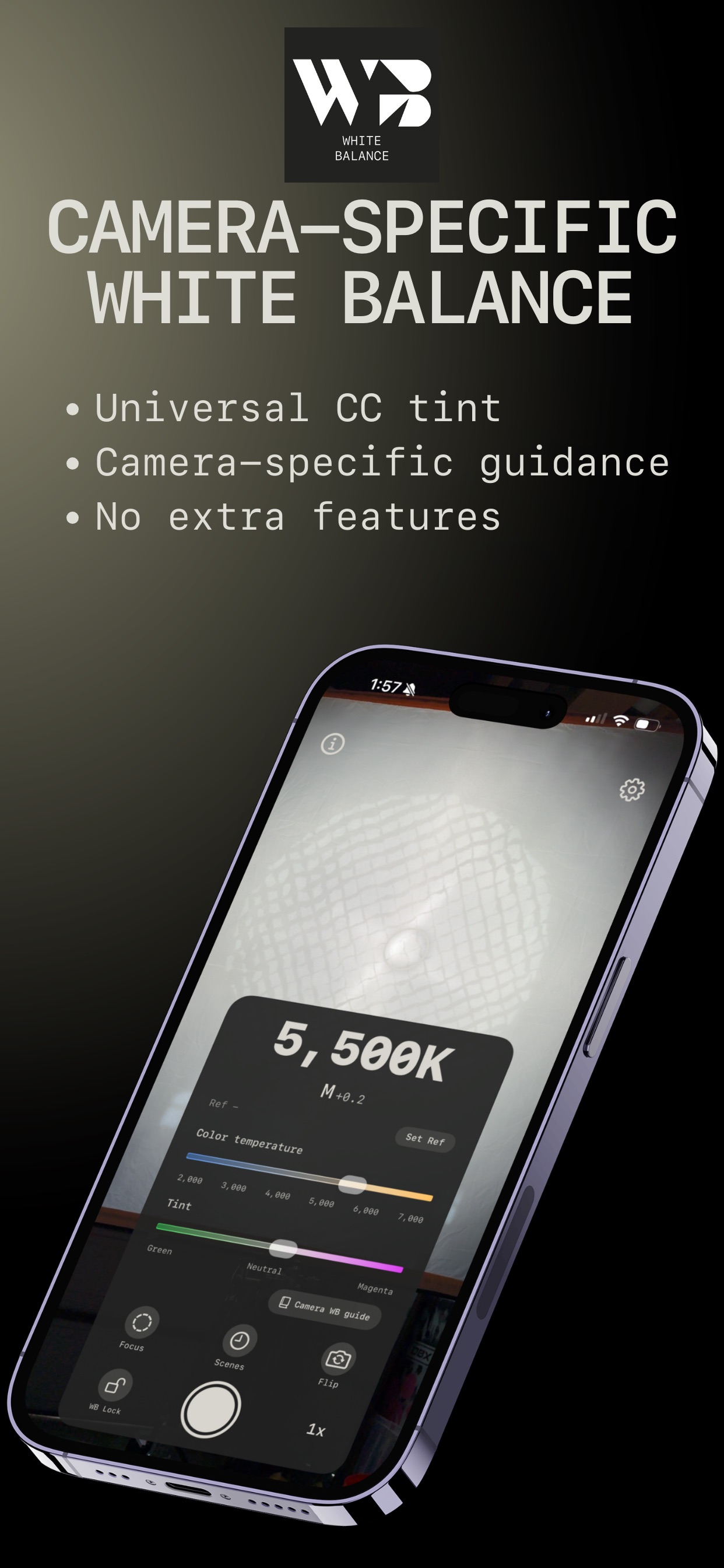
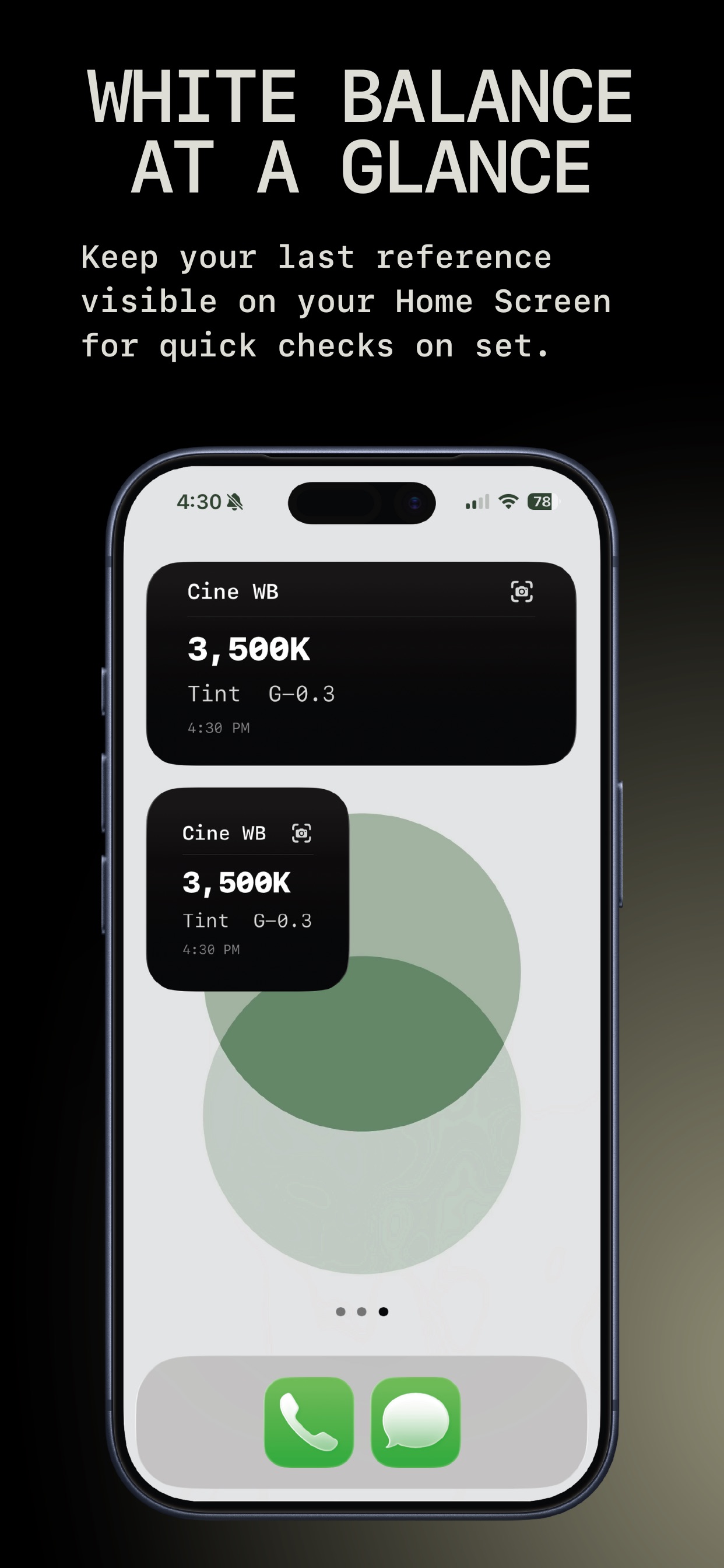
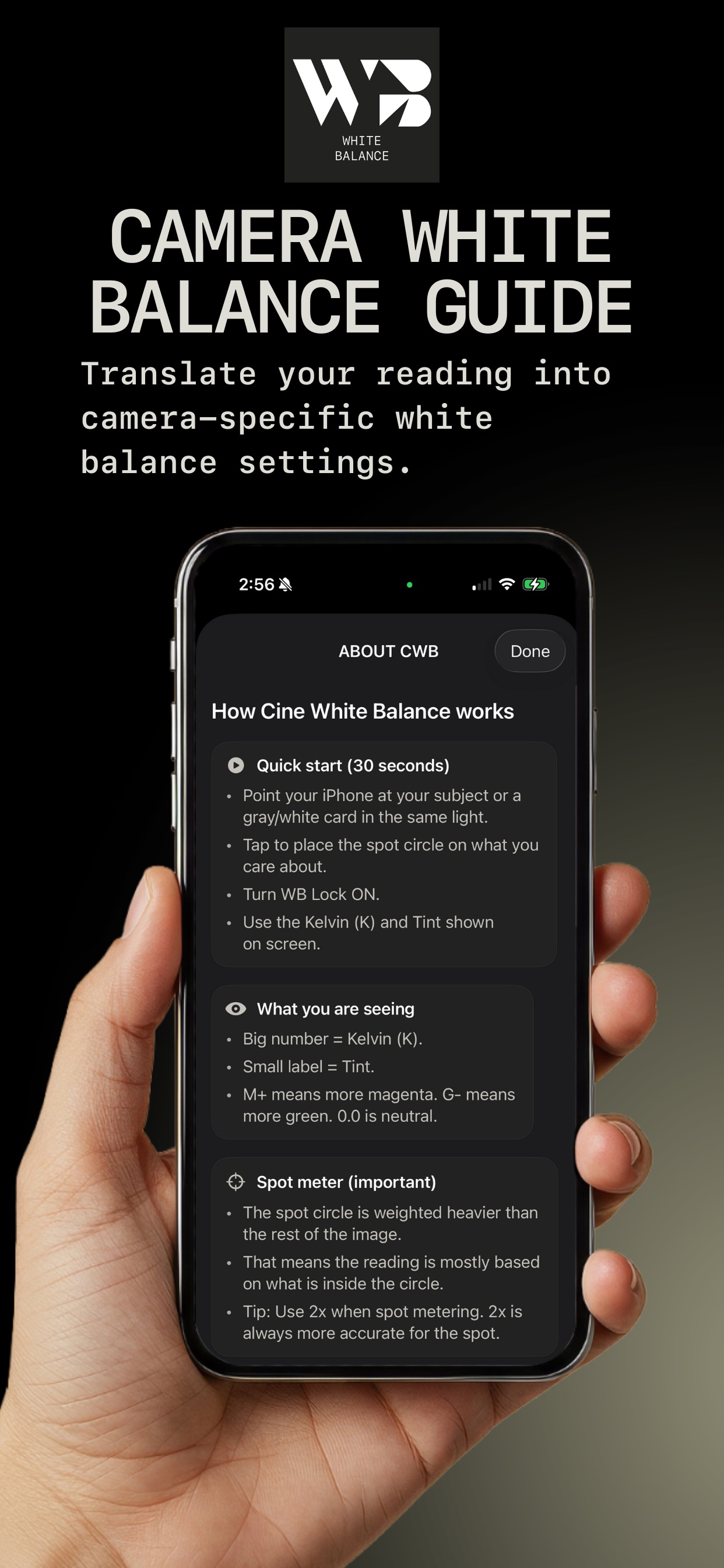
White balance remains one of the most misunderstood aspects of cinematography. Every camera manufacturer interprets tint differently. Kelvin meters can provide a number, but they do not explain how to apply that value to a specific camera. This app was built to solve that problem. Cine White Balance is a dedicated white balance and tint tool for cinematographers who need consistent, neutral color across different cameras and lighting conditions. What this app does • Measures Kelvin and tint in real time using the iPhone camera • Converts tint into Universal CC, a neutral and transferable reference • Translates readings into camera-specific white balance guidance • Provides clear starting points for real-world camera menus • Stays focused on white balance only, with no unnecessary features Camera White Balance Guide After taking a reading, the Camera WB Guide shows how to apply that measurement directly to your camera. Supported guidance includes workflows for: • Sony Alpha and Cinema Line • Canon EOS and Cinema cameras • ARRI ALEXA • RED KOMODO and V-RAPTOR • Nikon mirrorless • Blackmagic Design Each guide is designed around how that manufacturer actually handles tint, grids, or numeric offsets. These values are intended as starting points. Final adjustment should always be confirmed using a gray card, skin tone, or a trusted reference in the scene. Universal CC Tint Instead of relying on camera-specific tint scales, Cine White Balance converts tint into Universal CC. Universal CC provides a consistent reference that allows readings to be translated accurately and repeatably across different camera systems. • Positive values indicate magenta • Negative values indicate green • Zero represents neutral Built for on-set use • Spot meter for targeted readings • White balance lock to prevent drift • 1x and 2x zoom for more precise sampling • Optional calibration offsets for cameras that run warm, cool, green, or magenta • Quick reset to default behavior at any time • Home Screen widgets for fast reference • Control Center access for quick launch Important notes • This app is a starting point, not a replacement for proper color management • Always confirm critical work with a gray card, reference chart, or calibrated monitor • Not affiliated with or endorsed by any camera manufacturer One purpose. One tool. This app is not a light meter. It is not an exposure calculator. It is not a multi-tool. It is a focused, camera-aware white balance and tint meter. White balance. Period.


