

White Balance Meter AI - KEV
Screenshots



Estimates
low confidenceASO analysis
Good use of the title field.
Solid length. Make sure the first 252 chars hook the reader.
Used by similar apps in your niche, but not in your title or description. Adding these (where genuinely relevant) can broaden your search reach.
Words you and your peers both use. Confirms positioning in this niche.
Keyword rankings
iTunes Search · top 200About
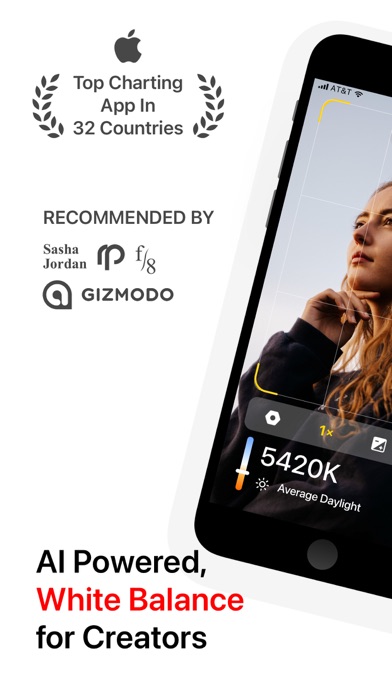
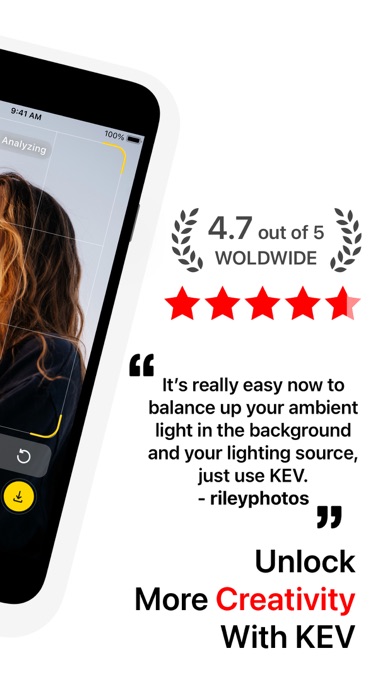
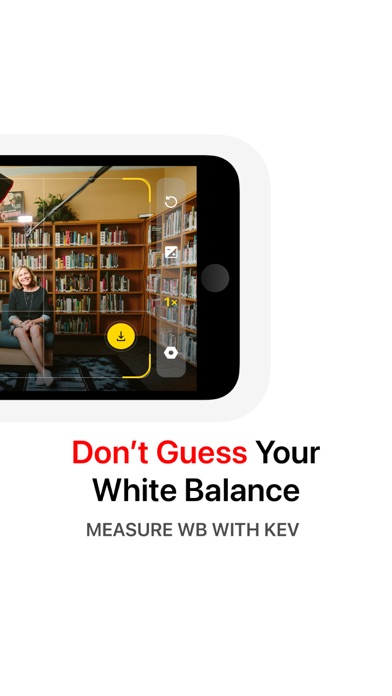
KEV is the #1 White Balance app. KEV app turns your iPhone or iPad into a professional and easy-to-use light meter. Using KEV app is as easy as pie, no sensor required, the in-built camera already got you covered. Minimalist KEV uses AI to analyze live previews and provide accurate white balance data in Kelvin, making it a valuable tool for photographers and videographers. Trying to get the perfect White Balance on your DSLR can be annoying. KEV helps you by letting you know what the White Balance should be. You can measure the colour temperature of a light source in Kelvin without having to spend hundreds of dollars on professional devices. We calibrated KEV using Sekonic C-700R-U SpectroMaster Colour Meter, and we guarantee from fair to almost 100% accuracy. Just open the KEV app and point the camera on surface or scene. The white balance is a correction of color rendition to make the picture from the camera sensor as similar to the perception by human eyes as possible. Functions and Capabilities: • Gets you Color Temperature in Kelvin in real-time. • Ability to compensate and calculate the white balance readings. • Capture a snapshot with color temperature reading and location. • Ability to manually focus on the scene and objects. • Minimal yet integral point and shoot capability. • A go-to spectrometer for photographers, videographers, cinematographers, gaffers, drones and action cameras. • Save time in post-processing. • Mount your iPhone using hot-shoe over the camera or on a tripod stand and get colour temperature data on the KEV Watch app. • Zoom in to get colour temperature data of a close-range. • Balance Color Temperature of the Ambient Light and Your Light Source. Override the Auto-White Balance and choose settings yourself. Check out these videos shared by KEV users: Karl Weinreich - https://youtu.be/sT78ajMQ4Iw rileyphotos - https://youtu.be/C4oihcY7Dh4 We care about your privacy: https://kevapp.co/privacy/ If you'd like to contact, please send us an email at 29satnam@gmail.com.


