

Color Screen Unlimited
Screenshots

ASO analysis
Good use of the title field.
Solid length. Make sure the first 252 chars hook the reader.
Used by similar apps in your niche, but not in your title or description. Adding these (where genuinely relevant) can broaden your search reach.
Words you and your peers both use. Confirms positioning in this niche.
Keyword rankings
iTunes Search · top 200About
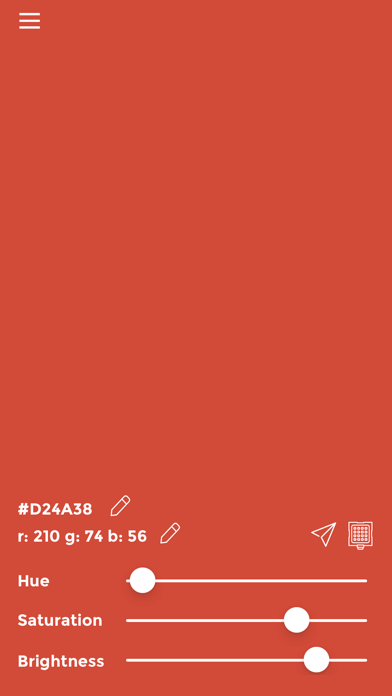
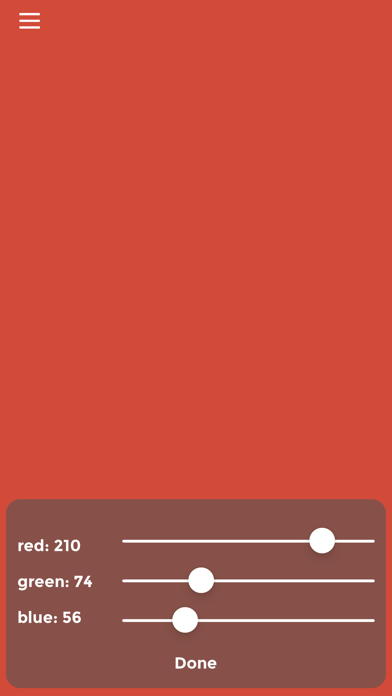
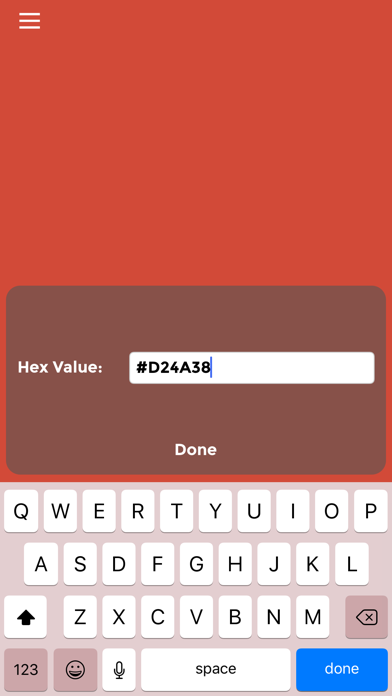
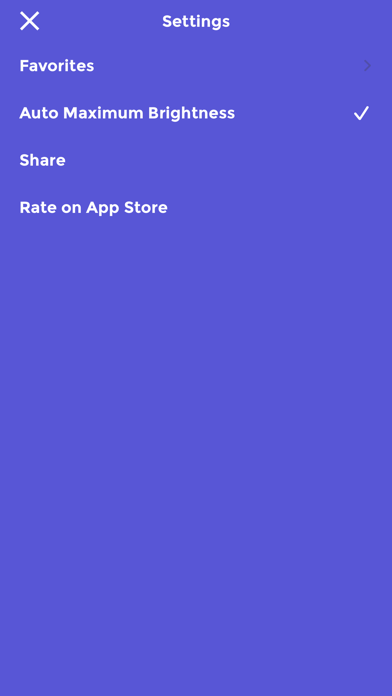
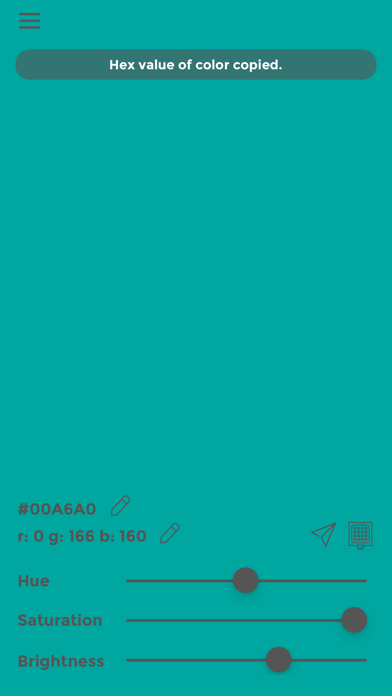
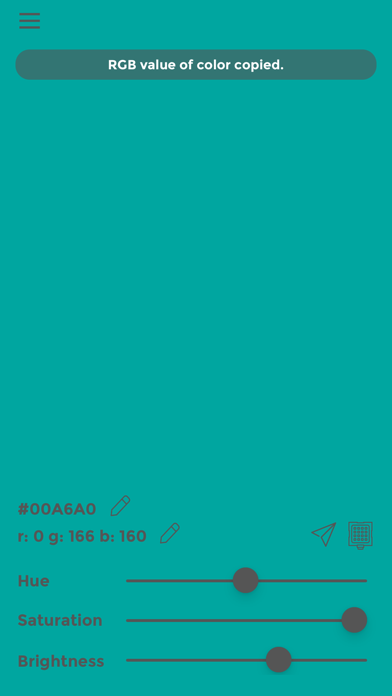
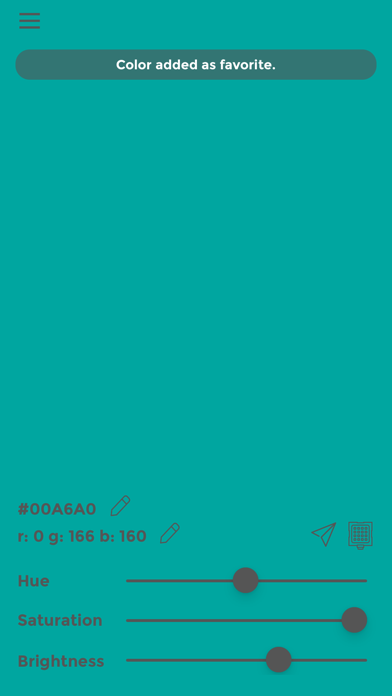
Color Screen is a beautiful iOS app that provides an excellent solution for displaying a color of choice on the iPhone/iPad screen at a brightness desired. It provides a wide range of colors to choose from. It can be used in any situation that requires a colored light with adjustable brightness. You can also see the hex values and RGB values of the colors to transfer them easily to other editing softwares. The app also remembers last used color, so whenever you come back, it'll start right as you left it. Possible uses - - Use for lighting macro photography scenes with literally as bright a colored screen as your iPhone/iPad would allow. - Use as red light for star gazing. - Use strobe function with a bright color to help others (friends, family, cabs etc.) locate you easily at crowded locations (movie theatres, clubs, parties, street side etc.) - Use for design purposes to get HEX and RGB values of desired colors. - Send color codes to others via text or copy to clipboard to paste to other apps. - If you received HEX code or RGB code for a color from somebody, easily enter it in the app to see what the color looks like. Features - - Choose any color using hue, saturation and brightness sliders. - See the HEX and RGB codes of the selected color. - Update the HEX value directly to get a desired color on screen. - Update RGB value directly to get a desired color on screen. - No ads, no distraction on the screen. Minimal interface. - Tap on the screen to hide the controls for purer color. - Tap on the HEX or RGB value of the color to copy them to clipboard and paste to any other app. - Double tap on the screen to add a color to the favorites list. - Swipe left on the main screen to retrieve your favorites list. - Tapping on a favorite brings up the color on the main screen. - Prevents screen from auto-dimming or locking when in use - ideal for long duration usage. - Provides a setting to turn up the screen brightness to maximum when in use and return to previous brightness level when the app is quit. - Remembers the last used color and starts right as you left it on the next use. - Strobe function allows the screen to flash with selected color in order to make it easy to spot. - The color of the screen can be changed while in strobe mode. Please note that keeping the screen on for long durations or using the device at maximum screen brightness will affect your device's battery life significantly.


