

File Manager - Folder Plus Lite
Screenshots
ASO analysis
Over the 30-character limit by 1 — Apple will truncate on display.
Solid length. Make sure the first 252 chars hook the reader.
Keyword rankings
iTunes Search · top 200About
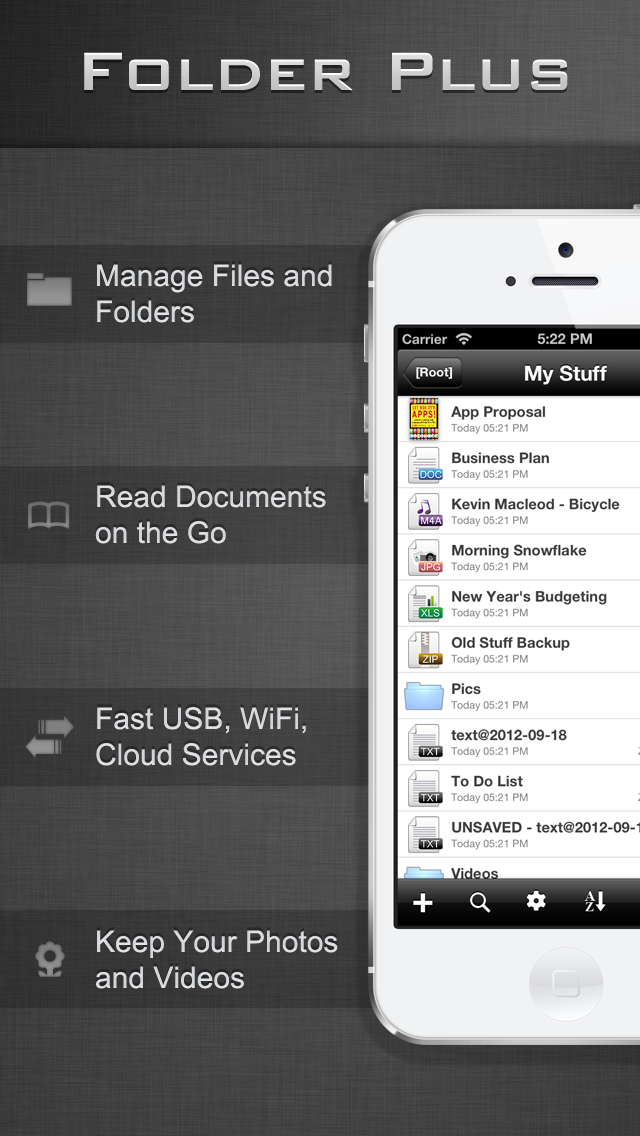
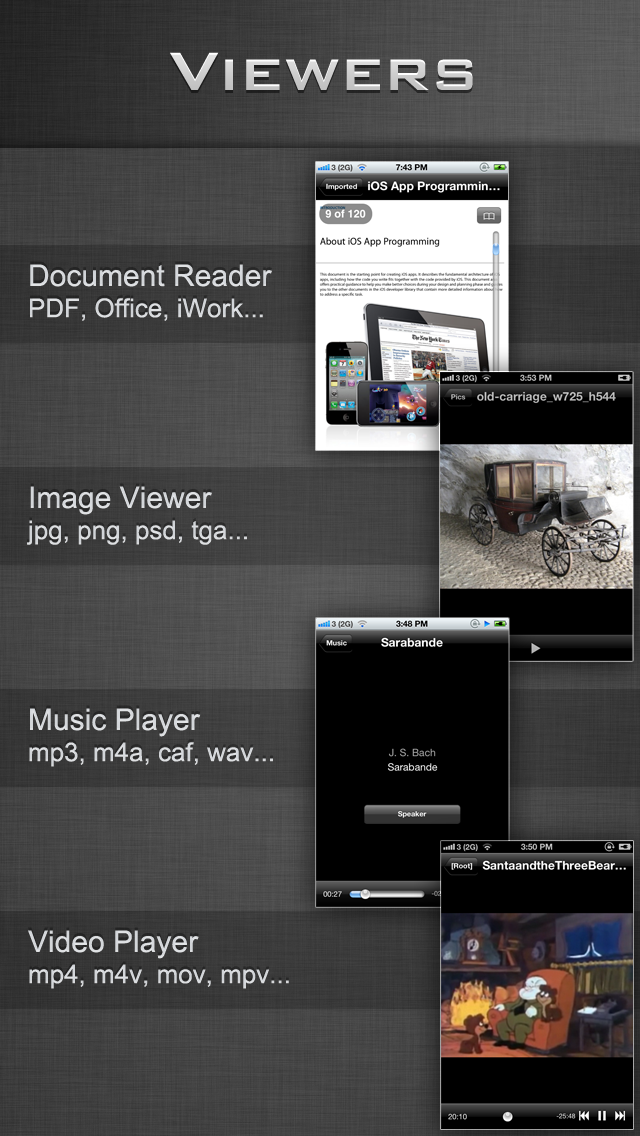
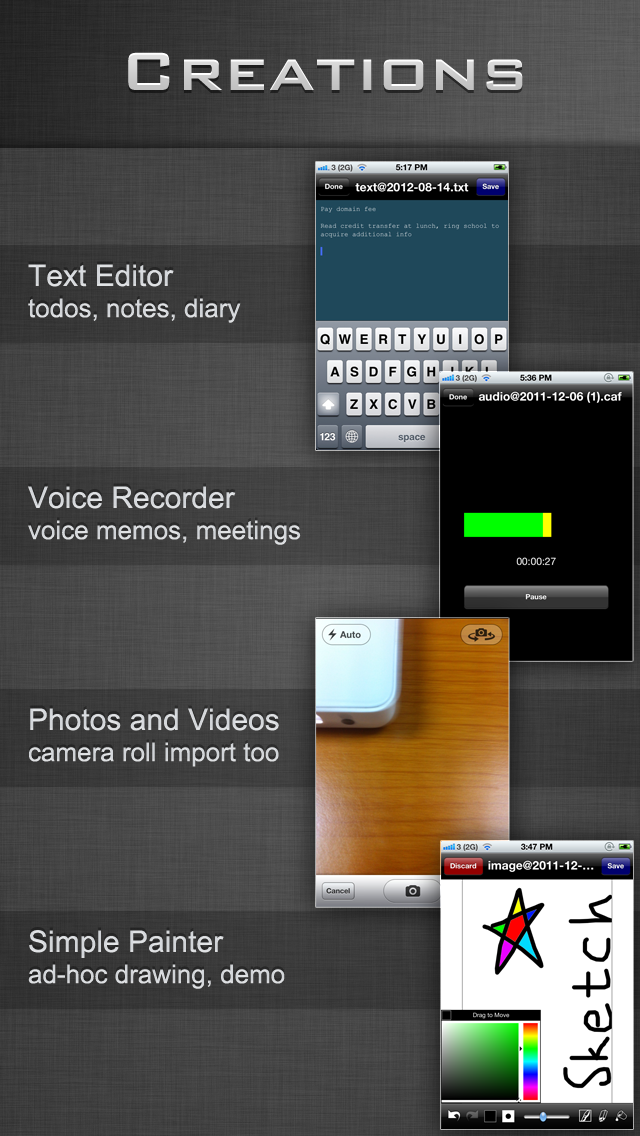
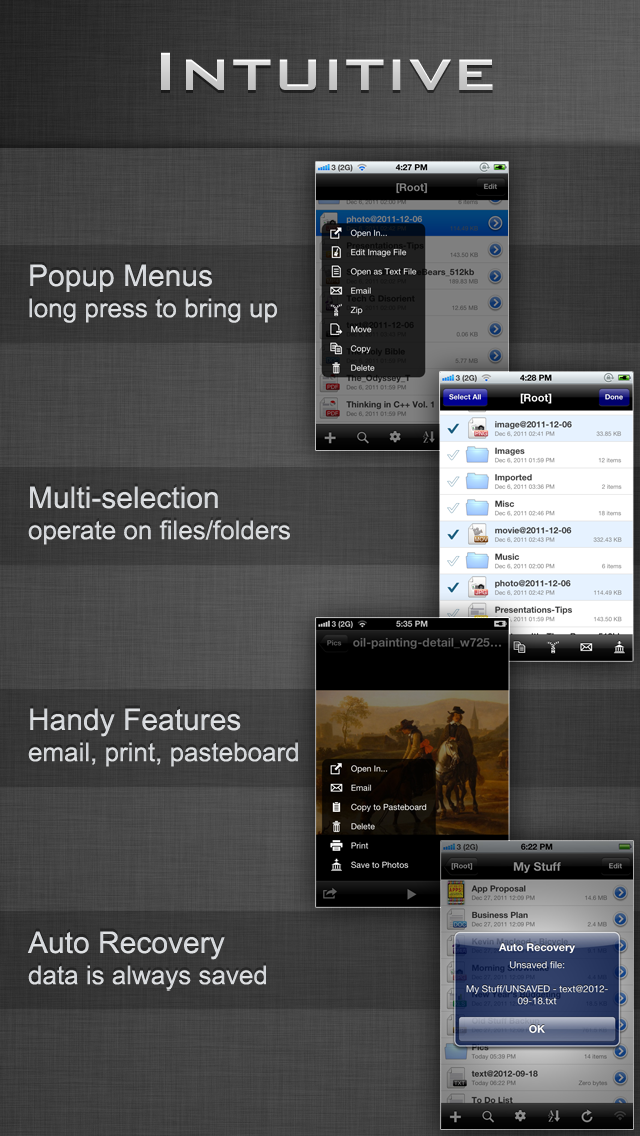
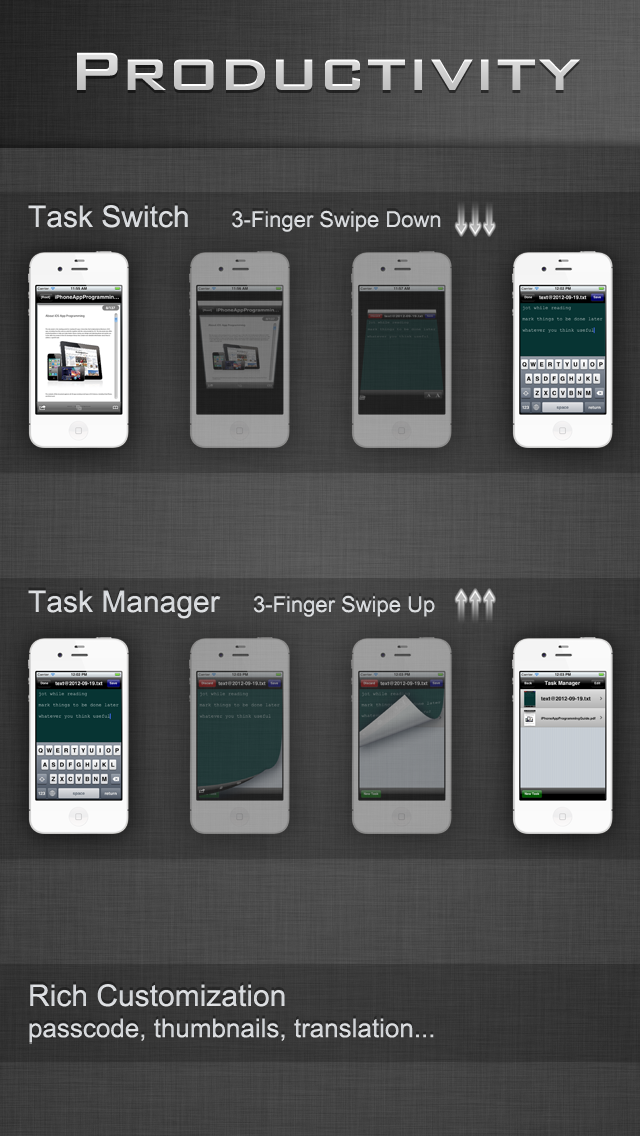
"The ability to use multi touch to quickly move between viewing and editing files is also very good if you’re willing to utilize it." - Touch Reviews ***** Folder Plus is an In-App Multitasking Capable File Manager/Viewer/Editor, with 3-Finger Swipes You Switch between Tasks of File Managing, Viewing, Editing, etc QUICKLY ***** Folder Plus's Features - Total File Manager - Exclusive 3-Finger Task Switch - Lightning Fast USB File Transfer - Robust FTP/HTTP/WebDAV Sharing Server - Support Dropbox, Google Drive, Box, iCloud, OneDrive, more to come - Wide Range of Supported File Types - Document Reader - Text Editor - Audio Recorder - Simple Image Editor - Media Player - Structured Directory Browsing - View Restore of Long Documents - Zip Archiver (compress & decompress, secure with password encryption) - Long Press to Bring up Context Menu - Multiple Files/Folders Operations - Attach Files/Folders to Emails - Search - Auto Recovery of Editing Documents - Passcode Security - WiFi Authentication (FTP/HTTP/WebDAV) - User Account Manager (FTP/HTTP/WebDAV) - Send Files as Email Attachments - Open Files in Compatible Apps (iBooks, ...) - Open Supported Files Requested by Other Apps (Safari, Mail Attachments, ...) - Portrait/Landscape Support - Support Translation for Selected Text When Reading Documents (PDF, DOC, PAGES) - Support Thumbnails - Support AirPrint Supported File Types - PDF Files - Microsoft Office Files (Word, Excel and PowerPoint) - iWork Files (Pages, Numbers and Keynote) - Image Files (JPG, PNG, GIF, TIFF, PSD) - HTML Files - Web Archives - Plain Text Files - Audio Files (MP3, AAC, Apple Lossless, WAVE, AIFF, CAF) - Video Files (QuickTime, MP4, M4V, MPV) - Archive Files (.zip/.cbz, .rar/.cbr, .7z/.cb7; handle passwords, splits) Supported File Operations - Folder/Sub-Folder Creation - Text File Creation/Editing - Image File Creation/Editing - Audio Recording Creation - Take Photos & Video - Import Photos & Video from the Photos App - Export Photos & Video to the Photos App - Open as Text File - Move/Copy/Zip/Email/Delete on Single/Multiple File(s)/Folder(s) - Folder Merge during Copying/Moving - View File/Folder Properties - Rename Files/Folders - Search Files/Folders - Search within Search USB Transfer Client - Folder Plus USB Recommended FTP Clients - Cyberduck - Filezilla - Windows Explorer Recommended WebDAV Clients - Mac OS X's Finder - Windows Explorer - Cyberduck Recommended Browser for Web Transfer - Chrome - Safari - Firefox * All listed clients/browsers can be thought of file manager apps as well running on desktop to manage the files off device WiFi Transfer Requirements A WiFi connection is required to transfer document files between Folder Plus and FTP/HTTP/Web clients (In this lite version, only the first 5 items in every folder can be directly opened) More features are on the way


