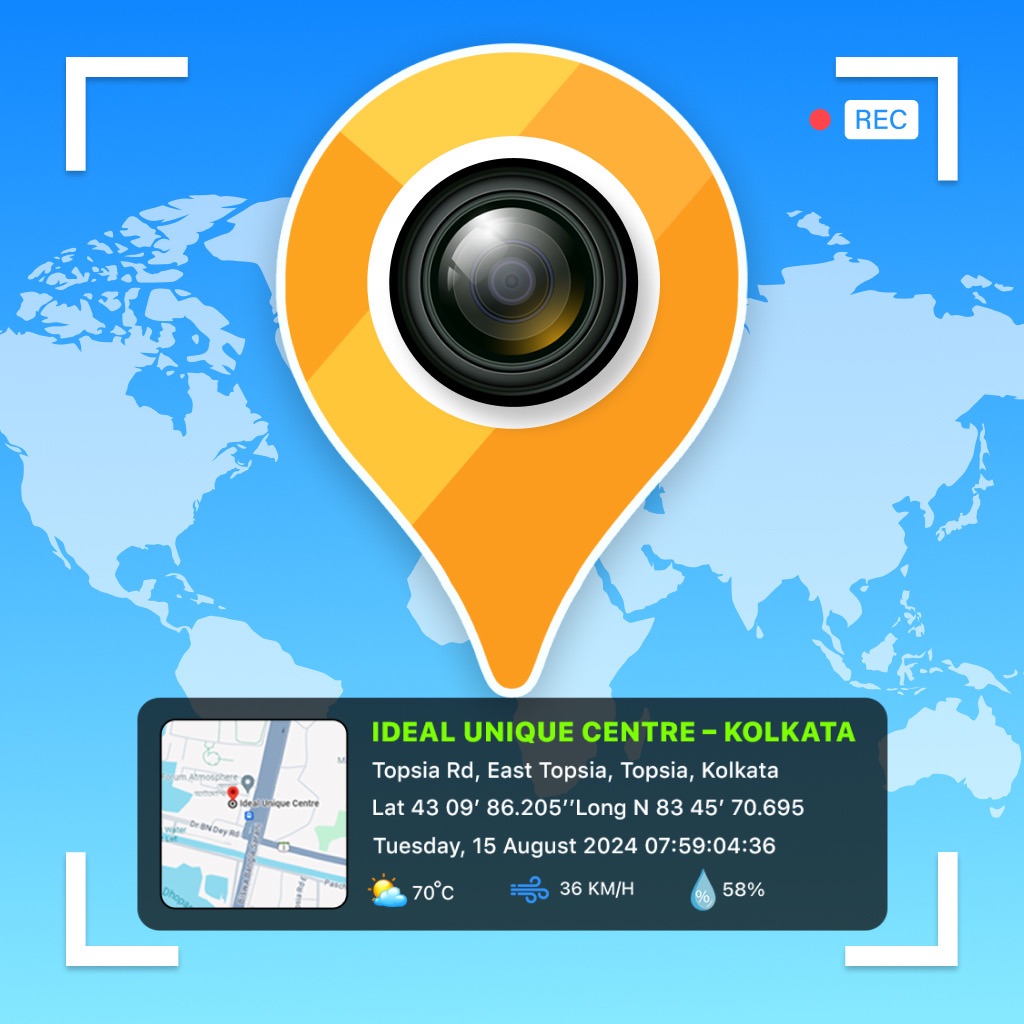
GPS Geotag Map Camera - Tagofy
ASO analysis
Tight against the limit — verify it doesn't truncate on small screens.
Solid length. Make sure the first 252 chars hook the reader.
Used by similar apps in your niche, but not in your title or description. Adding these (where genuinely relevant) can broaden your search reach.
Words you and your peers both use. Confirms positioning in this niche.
Keyword rankings
iTunes Search · top 200About
Capture your travel memories or visits to special places with Tagofy - Geotag Map Camera, adding date-time, Geotag, Latitude, Longitude, Altitude, Weather, Magnetic field, Timestamp, and Compass information to your camera photos. Easily add a timestamp watermark to your real-time camera photos with the Timestamp Camera app. Keep track of your live location and the current time along with your captured photos using a Tagofy - Geotag Map Camera. Share your geotagged photos with your family and friends to let them know about your amazing travel experiences. Whether it's your memorable moments or your adventures at a specific destination, use the Tagofy - Geotag Map Camera feature. Make your photos come alive with geotags by using the GPS Camera. Share the location of the streets and places featured in your photos with your loved ones, and share your best travel memories and adventures from around the world. To add GPS location to photos, follow these steps: 1. Install the Tagofy - Geotag Map Camera app from your device's App Store. 2. Open the app & click on the stamp that appears on the screen, Customize the stamp as per your choice. 3. Customize the format & arrangement to suit your needs. Adjust the settings for the GPS location stamp according to your needs. 4. Now, when you take a photo within the app, it will automatically add GPS location stamps to your photos, displaying the exact location on your photos. Some interesting features of the Tagofy - Geotag Map Camera app include: 1. Custom GPS camera with options for grid, ratio, front & selfie camera, flash, focus, mirror, timer, and capture sound support. 2. Automatic location data setting for added convenience. 3. Classic template that automatically fetches stamp details, simplifying the process of adding info to your photos. 4. Capture high-quality videos with adjustable quality and bitrate, choosing between MOV and MP4 formats. 5. Experiment with time-lapse Video recording, with video stabilisation. 6. Utilize mirror front camera, capture photos with customisable settings. 7. Access a built-in QR scanner. 8. Explore user-friendly timelapse interface, and customize the side panel with shortcut buttons (text, tags, lock screen). 9. Configure email settings for easy sharing, and explore additional functionalities in settings. In the Advance Template section of the Tagofy - Geotag Map Camera app, you can: 1. Address: Add your chosen automatic location to the photo or input it manually as needed. 2. Date & Time: Add date & timestamp in various formats as an image tag. 3. Logo: Upload your own brand logo to personalize your photos. 4. Note: Write relevant notes or descriptions for your photos. 5. Hashtags: Include hashtags related to your photos using this GPS app for better organization & discoverability. Tagofy - Geotag Map Camera app on your smartphone offers several benefits, such as: 1. Adding GPS location stamps to your photos. 2. Adding geotag stamps to your photos. 3. Adding photo location stamps. 4. Include Address, date-time & location stamps to your photos. Stay connected with loved ones as you share your adventures and geotagged photos through the Tagofy - Geotag Map Camera App. Your pics will now not only be visual delights but will also carry live location memories. Embrace the power of geotag and make your photos come alive with the Tagofy - Geotag Map Camera App. Tagofy - Geotag Map Camera isn't just a photography tool; it's a powerful companion for explorers, adventurers, and storytellers. Whether you're backpacking across the globe, capturing family gatherings, or documenting your city strolls, our app is designed to make your memories last a lifetime. Privacy Policy: https://tagofy.app/privacy_policy Terms & Service: https://tagofy.app/terms_of_use