AppScoutAppScout.gallery
iTransfer Pro icon
Utilities

iTransfer Pro

by ComcSoft Corporation
Rating4.3(26)
Price$6.99
Updated6mo ago
Released13y ago
Latest rank
Not tracked yet
Rank change
Not tracked yet
Rank history
Movement appears after the next data refresh.

Screenshots

iTransfer Pro screenshot 1iTransfer Pro screenshot 2iTransfer Pro screenshot 3iTransfer Pro screenshot 4iTransfer Pro screenshot 5iTransfer Pro screenshot 6iTransfer Pro screenshot 7iTransfer Pro screenshot 8

ASO analysis

Title13 / 30
iTransfer Pro

Good use of the title field.

Description1,331 / 4,000
5 paragraphs · 33% of limit used

Could go longer. The first 252 chars are above-the-fold; everything else still indexes.

Top keywords in your description
files×10itransfer×7keys×4pro×4support×4drive×3features×3icloud×3including×3box×2download×2dropbox×2
Keyword opportunities

Used by similar apps in your niche, but not in your title or description. Adding these (where genuinely relevant) can broaden your search reach.

devices6 peersconnect5 peerseasily5 peersdevice4 peersexperience4 peershtml4 peersimages4 peerspowerful4 peerssupports4 peerswi-fi4 peers
Shared niche keywords

Words you and your peers both use. Confirms positioning in this niche.

files8 peersiphone7 peerspro6 peerssimple6 peerstransfer6 peersvideos6 peerscom5 peersdocuments5 peersfeatures5 peersfile5 peers

Keyword rankings

iTunes Search · top 200
Keyword tracking starts automatically for apps on the top charts — ranks appear after the next data refresh. Manual tracking for search-only and niche apps coming soon.

About

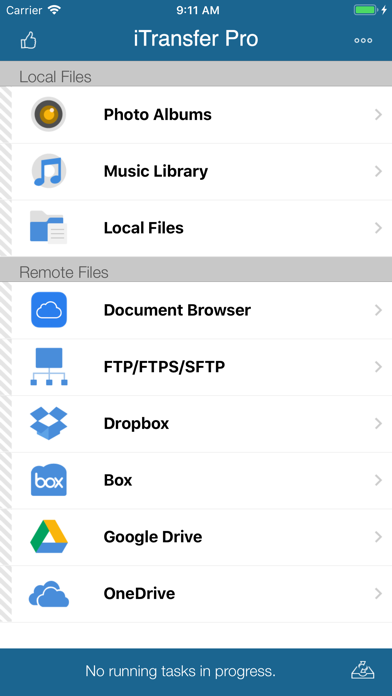
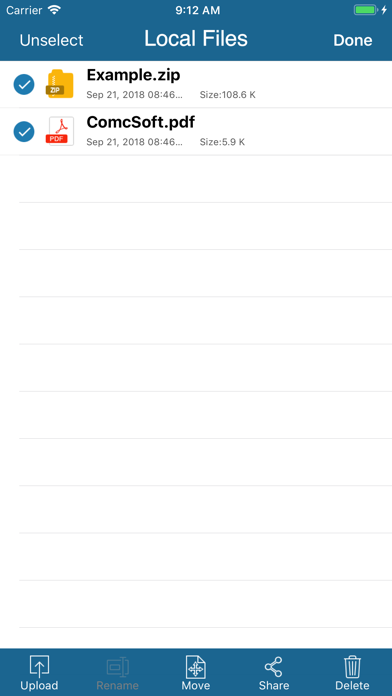
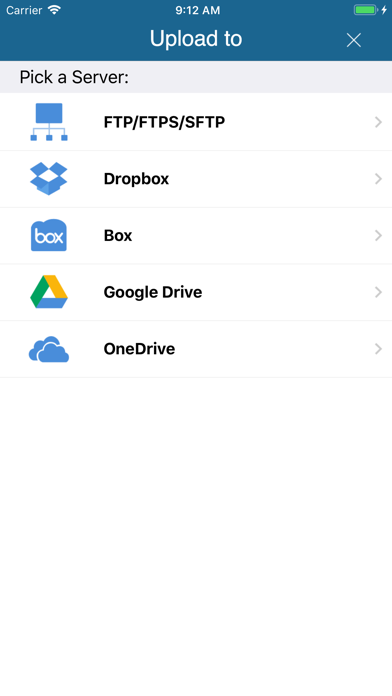
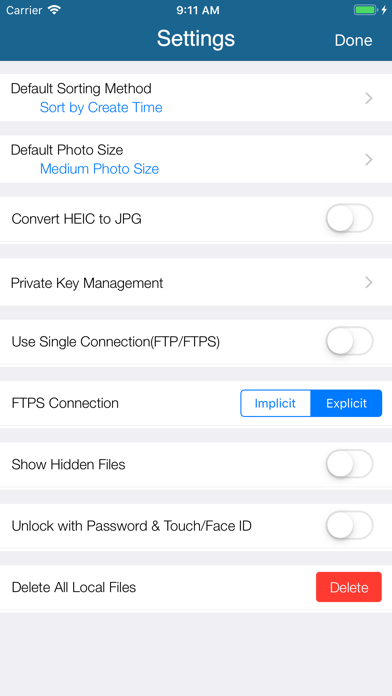
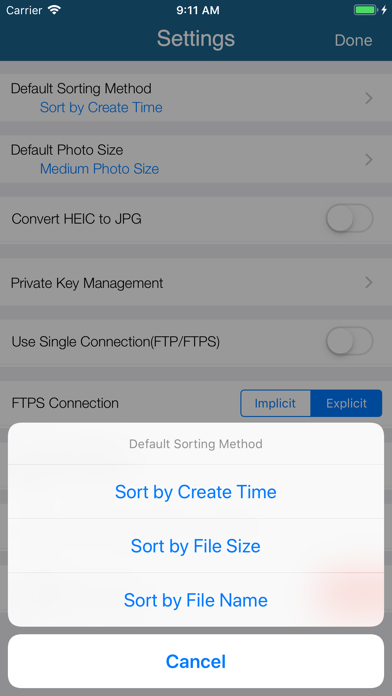
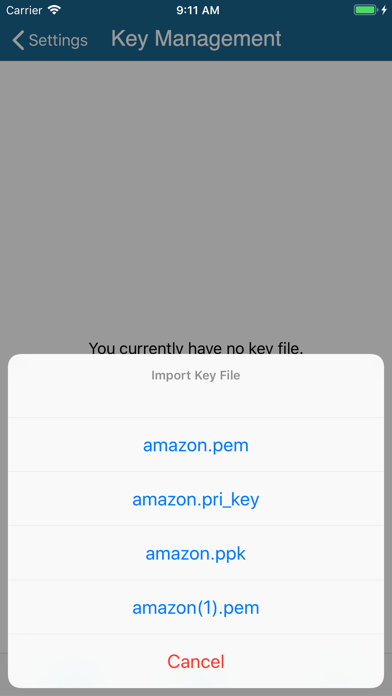
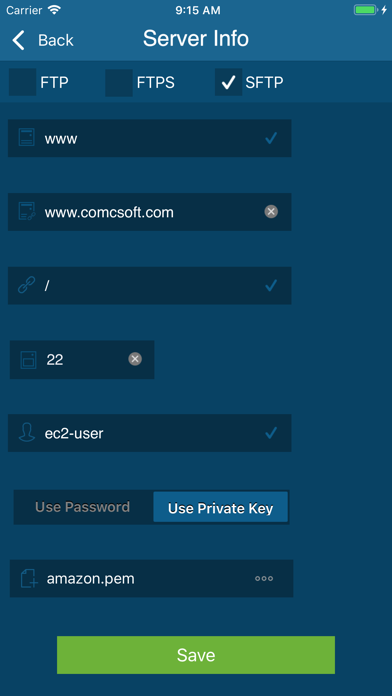
iTransfer Pro is the Pro Version of iTransfer, the No. 1 App for file transfer on iPhone/iPad. Besides all the features available on iTransfer, the Pro Version has more features, which are essential to business and professional users, including Dropbox, Box, OneDrive, and GoogleDrive access. Supported features include: 1. Download files from your iCloud Drive. Save local files to iCloud Drive. 2. Upload/download files to/from FTP/SFTP/FTPS servers, DropBox, Box, OneDrive, and GoogleDrive. 3. Support both user name/password and Private Key authentication for SFTP. Support both PPK and PEM keys. Support importing keys from/exporting keys to iCloud Drive under iTransfer/keys folder. 4. Email files. 5. Manage files, including adding a folder, searching, renaming, moving or deleting files. 6. View supported files, including: PDF, DOC, EXCEL, PPT, image files, TXT, etc. 7. Open files using other Apps through “Open in”. 8. Play photo slideshows. 9. Playback music and videos. 10. Support launching with a password. 11. Print documents. 12. Share photos on Facebook, Twitter and Weibo. With its simple interfaces, iTransfer Pro provides the easiest way to transfer files on iPhone and iPad. If you have any questions, please visit: http://www.comcsoft.com/Portfolio/our_apps/iTransfer/iTransfer_overview.php.

01
USB Transfer icon
USB Transfer
SmartMedTech
0.0
02
File Manager - Files Transfer icon
File Manager - Files Transfer
SHELL INFRASTRUCTURE PRIVATE LIMITED
4.4
03
iTerminal Pro – SSH Telnet icon
iTerminal Pro – SSH Telnet
ComcSoft Corporation
5.0
04
iNetTools - Pro icon
iNetTools - Pro
ComcSoft Corporation
4.6
05
iSafe Pro icon
iSafe Pro
Fanship
4.0
06
Move to OS Data Transfer icon
Move to OS Data Transfer
嘉欣 黎
4.3
07
iSaveWeb Pro icon
iSaveWeb Pro
MaximumSoft Corp.
1.0
08
Copy My Data - Smart Transfer icon
Copy My Data - Smart Transfer
Red Sky Labs, S.L.
4.6
09
FileMaster Pro icon
FileMaster Pro
继伟 王
3.8
10
dBMeter Pro icon
dBMeter Pro
Matthias Schorer
4.0