

Utilities
Keyring – Password Manager
by Sergey Pershenkov
Rating0.0(0)
PriceFree
Updated8y ago
Released10y ago
Latest rank
—
Not tracked yet
Rank change
—
Not tracked yet
Rank history
Movement appears after the next data refresh.
Screenshots


ASO analysis
Title26 / 30
Keyring – Password Manager
Good use of the title field.
Description409 / 4,000
2 paragraphs · 10% of limit used
Very short — Apple's algorithm has little to index. Aim for 1000+ chars.
Top keywords in your description
accounts×2password×2quick×2access×1account×1automatically×1clear×1copy×1find×1format×1keepass×1keyring×1
Keyword opportunities
Used by similar apps in your niche, but not in your title or description. Adding these (where genuinely relevant) can broaden your search reach.
passwords9 peersdata7 peersapplication6 peersdevice6 peersencryption6 peersauto-fill5 peersfeatures5 peerskeep5 peersprivacy5 peerssecurely5 peers
Shared niche keywords
Words you and your peers both use. Confirms positioning in this niche.
manager10 peerspassword10 peerssecure8 peersaccess7 peerslogin6 peersaccount5 peersaccounts4 peersautomatically4 peersmaster4 peerssearch4 peers
Keyword rankings
iTunes Search · top 200Keyword tracking starts automatically for apps on the top charts — ranks appear after the next data refresh. Manual tracking for search-only and niche apps coming soon.
About
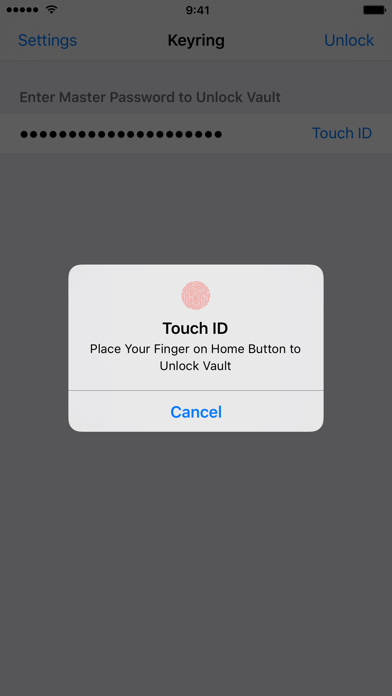
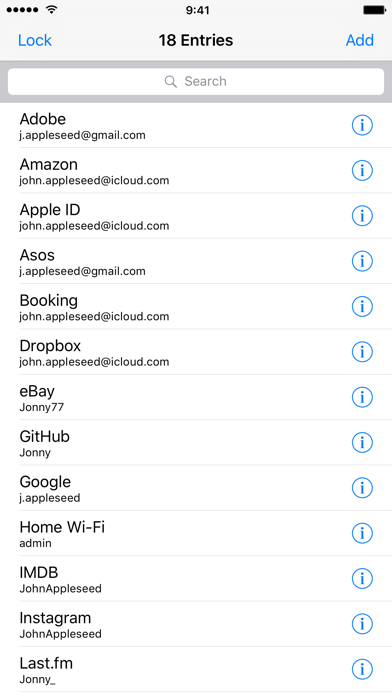
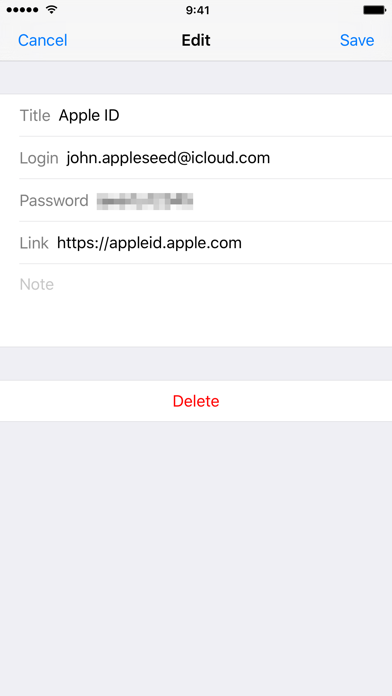
Store all your accounts in one place. By using open source KeePass format, Keyring provides secure storage with a lot of supporting apps on many platforms. • One Master Password to access all your accounts • Touch ID support for quick unlocking • Quick search to find the account you need • One tap to copy login or password • No need to manually lock vault or clear pasteboard, the app does it automatically


