LiveCam – Fullscreen Monitor
Screenshots

ASO analysis
Good use of the title field.
Could go longer. The first 252 chars are above-the-fold; everything else still indexes.
Used by similar apps in your niche, but not in your title or description. Adding these (where genuinely relevant) can broaden your search reach.
Words you and your peers both use. Confirms positioning in this niche.
Keyword rankings
iTunes Search · top 200About
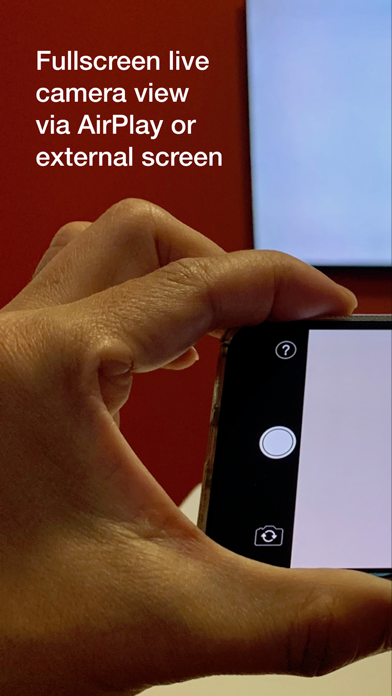
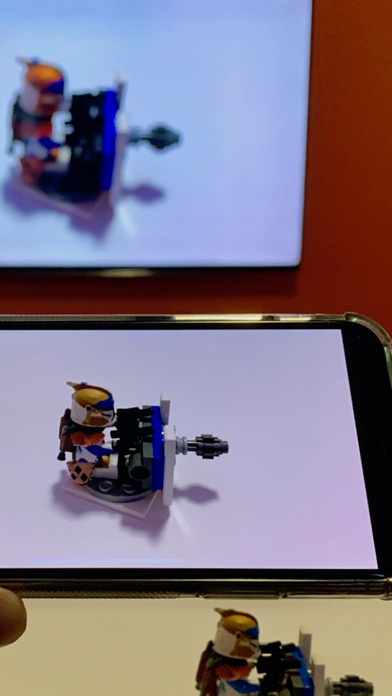
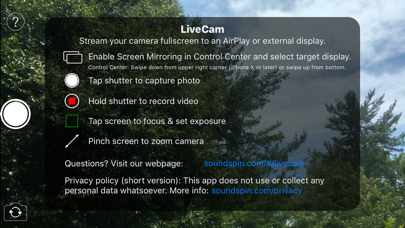
LiveCam is built for a single purpose: to stream your iPhone camera fullscreen to an AirPlay® or wired external display without any distracting elements. Your audience sees only what you want them to see, a fullscreen camera view, without any additional controls or interface elements. It’s perfect for live events and classroom settings. Project to large displays for easier viewing and for closeups on smaller objects difficult to see a distance. Highlights - 16:9 external display output (no letterboxing), with a proper aspect ratio preview on your iPhone screen (including X, Xs, and Xr models) - While streaming to an external display, document your events by recording HD video (with audio) or capturing high resolution photos - Pinch to zoom, including up to 2x optical zoom on iPhone X, Xs, and Plus models - Tap on viewfinder display to fix focus and exposure point - Works with both rear and front-facing cameras - Both landscape and portrait orientations are supported - Supports wired display connections via Lightning to HDMI or VGA adapters Note: To use with an external display, activate Screen Mirroring before or after launching the app, using Control Center: - Open Control Center by swiping down from the upper right of the display - Enable Screen Mirroring to your target display - Tap screen to close Control Center