

My Lists
Screenshots
ASO analysis
Short title. You're leaving keyword space on the table.
Could go longer. The first 252 chars are above-the-fold; everything else still indexes.
Used by similar apps in your niche, but not in your title or description. Adding these (where genuinely relevant) can broaden your search reach.
Words you and your peers both use. Confirms positioning in this niche.
Keyword rankings
iTunes Search · top 200About
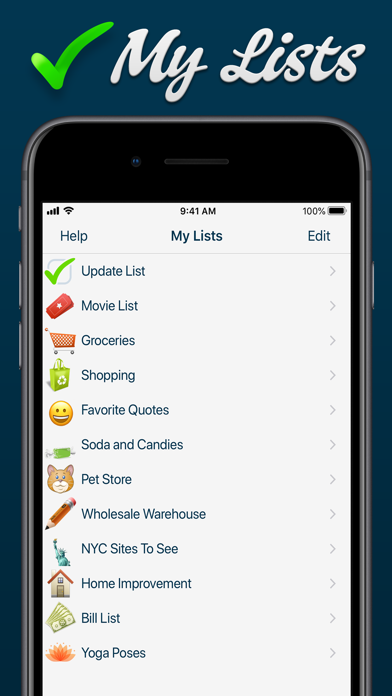
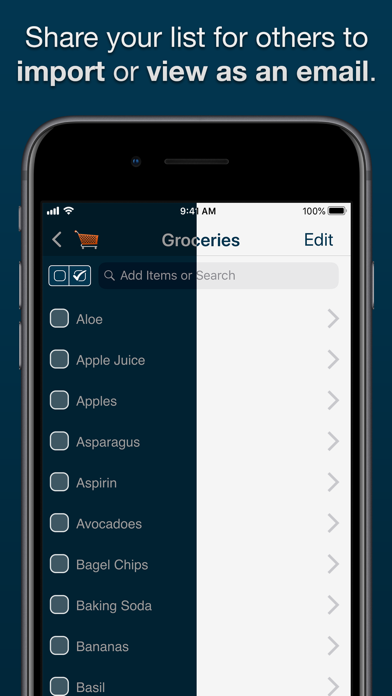
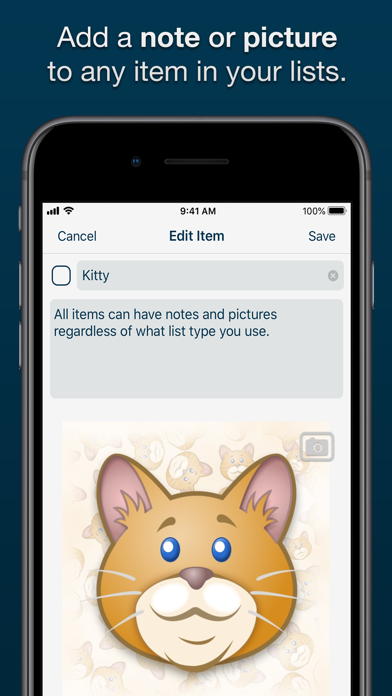
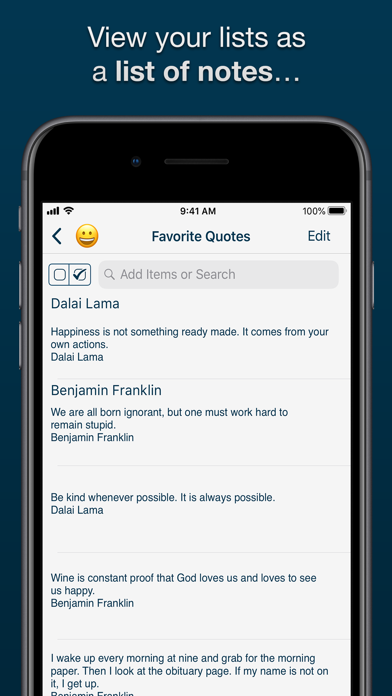
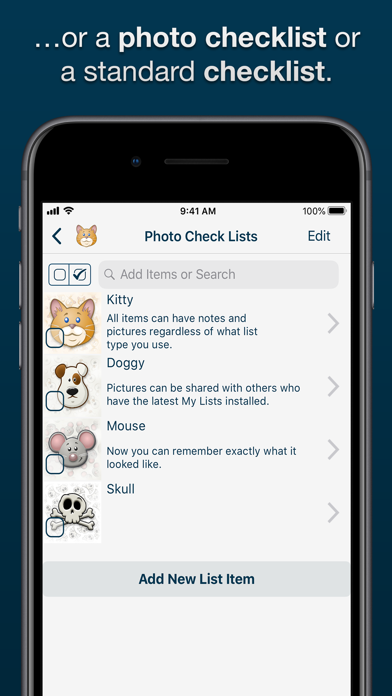
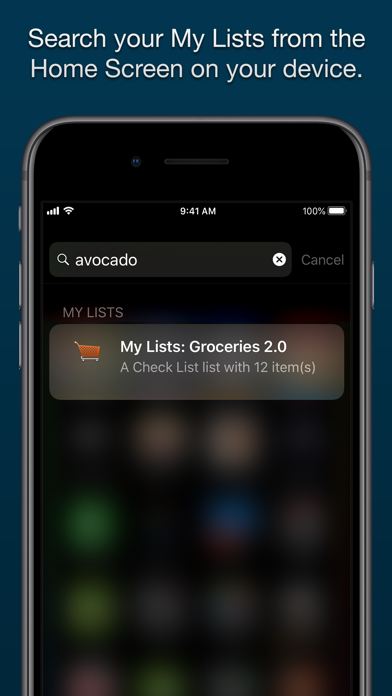
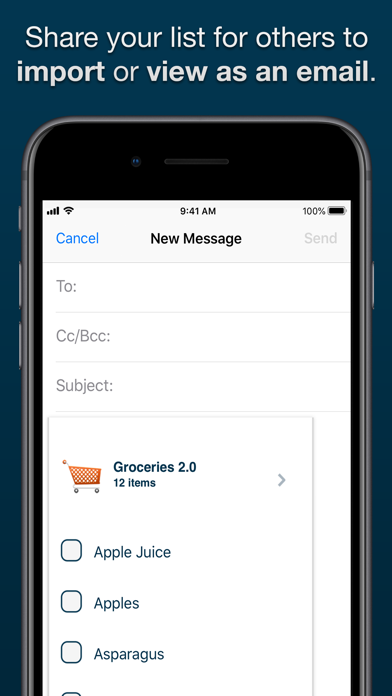
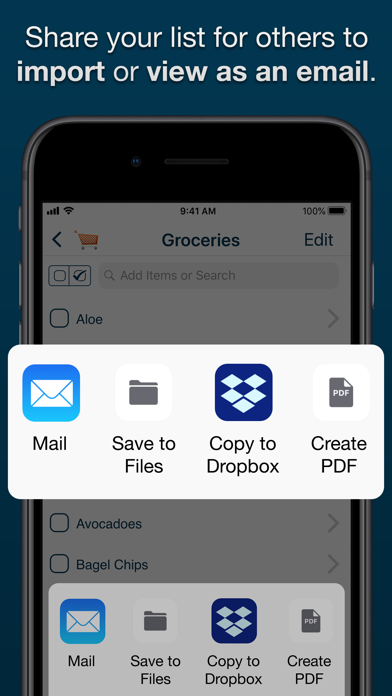
Proudly NOT collecting your private data for over a decade — We debuted on the App Store on July 13th, 2008. Not once have we asked users to sign away data about themselves or their lists. Updated to latest version of iOS and iPadOS. Make lists for anything you need from shopping lists to movies to ideas for your novel, notes for a class to restaurants to try. Add images to your list items with the Photo Checklists option or keep track of notes with the Notes View to help manage larger amounts of data. You can keep track of additional information by adding images to the details view of an item in ANY list type. My Lists contains many great tools which allow you to share, sort, and reorder your lists and items the way that you need in order to effectively manage your daily life. Features: - NEW easier User Interface - NEW Search for list items in Spotlight - NEW Light and Dark Themes - NEW icons and latest Emoji - NEW Random sort method - NEW Support for Files app and any Cloud services it supports - iOS 12 and 2018 Device support - Retina Display-worthy list icons - Add PHOTOS to any list item - 3 List View: Checklist, Photo Checklist and Notes - Updated Visual Help System - Automatically group checked items - Show count of unchecked items on Main List View - Search functionality which searches both item titles and descriptions. - Search based on status by searching for the terms "checked" and "unchecked" - Email backup of individual lists - Email visual versions of individual lists - Export or backup any or all lists - Visual count of checked items in list title (optional) - Reorder lists alphabetically or based on checked/unchecked - Manually order list items in "Edit" mode - Check or uncheck all items - Delete lists or items with a swipe


