

Photo Extension Histogram
Screenshots


ASO analysis
Good use of the title field.
Could go longer. The first 252 chars are above-the-fold; everything else still indexes.
Used by similar apps in your niche, but not in your title or description. Adding these (where genuinely relevant) can broaden your search reach.
Words you and your peers both use. Confirms positioning in this niche.
Keyword rankings
iTunes Search · top 200About
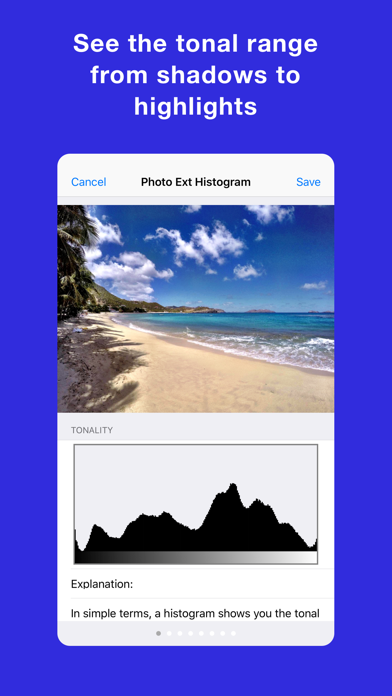
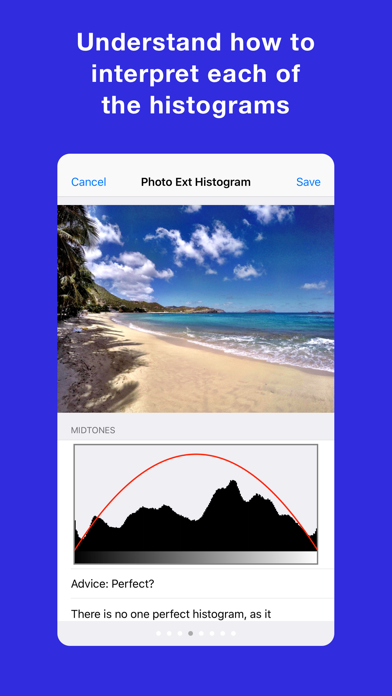
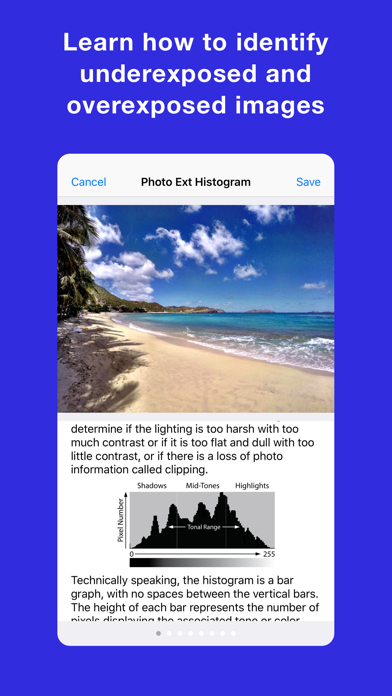
** ESSENTIAL PHOTO UTILITY ** Photo Extension Histogram provides Tonality, RGB Channels, and Luminosity histograms for photos stored in the Apple Photos app for iPhone and iPad. This extension is great for photographers who need to analyze the tonal and color distribution of photos to identify underexposure, overexposure, and appropriate levels of contrast. The extension also explains, advises, and guides you on how to understand each histogram to be a great photographer! To use this extension, open the Apple Photos app, select any photo, tap the Action button, and then select the Photo Extension. You can also use the extension when editing photos. Photo Extension Histogram: + Quick and easy to use. + Supported in most photo apps Action button. + Works on the iPhone and iPad. + Available from Action Extension or Edit Extension. + Shows Tonality Histogram. + Shows RGB Channel Histogram. + Shows Luminosity Histogram. + Provides advice about dark, light, and mid-tones. + Provides advice about high and low contrast. + Explains each histogram in plain English for everyone to understand. + Save photo with the histogram in the Photo Library. MORE APPS: Check out all our apps at https://digiguys.com SUPPORT: We are here to help https://www.digiguys.com/help FACEBOOK PAGE: Join our Facebook Page for tips, ideas, support, and much more... be part of the community! https://www.facebook.com/digiguysapps


