PhotoTiling
Screenshots
ASO analysis
Short title. You're leaving keyword space on the table.
Solid length. Make sure the first 252 chars hook the reader.
Used by similar apps in your niche, but not in your title or description. Adding these (where genuinely relevant) can broaden your search reach.
Words you and your peers both use. Confirms positioning in this niche.
Keyword rankings
iTunes Search · top 200About
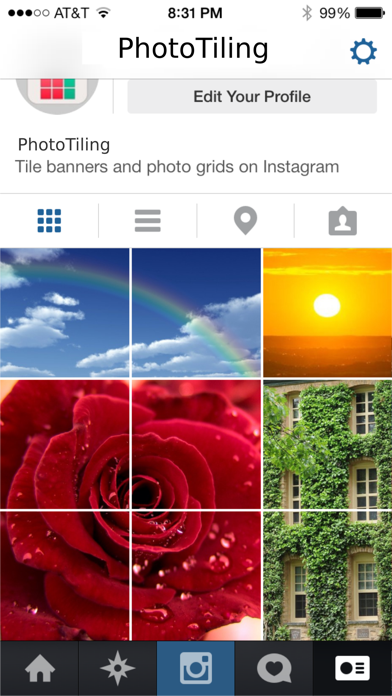
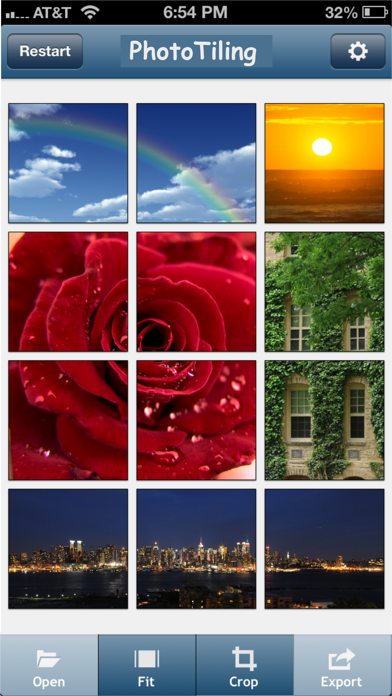
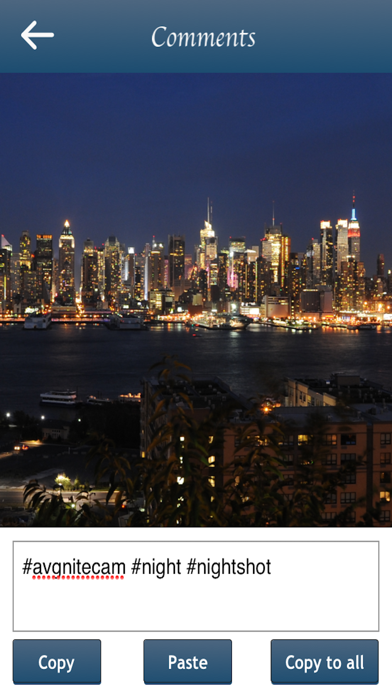
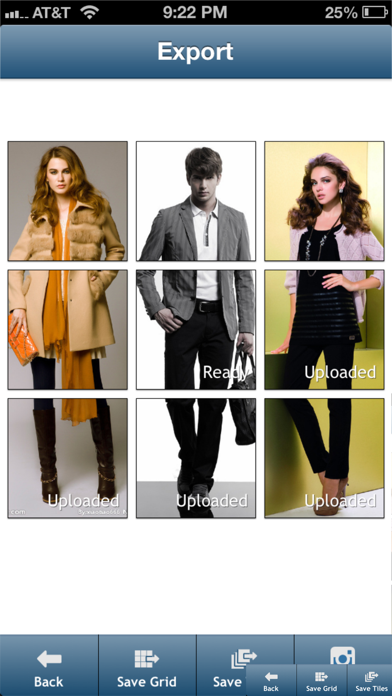
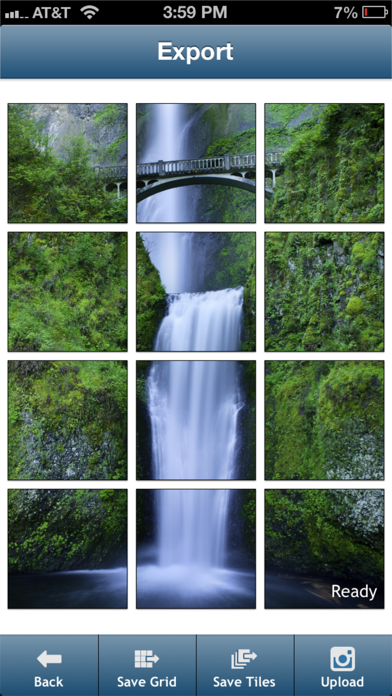
"The well-known InstaTiling app is now PhotoTiling" ** Tile banners and photo grids on your Instagram profile ** New: The app was previously named "InstaTiling". It has been renamed to "PhotoTiling" for meeting Instagram's brand policy. PhotoTiling is an app that enables you to crop your photos into multiple squares (tiles), then arrange them on your Instagram profile page to create Banners and Photo Grids. PhotoTiling not only enables you to easily and quickly make banners, but also provides you the maximum flexibility to tile your photos into any grid pattern you want. Besides uploading to Instagram, you can also save your Banner/PhotoGrid as a single photo. ** Features : 1. Load multiple photos, crop your input photos into multiple squares, then arrange and post them on Instagram as banner or any grid pattern you want. (see Screenshot 1,2,5), 2. Add tags, captions, and comments to the cropped photos within the app, and you can copy the tags to all other cropped photos with just one button tap (see Screenshot 3). 3. The UI is optimized for you to quickly and easily make banners. The "Fit" function can automatically fit your loaded photo into the squares you have selected. 4. Upload the cropped photos to Instagram in the correct order from within the app. The app will track which cropped photos have been uploaded so that you won't forget what should be the next one to upload (see Screenshot 4,5) 5. You can also save the cropped photos to your camera roll, then upload them later in Instagram. 6. You can save the created Banner/PhotoGrid as one single photo to Camera Roll. ** Tips: 1. To make large banners (e.g. 4x3 banner), you can use two-finger tap to quickly select multiple squares. 2. You can use the "Fit" function to quickly fit your loaded photo into the squares that you have selected. 3. Use "Save Grid" function to save the created Banner/PhotoGrid as one single photo to Camera Roll. ** Note: 1. Due to the constraints of Instagram API, currently you can only upload the cropped photos one at a time during "upload". 2. The tags or comments added within the app are only effective when you use the "upload" function. If you use the "save Tiles" function and use Instagram to upload from camera roll, you can only add tags within the Instagram app. ***** Visit @Instatiling on Instagram for featured user profiles (upcoming), update info, and samples etc. Visit #InstaTilingApp to see other users' InstaTilings Visit our website : www.eyetapsoft.com