

PixiVisor
Screenshots
ASO analysis
Short title. You're leaving keyword space on the table.
Could go longer. The first 252 chars are above-the-fold; everything else still indexes.
Used by similar apps in your niche, but not in your title or description. Adding these (where genuinely relevant) can broaden your search reach.
Words you and your peers both use. Confirms positioning in this niche.
Keyword rankings
iTunes Search · top 200About
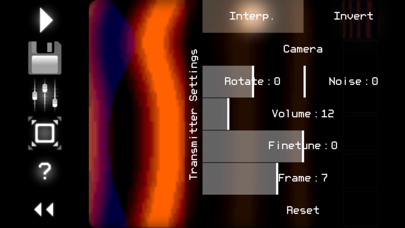
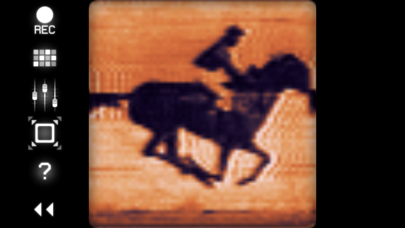
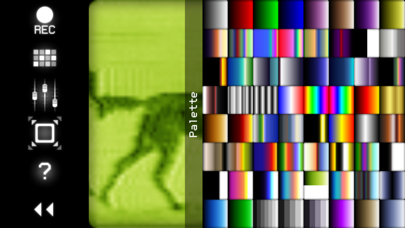
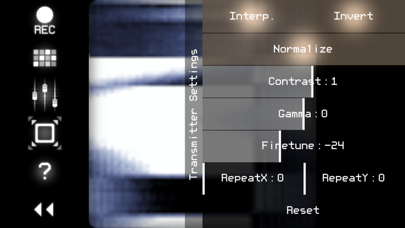
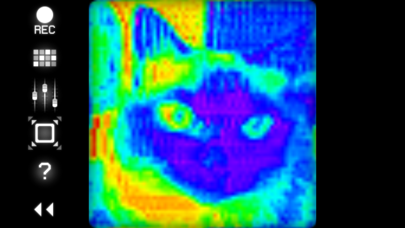
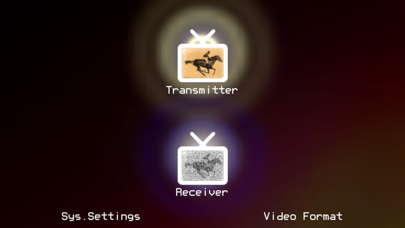
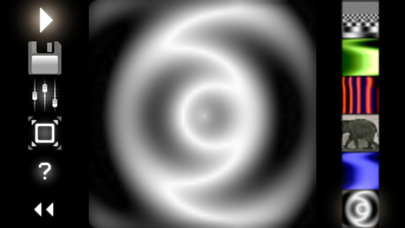
PixiVisor is a tool for experimenting with the transmission of video over audio. It consists of two parts: Transmitter and Receiver. * Transmitter converts the low-resolution video (stream from camera, static image or GIF animation) to sound in real time, pixel by pixel (progressive scan). So any image or animation can be transferred to the other devices through the sound. * Receiver converts the sound (from microphone or Line-in input) back to video. You can set the color palette for this video, and record it to animated GIF file. Examples of use: * wireless Lo-Fi video transmission over audio; * video signal transmission through audio cable; you can then modify that signal by some mixers or audio FX processors; * VJing; * sound visualization; * searching for hidden messages in the ambient noise; EVP (Electronic Voice Phenomenon), ITC (Instrumental Transcommunication); * save any sound to animated GIF; * something else... Control keys: SPACE - play/stop (transmitter); 1,2,3,4,5,6 - slot select (transmitter); F - hide/show control panel; [ - previous palette (receiver); ] - next palette (receiver); I - invert (receiver);. N - normalize (receiver); 1,2 - contrast -/+ (receiver);. 3,4 - gamma -/+ (receiver); 5,6 - finetune -/+ (receiver); 7,8 - repeat X -/+ (receiver); 9,0 - repeat Y -/+ (receiver); LEFT,RIGHT,UP,DOWN - move the image (receiver). More info + test broadcasts + videos: https://warmplace.ru/soft/pixivisor


