

Quantum VJ HD
Screenshots
Estimates
low confidenceASO analysis
Good use of the title field.
Could go longer. The first 252 chars are above-the-fold; everything else still indexes.
Used by similar apps in your niche, but not in your title or description. Adding these (where genuinely relevant) can broaden your search reach.
Words you and your peers both use. Confirms positioning in this niche.
Keyword rankings
iTunes Search · top 200About
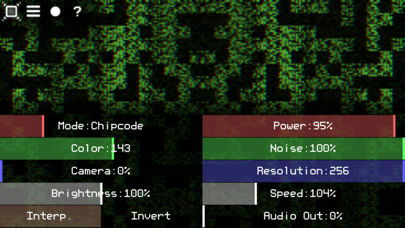
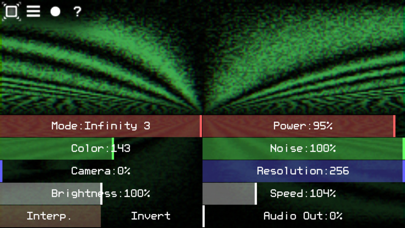
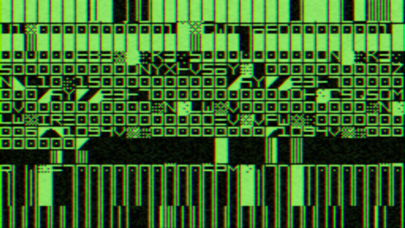
Quantum VJ HD is a simple glitch-style audio visualizer. It can receive sound from the microphone or from the Line-in port (depends on the system settings). Sound will be converted to the graphic elements byte by byte. The final video can be mixed with the camera stream in real time. iTunes File Sharing and Wi-Fi can be used, if you want to upload your own codeset images to the app. [ Multitouch control ] (pair of parameters for each new touch) 1st Touch - changing the Mode (horizontally) and the Power (vertically) parameters. 2nd Touch - changing the Color (horizontally) and the Noise (vertically) parameters. 3rd Touch - changing the Camera (horizontally) and the Resolution (vertically) parameters. 4th Touch - changing the Brightness (horizontally) and the Speed (vertically) parameters. Press on the top left corner to hide/show the control panel (fullscreen mode ON/OFF).


