

PolySpeak
Screenshots
ASO analysis
Short title. You're leaving keyword space on the table.
Could go longer. The first 252 chars are above-the-fold; everything else still indexes.
Used by similar apps in your niche, but not in your title or description. Adding these (where genuinely relevant) can broaden your search reach.
Words you and your peers both use. Confirms positioning in this niche.
Keyword rankings
iTunes Search · top 200About
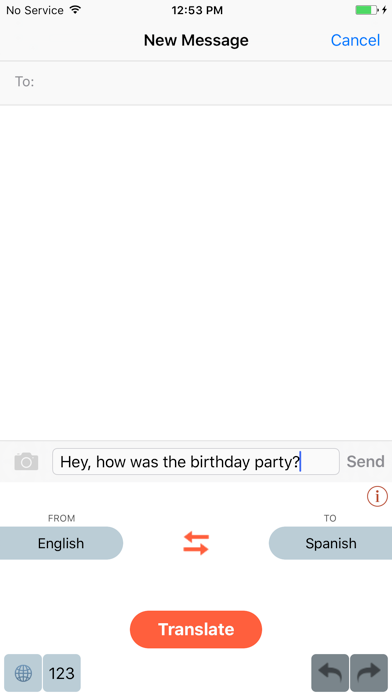
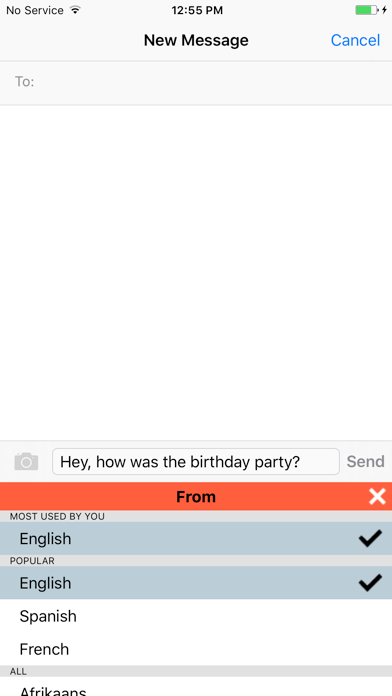
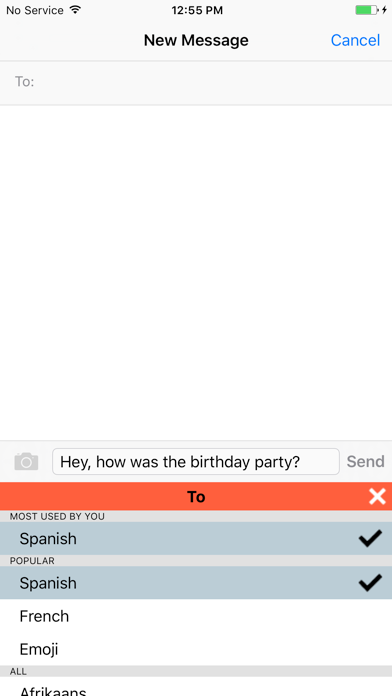
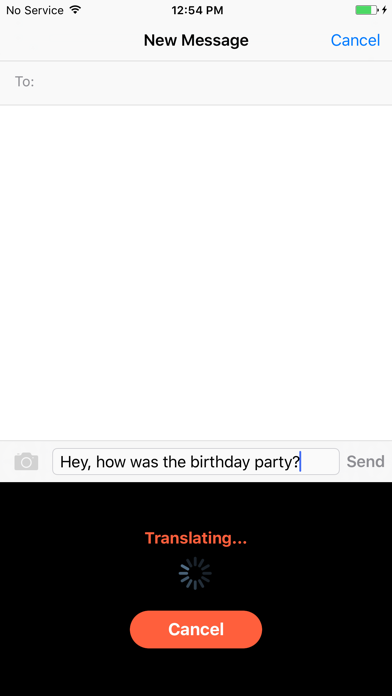
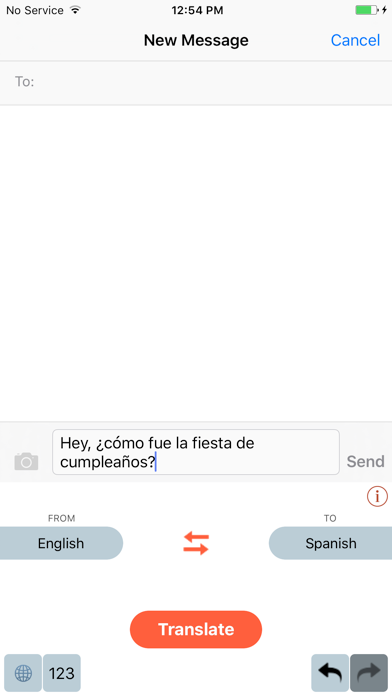
PolySpeak is a lightweight, easy to use translation keyboard for your smartphone. Type the text in your language, and translate it to the desired language simply by switching over to PolySpeak keyboard and pressing translate. To activate PolySpeak go to Settings > General > Keyboard > Keyboards > Add New Keyboard... and select PolySpeak Note: PolySpeak needs Internet access to translate your text. To allow Internet access to PolySpeak go to Settings > General > Keyboard > Keyboards > PolySpeak and enable Allow Full Access. Then select Allow in the popup. PolySpeak does not store your text anywhere, but simply translates it for you. You can read more about it in our Privacy Policy. Features: 1) Swap button to easily swap 'From' and 'To' languages. 2) Undo/Redo buttons to go back to previous and current translation. 3) 'From' and 'To' language choices are saved for future use so you don't have to select them when you come back to PolySpeak later. 4) 'Emoji' translation: translate an English text to Emoji. For e.g., try translating 'I love the city of New York'. Currently we only support translation from English to Emoji. But in future versions we plan to support from other languages to Emoji as well. 5) Language pickers show "MOST USED BY YOU" and "POPULAR" languages for easy access. 6) Translate between 85+ languages (the most that any translate keyboard offers currently!).


