

SpeakerPro
Screenshots

ASO analysis
Short title. You're leaving keyword space on the table.
Solid length. Make sure the first 252 chars hook the reader.
Used by similar apps in your niche, but not in your title or description. Adding these (where genuinely relevant) can broaden your search reach.
Words you and your peers both use. Confirms positioning in this niche.
Keyword rankings
iTunes Search · top 200About
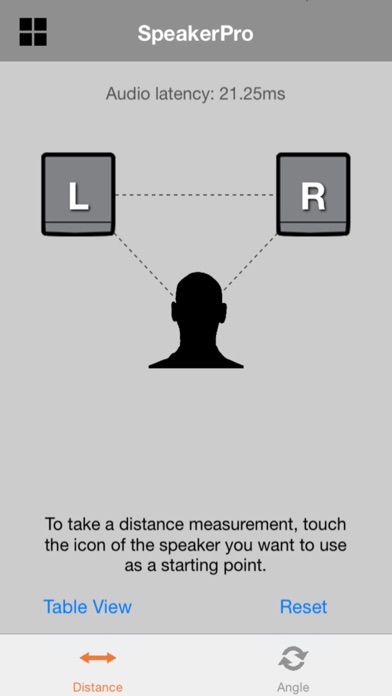
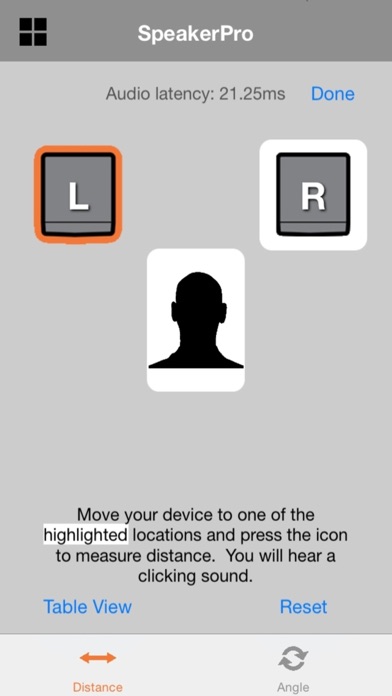
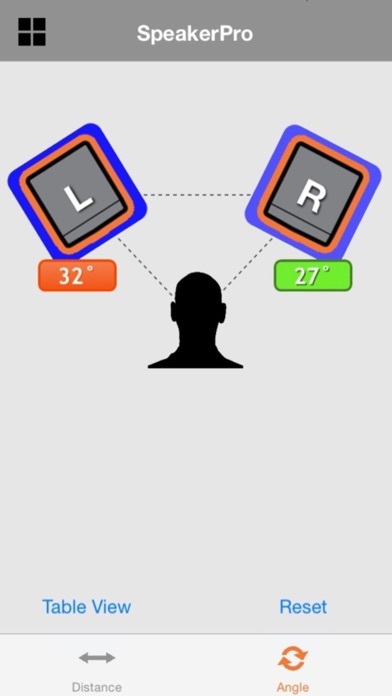
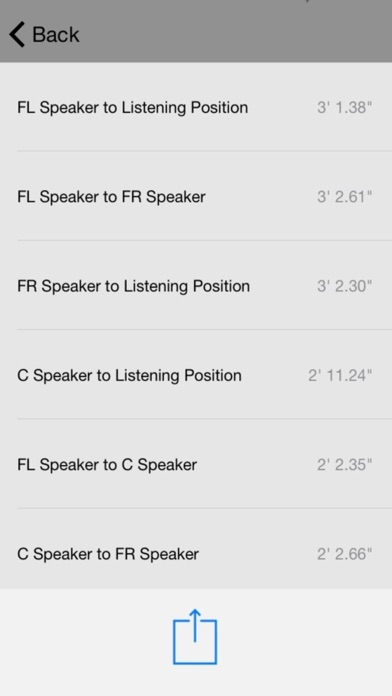
SpeakerPro is the first app that allows you to precisely measure speaker distances and toe-in angles with your iPhone, iPad, or iPod Touch. Ideal for audio enthusiasts, home recordists, and professionals alike, SpeakerPro works with any stereo or surround sound system, and with any make or model of speaker. It employs groundbreaking patented technology that enables you to get the most out of your audio system. Key Features: • Use your iPhone, iPad, or iPod Touch for precise measurement and adjustment of critical speaker-to-listening position and speaker-to-speaker distances. • Easy and intuitive to use. • Intelligently recommends speaker toe-in angles for your particular system's layout with color coding and continuously updated onscreen icons. • Works anywhere -- no need for WiFi or Internet connection. • Distance measurements are accurate within fractions of an inch. • Table view shows multiple distance measurements, which can be printed or shared. • Reference calibration automatically compensates for latency (delay) in the signal path of the audio system. • Projects are automatically saved and can be renamed and recalled. • Includes user guide that can be printed or shared. (Note: Distance measurement requires an appropriate audio cable to connect your device's headphone jack to the inputs of your speaker system.) Measuring speaker distances and angles with SpeakerPro is easy. Begin by using an appropriate audio cable to connect the headphone output of your device to individual speakers or to your audio system. After taking a simple reference calibration, select the speaker you want to use as the starting point by touching its onscreen icon. Then place your device at the listening position (or next to another speaker) and touch its corresponding onscreen icon. SpeakerPro instantly displays the precise distance between the two points. You can choose to accept it, or to move the speaker and re-measure. Repeat the process as necessary to take distance measurements from other speakers in your system. Once all your measurements are taken, touch the Angle icon to obtain intelligent speaker toe-in angle recommendations for your system. Begin by adjusting your speakers so they are facing straight ahead. Place your iPhone, iPad, or iPod Touch on top of one of the speakers and press the corresponding onscreen icon, then rotate that speaker towards the listening position. As you do so, SpeakerPro's onscreen display shows you the degree of toe-in, using color coding to guide you through a range of recommended angles. Next, do the same for the paired speaker in your system. A handy onscreen Reset button allows you to start from scratch at any time and experiment with different distance measurements and toe-in angles.


