

ThinkSpace: Next-gen Mind Map
Screenshots
ASO analysis
Tight against the limit — verify it doesn't truncate on small screens.
Solid length. Make sure the first 252 chars hook the reader.
Keyword rankings
iTunes Search · top 200About
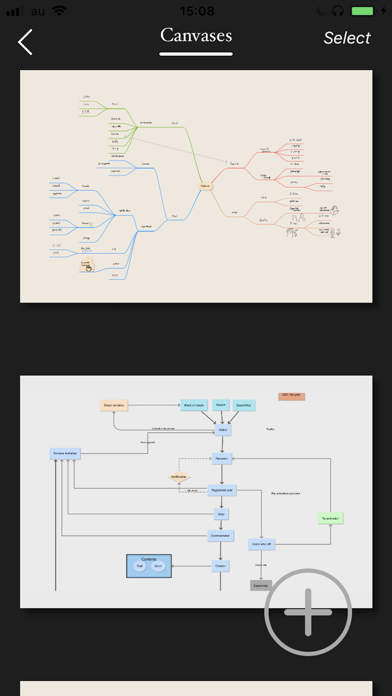
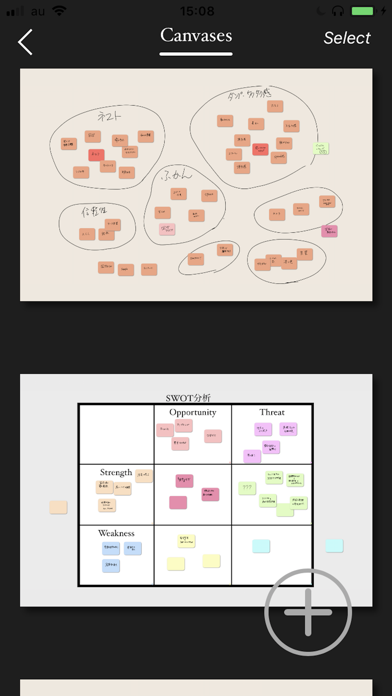
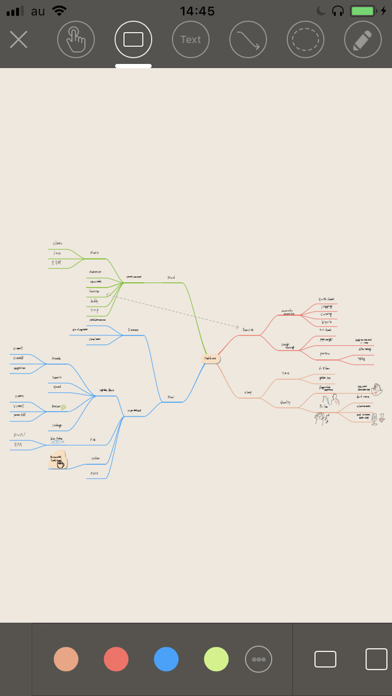
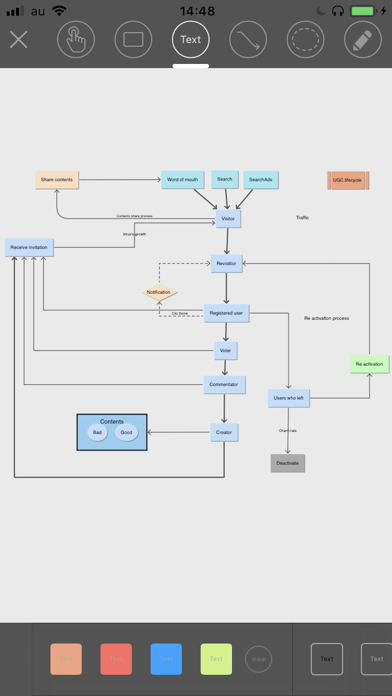
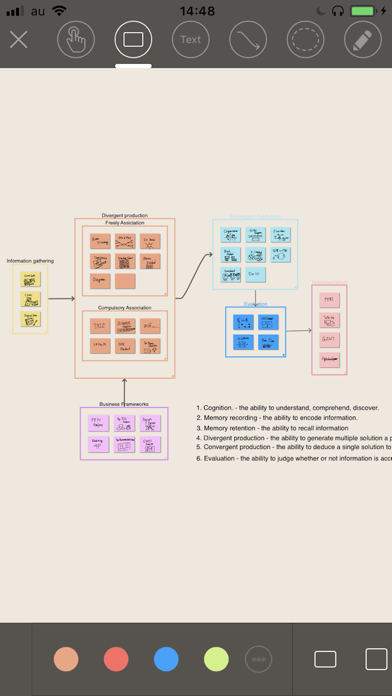
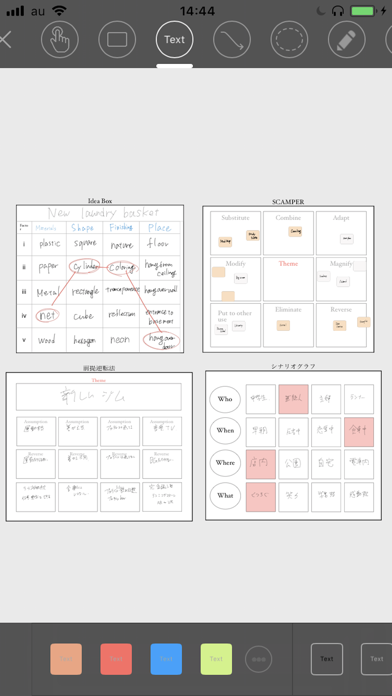
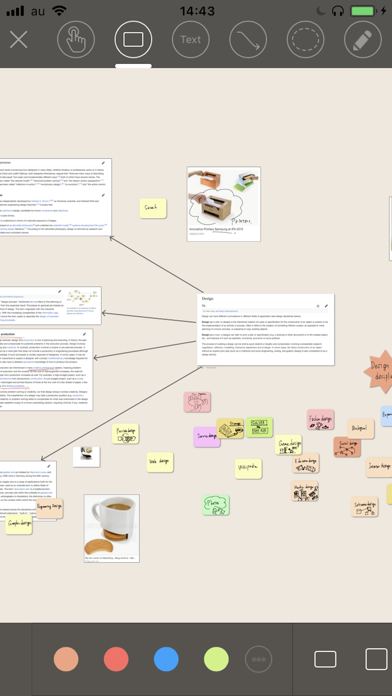
―For All People and Organizations Requiring Creativity― ThinkSpace is a powerful thinking tool designed to match the workflow of your creative thoughts. Its simple and intuitive interface integrates seamlessly with a wide variety of thinking methods.Its main features which include smooth handwritten sticky notes, editable unlimited size canvases, a variety of frameworks for generating ideas, and real-time sharing with cloud services, will all provide a powerful support for your creative processes. Use ThinkSpace in a variety of ways, for free-range brainstorming using handwritten sticky notes, arranging and managing ideas, mind mapping, diagram, generating ideas with different thinking methods and frameworks, online brainstorming, real-time shared whiteboards, and more. Ideal for anyone who needs to generate new ideas, from professionals such as entrepreneurs, project managers, consultants, marketers, advertisers, researchers, teachers, and writers, to students wishing to learn about creative thought processes. Features: ・Optimal for free form brainstorming: Develop and structure your ideas with smooth, hand drawn memos. Compatible with ApplePencil. ・Create mind maps: Branches can be freely moved, allowing you to create more flexible mind maps. ・Limitless canvas sizes: Canvases can be stretched into limitless sizes, so you can naturally expand upon your ideas. ・Brainstorming with AI (select regions only): Generate ideas using AI. ・Diagram creation: Both hand writing and text are supported. ・Use clippings from online browsing: Cut and paste from web pages onto canvases. Use links to let you freely move to web pages. ・Add pictures: Paste pictures that get your creative juices flowing onto your canvas. ・Reuse: Ideas are combinations of existing elements. Try taking out a card you've already made from the card box and applying it to a project you're working on now. ・Structure freely: Links from cards to canvases can be created, so you can freely create structures between canvases. ・Idea creation methods: Includes many different thinking techniques, such as SCAMPER and the Matrix Method. ・Frameworks: Includes carefully selected high end templates for business professionals, covering everything from standard models like 3C analysis and SWOT analysis, to innovation theories like Blue Ocean Strategy and Business Model Canvas. ・Supports text input by Apple Pencil: Currently supports English and Chinese ・Widget support: You can check the created card by placing it on the home screen. Also, you can instantly turn your ideas into cards from the home screen. ・Create frameworks: You can create and register your own unique frameworks. ・Synchronize data (Pro version): Synchronize data with your iOS device, and you can record your ideas wherever you go. ・Online brainstorming: If you invite team members to join, you can share and edit ideas together. ・Use a shared whiteboard for remote work: If you invite other users, you can make it easier to communicate and share ideas. Pro Access: ・ Unlimited canvases upload ・ Data Synchronization with your iOS devices. ——— Price may vary by location. Payment will be charged to iTunes Account at confirmation of purchase. Subscriptions are offered for either 1-month, and will automatically renew unless canceled at least 24 hours before the end of the current period. Account will be charged for renewal within 24-hours prior to the end of the current period, and identify the cost of the renewal. You will not be able to cancel the subscription once activated. Manage your subscriptions in Account Settings after purchase. ——— Terms of Service: https://thinkspace-public.s3.ap-northeast-1.amazonaws.com/terms-en.html Privacy Policy: https://thinkspace-public.s3.ap-northeast-1.amazonaws.com/privacy-policy-en-v2.html


