

Today Snippet Widget
Screenshots
ASO analysis
Good use of the title field.
Could go longer. The first 252 chars are above-the-fold; everything else still indexes.
Used by similar apps in your niche, but not in your title or description. Adding these (where genuinely relevant) can broaden your search reach.
Words you and your peers both use. Confirms positioning in this niche.
Keyword rankings
iTunes Search · top 200About
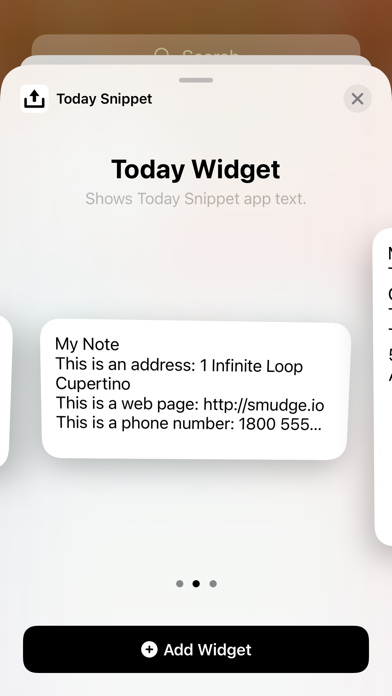
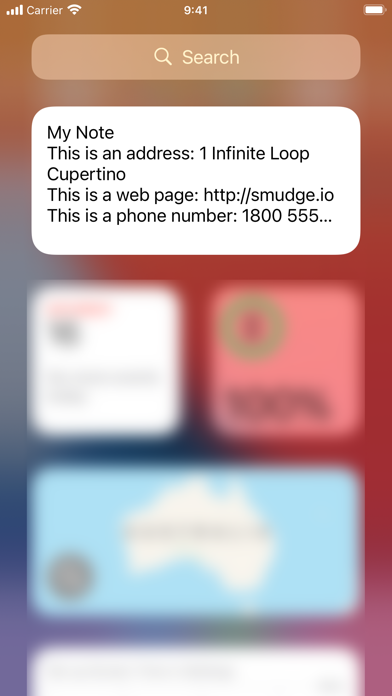
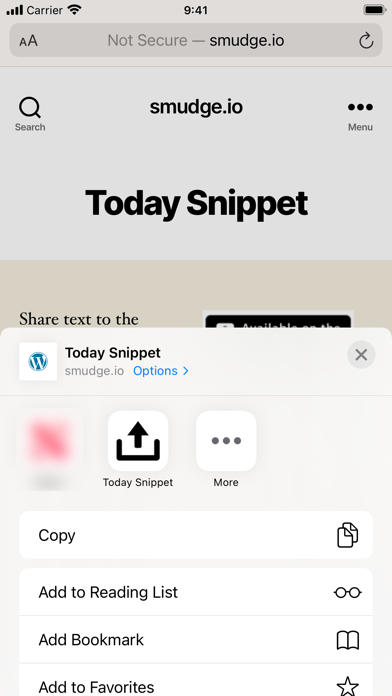
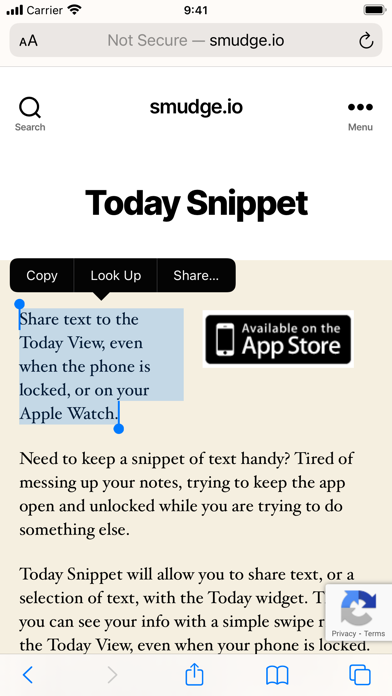
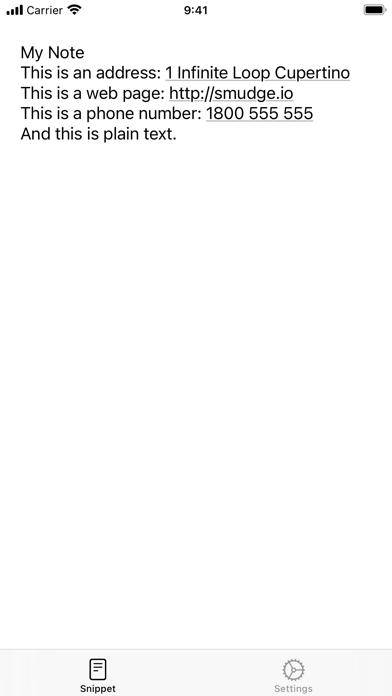
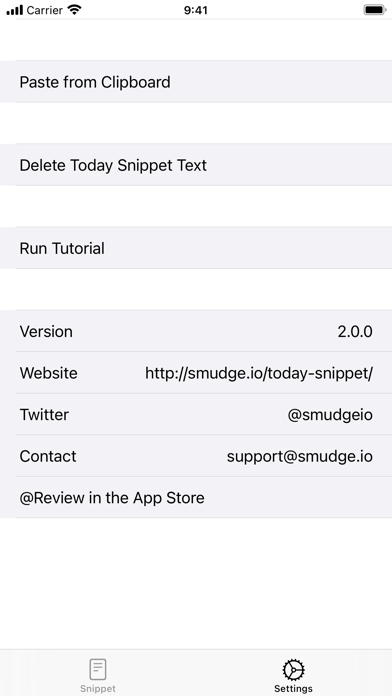
Share text to the Lock Screen, Today View, and Home Screen as a widget, or on your Apple Watch as a complication. Completely re-written in SwiftUI to support Widgets and Complications including systemSmall, systemMedium, systemLarge, accessoryInline, accessoryRectangular, and accessoryCircular. "Viewing notes on the lock screen is brilliant." @leafbomb, Product Hunt "A solid app that does what it says. Has good functionality." 5 Stars, SoccerReader, App Store Need to keep a snippet of text handy? Tired of messing up your notes, trying to keep the app open and unlocked while you are trying to do something else. Today Snippet will allow you to share text, or a selection of text, with the Today Snipper widget. Then you can see your info from the Lock Screen, even when your phone is locked. You can also put the widget on your Today View or Home Screen. The Apple Watch app also has a complication making it readily accessible. You can tap the Today Snippet Widget to go to the app where you can launch the appropriate app using hyperlinks detected in the text. Once you have finished with the text on the Today widget, you can overwrite it, or delete it. To go straight to the Today Snippet app Settings from the Today Snippet widget, just tap on the widget. Features include: - iCloud integration to share snippet across devices, just install Today Snippet on multiple devices - Paste from the clipboard (in Settings)


