VidCut - Video Editor Tempo MV
Screenshots


ASO analysis
Tight against the limit — verify it doesn't truncate on small screens.
Could go longer. The first 252 chars are above-the-fold; everything else still indexes.
Used by similar apps in your niche, but not in your title or description. Adding these (where genuinely relevant) can broaden your search reach.
Words you and your peers both use. Confirms positioning in this niche.
Keyword rankings
iTunes Search · top 200About
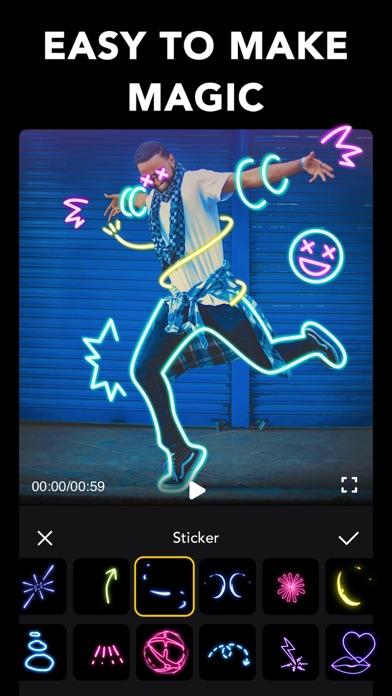
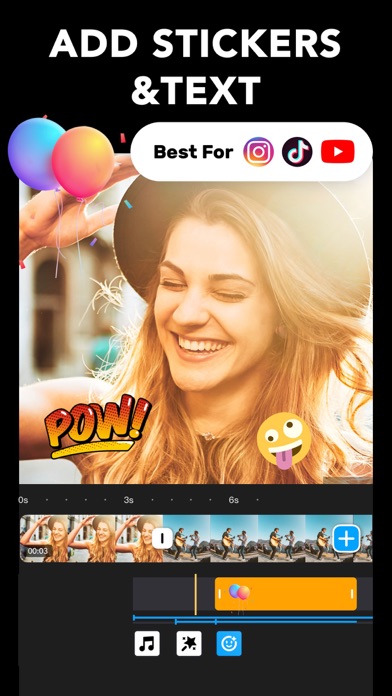
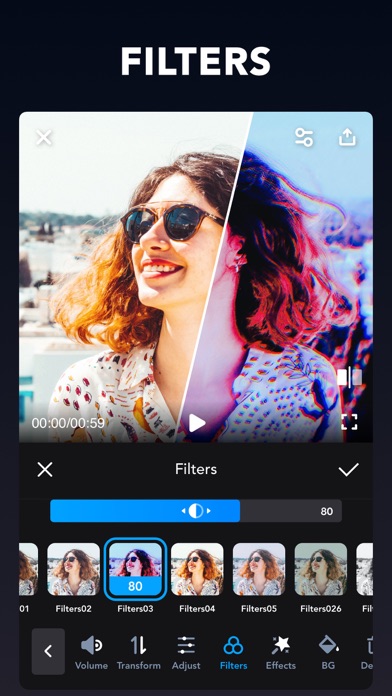
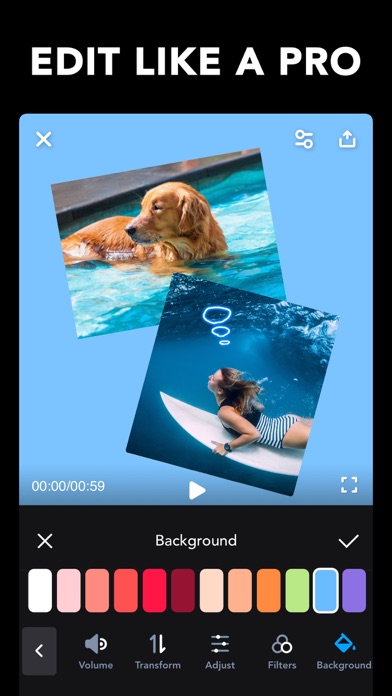
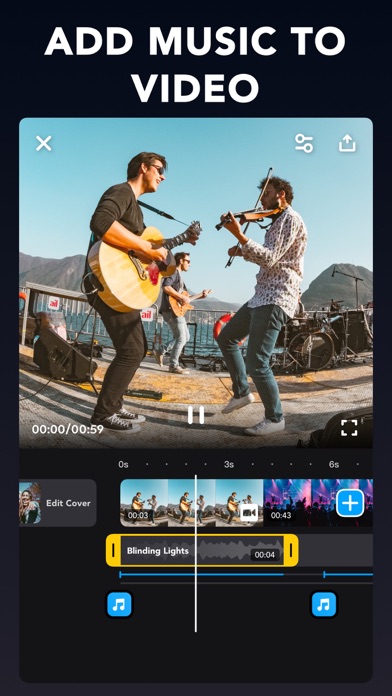
Imagine the performance of a desktop editor, optimized for your mobile device. Video Master makes it easy to create beautiful videos on your iPhone. You can trim & merge video clips and add awesome transitions and glitch effects to your videos. Just tap to adjust your video speed, add the perfect background music to create professional-looking videos you’ll love to share. So simple and powerful! POWERFUL VIDEO EDITING TOOLS - Merge videos and photos - Choose your transition style and control the speed between transitions. - Adjust playback speed for fast or slow motion. - Trim, cut and crop your photos and video clips. - Bring your videos to life with funny and zoom effects. - Create masterpieces from your summer getaway, your birthday party and your lovely family dinner MUSIC & VOICE-OVERS - Lots of Hot Music and Funny Sound Effects. - Add narration or custom sound effects with the built-in voice recorder. - Use a song from your own iTunes collection (subject to iTunes terms). - Add your own music to video, like mp3 files and other format. - Volume control for both original video sound and mp3 songs. STICKERS & TEXT - Add magic stickers to your video - Add text on video and photo. - Add emoji on photo. - With timeline features, easy to sync text and stickers with video. FILTERS - Lots of Photo filters - Unique Video filters SAVE YOUR VIDEO & EASILY SHARE - High video output resolution. - Share to social apps, like Facebook, Twitter, Instagram, WhatsApp, TikTok, etc. Privacy policy: https://sites.google.com/view/terms001 Terms of service: https://sites.google.com/view/musicvideoeditor001