AppScoutAppScout.gallery
Vyst: Write without editing icon
Productivity

Vyst: Write without editing

by Johan Thorell
Rating0.0(0)
Price$0.49
Updated2w ago
Released1mo ago
Latest rank
Not tracked yet
Rank change
Not tracked yet
Rank history
Movement appears after the next data refresh.

Screenshots

Vyst: Write without editing screenshot 1Vyst: Write without editing screenshot 2Vyst: Write without editing screenshot 3Vyst: Write without editing screenshot 4Vyst: Write without editing screenshot 5

Estimates

low confidence
Downloads / month
24K–244K
Chart-rank signal only
Revenue / month
$8.4K–$84K
After Apple's 30% cut

ASO analysis

Title27 / 30
Vyst: Write without editing

Good use of the title field.

Description773 / 4,000
6 paragraphs · 19% of limit used

Could go longer. The first 252 chars are above-the-fold; everything else still indexes.

Top keywords in your description
words×3you're×3fade×2write×2writing×2accounts×1across×1anywhere×1away×1back×1beautiful×1behind×1
Keyword opportunities

Used by similar apps in your niche, but not in your title or description. Adding these (where genuinely relevant) can broaden your search reach.

search8 peersdistraction-free7 peerssupport7 peerscapture6 peersdocuments6 peerseven6 peersfind6 peersiphone6 peersmode6 peersorganize6 peers
Shared niche keywords

Words you and your peers both use. Confirms positioning in this niche.

sync8 peerswriting8 peersexport7 peersfiles7 peerstext7 peerswrite7 peersacross6 peersideas6 peersshare6 peersfeatures5 peers

Keyword rankings

iTunes Search · top 200
Keyword tracking starts automatically for apps on the top charts — ranks appear after the next data refresh. Manual tracking for search-only and niche apps coming soon.

About

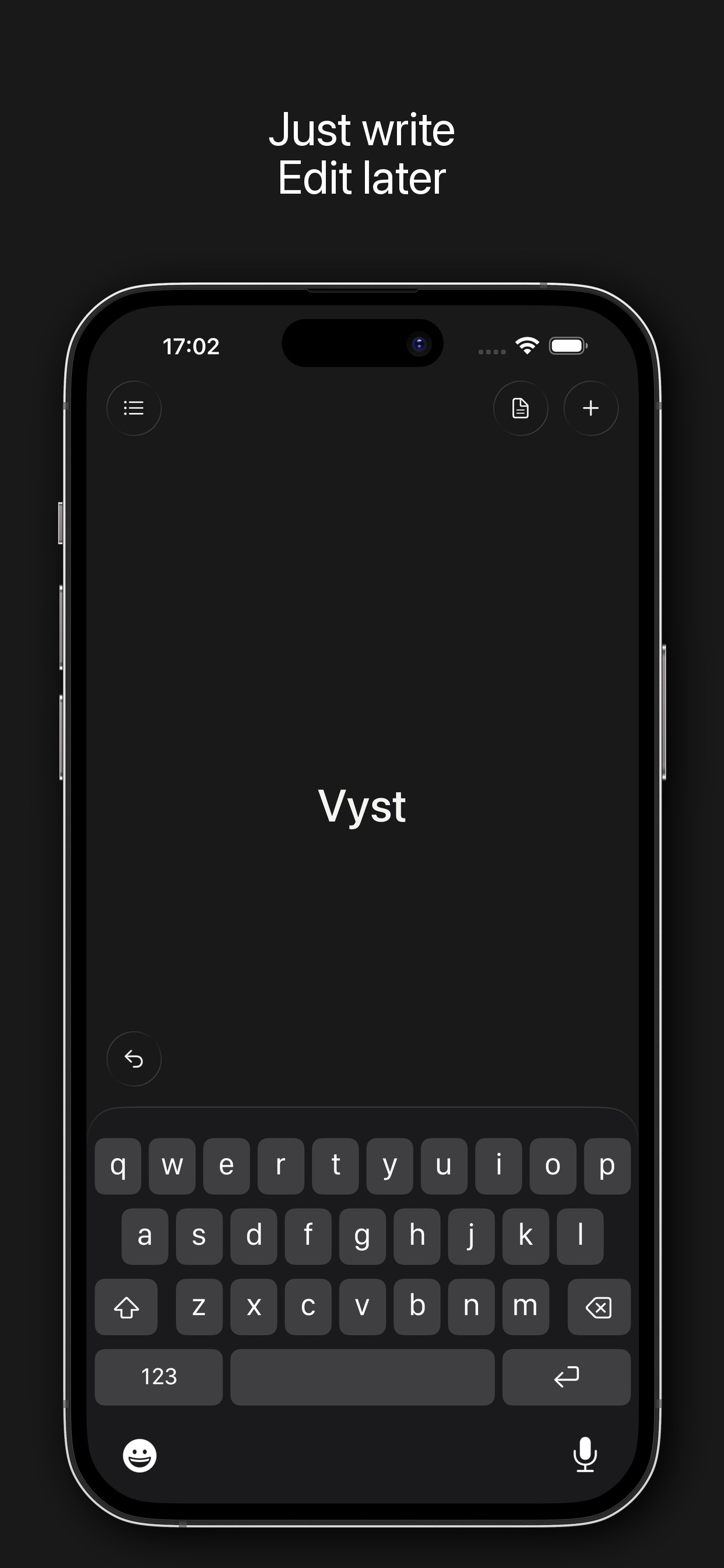
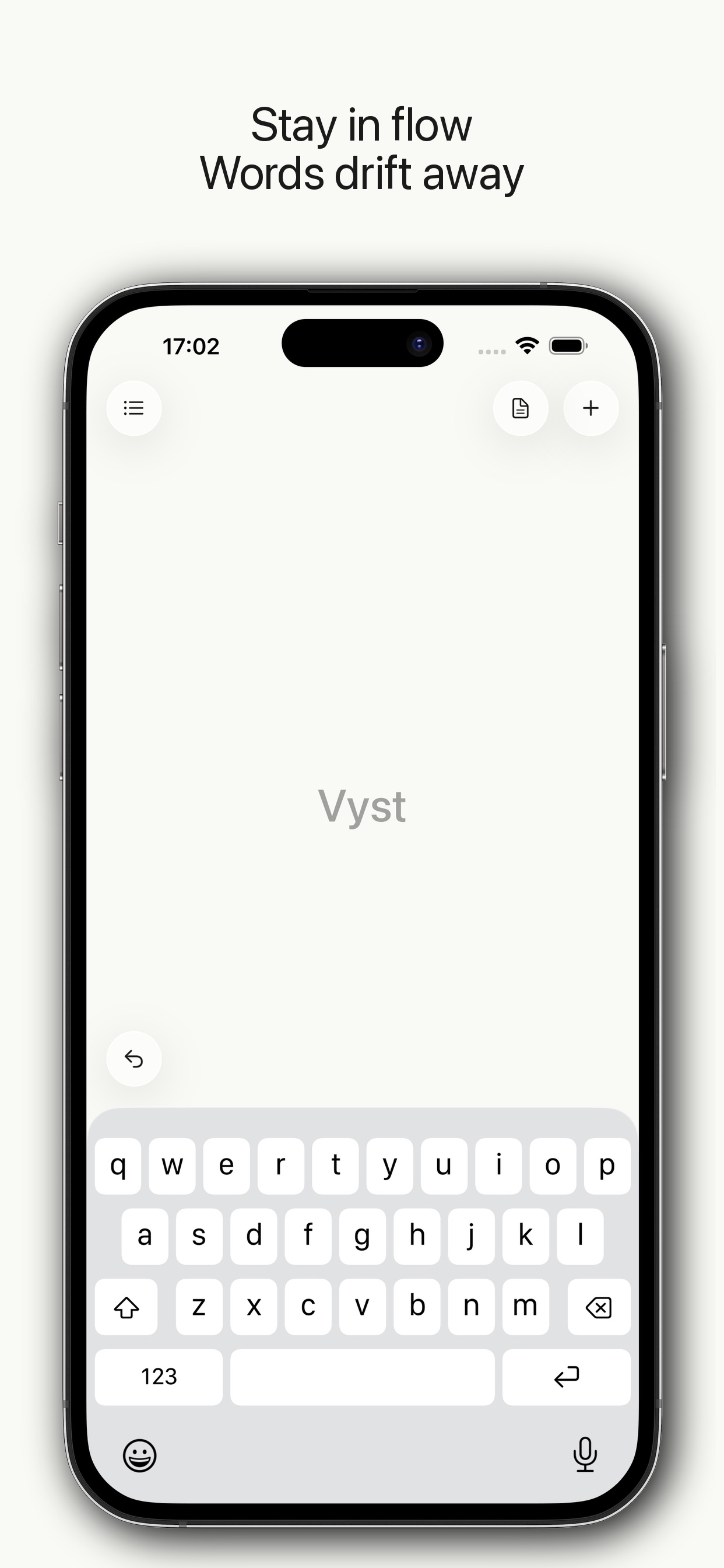
Vyst frees your thoughts from editing. Your words fade as you write, so you can focus on what you're thinking, not how you're saying it. No cursor jumping back. No rewording. Just pure, unfiltered writing. How it works Start typing and watch your words gently dissolve behind you. Everything is saved, but hidden from view until you're done. Swipe down to finish and see your complete text. Perfect for • Morning pages & freewriting • Journaling without judgment • Capturing ideas before they slip away • Getting past writer's block • Mindful reflection Features • Words fade as you type • iCloud sync across devices • Beautiful minimal themes • Your writing stays private, no accounts, no tracking • Export to Notes, Files, or share anywhere Write freely. Edit later.

01
Writemator - Plain Text Editor icon
Writemator - Plain Text Editor
Amit Chaudhary
4.0
02
iA Writer icon
iA Writer
Information Architects AG
4.5
03
Notebooks: Write and Organize icon
Notebooks: Write and Organize
Alfons Schmid
4.7
04
Notes Writer - Note Taking icon
Notes Writer - Note Taking
Kairoos Solutions SL
4.5
05
Notebook - Diary & Journal App icon
Notebook - Diary & Journal App
Koji Ito
4.7
06
1Writer - Markdown Text Editor icon
1Writer - Markdown Text Editor
Ngoc Luu
4.3
07
Workflowy: Note, List, Outline icon
Workflowy: Note, List, Outline
FunRoutine INC
4.8
08
Opal: Journal & Private Diary icon
Opal: Journal & Private Diary
Darby Tarlow
5.0
09
Ghost Capture App icon
Ghost Capture App
Kristen Swanson
5.0
10
Notes Writer Pro 2026 icon
Notes Writer Pro 2026
Kairoos Solutions SL
4.6