

Week View Calendar Premium
Screenshots
ASO analysis
Good use of the title field.
Could go longer. The first 252 chars are above-the-fold; everything else still indexes.
Used by similar apps in your niche, but not in your title or description. Adding these (where genuinely relevant) can broaden your search reach.
Words you and your peers both use. Confirms positioning in this niche.
Keyword rankings
iTunes Search · top 200About
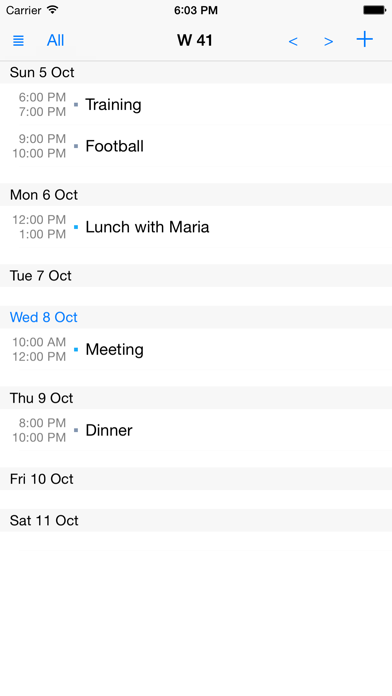
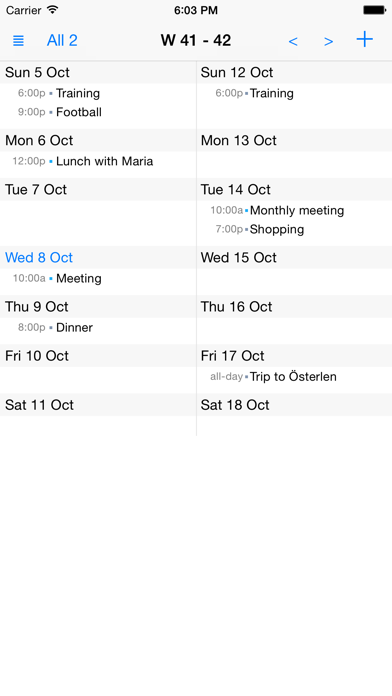
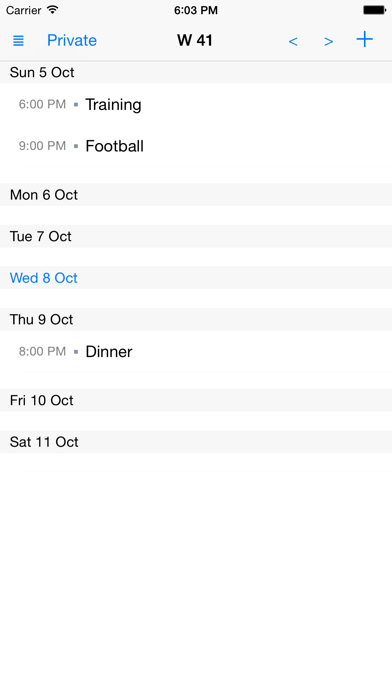
Need a calendar with a really good overview of your week? Want to get rid of unnecessary features and graphics? Prefer a clear and simple overview of your content? Then Week View Calendar is the perfect calendar app for you! With Week View Calendar you can easily customize different views, such as work calendar view, family calendar view or a view that shows a combination of two or more calendars. And it is really easy to switch between the views! Available settings in each view: - Name - Presentation style - One or two weeks on the screen - Calendars to show - Calendar color - End time (on or off) - ... You can have as many views as you like! Week View Calendar uses and stores information in the iPhone/iPad Calendar. Everything you see there can be seen in Week View Calendar as well. What you add/change/delete in one of the calendars will be shown also in the other! When you start using Week View Calendar all your existing Calendar entries will be shown directly. No information is sent to us or stored in a new way. Key Features - Views - Week based - Focus on your content - Uses your normal calendar storage - Possible to show week number on app icon Download now and you will get a week calendar with focus on your content!


