

Bubble+ Add Speech Captions & Quotes to Photos
Screenshots

ASO analysis
Over the 30-character limit by 16 — Apple will truncate on display.
Could go longer. The first 252 chars are above-the-fold; everything else still indexes.
Used by similar apps in your niche, but not in your title or description. Adding these (where genuinely relevant) can broaden your search reach.
Words you and your peers both use. Confirms positioning in this niche.
Keyword rankings
iTunes Search · top 200About
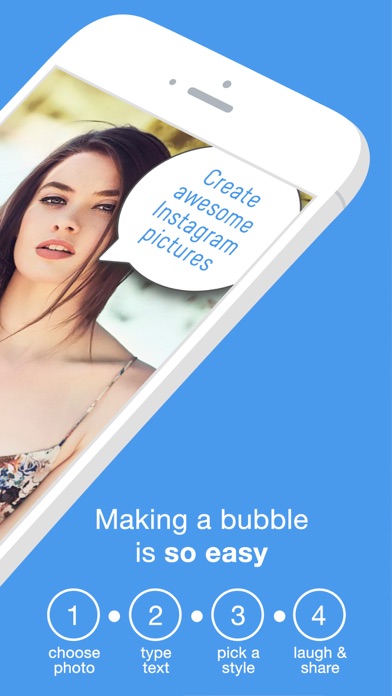
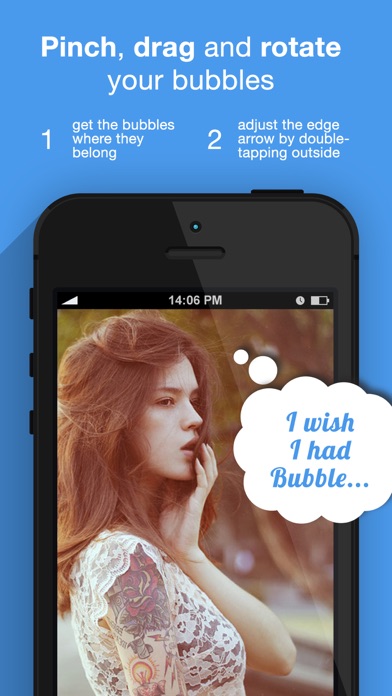
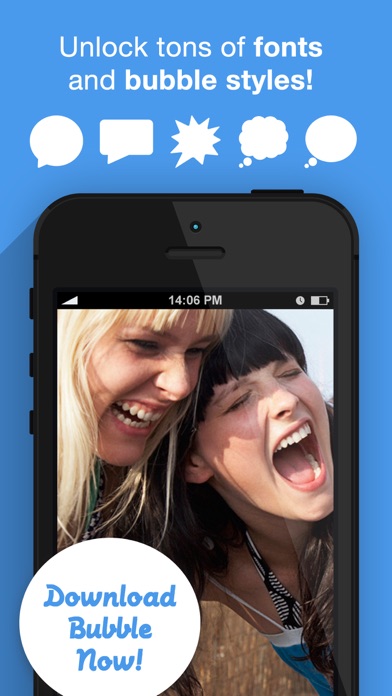
ADD SPEECH BUBBLES TO YOUR PHOTOS! Bring everyone's thoughts and words to life with Bubble. Bubble allows you to create comic style captions of whatever text you like and place them on your photos of friends. PINCH, DRAG, ROTATE, ADJUST, AND MUCH MORE. The flexibility of Bubble is limitless. Use different bubble styles such as thought, cloud, block or shock. Change the font and the color of your text. Add multiple bubbles to group photos. Share your creations with family and friends. FEATURES - Bubble creation interface where you add your text to any photo - A vast selection of fonts, colors and bubble styles to choose from - Pinch, Drag, Rotate and Arrow adjustment technology to get your bubbles where you want them - Share your creations to Facebook, Instagram or Twitter - or send them over Email and Text message - Edit your photos at any time from the gallery


