

ClonErase Camera
Screenshots
ASO analysis
Good use of the title field.
Could go longer. The first 252 chars are above-the-fold; everything else still indexes.
Used by similar apps in your niche, but not in your title or description. Adding these (where genuinely relevant) can broaden your search reach.
Words you and your peers both use. Confirms positioning in this niche.
Keyword rankings
iTunes Search · top 200About
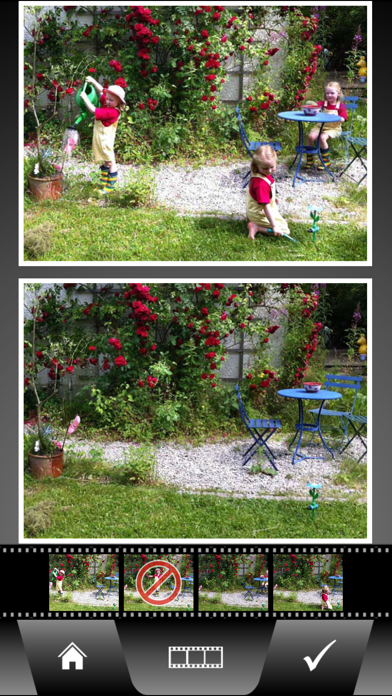
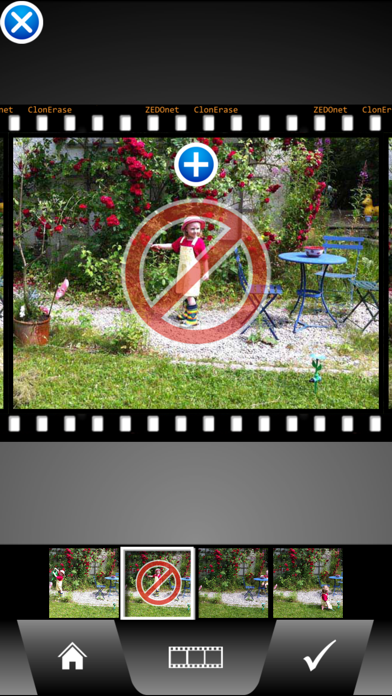
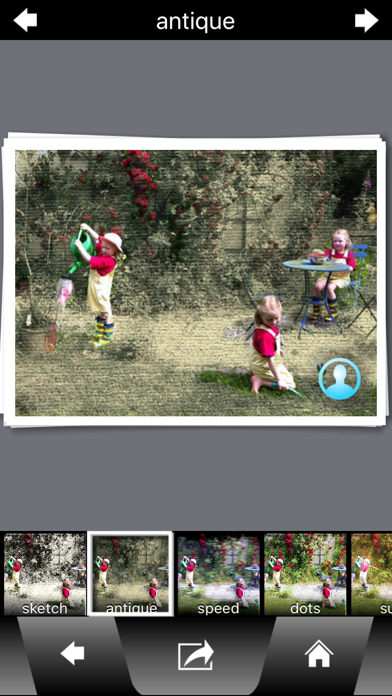
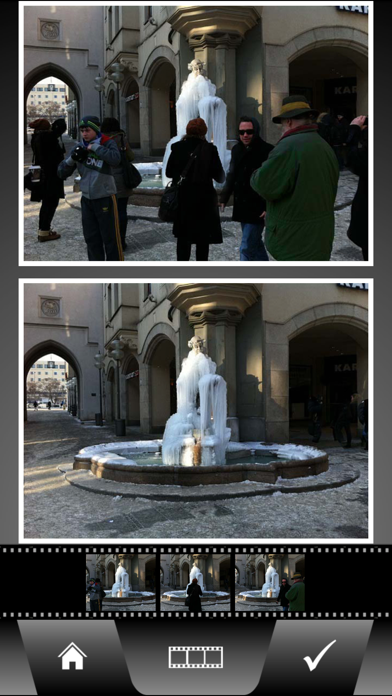
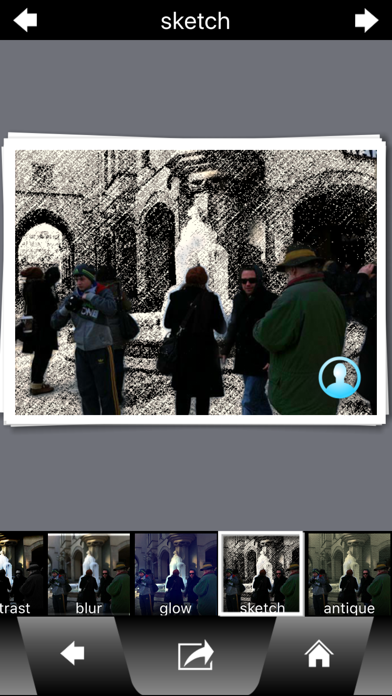
ClonErase Camera: Automatically clone or remove people and objects! With ClonErase Camera you can make people appear multiple times on the same picture - or remove unwanted passersby from your shots. Add one of 11 imposing effects that additionally highlight the clones or selectively modify the background ClonErase works fully automatically: No need for any marking of clone areas or selecting a split layout! It's so easy to produce stunning results! Examples of use: - A funny picture presenting you several times in various poses - You don't want any pedestrians on your photo of a monument? Easily remove them with ClonErase by taking several shots, it combines all uncovered image parts to a new photo. - Action shots - combine several stills of a motion sequence into a single image - You climbed the mountain peak together but there's nobody to take a picture with both of you? Just take two photos each with one of you, ClonErase creates a picture showing both. How it works: 1) Shoot up to eight almost identical pictures of the same scene - optionally with self-timer 2) Make people or objects move between the shots 3) ClonErase Camera detects image differences and automatically creates a new image: 4) Choose between "Clone" or "Erase" result image 5) Add effects: stunning clone-effects make your images sensational With the self-timer of ClonErase Camera you can even clone yourself! Easier to use than other clone apps - and better results! What is not possible with ClonErase: copy people / objects from one image into a completely different image remove people / objects from a single image (multiple images needed!) Find more information and our video at: http://www.clonerase.com Check out funny ClonErase images posted from users on Instagram: search for hash-tag #clonerase


