

EV Watch for Tesla
Screenshots


ASO analysis
Good use of the title field.
Could go longer. The first 252 chars are above-the-fold; everything else still indexes.
Used by similar apps in your niche, but not in your title or description. Adding these (where genuinely relevant) can broaden your search reach.
Words you and your peers both use. Confirms positioning in this niche.
Keyword rankings
iTunes Search · top 200About
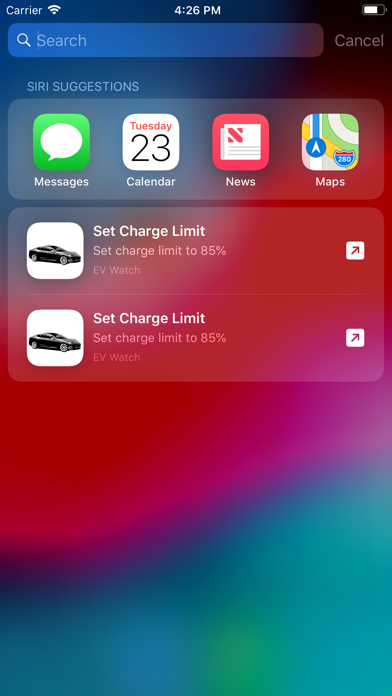
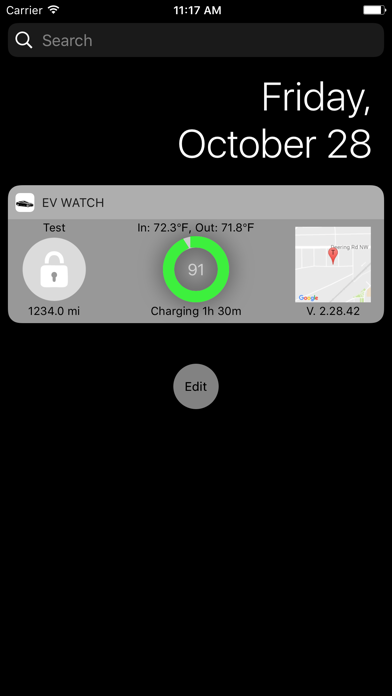
Note: Tesla has transitioned to End-To-End encrypted commands for 2018+ models. This means commands (e.g., unlock, set charge limit) won't work on all Model 3, Y, or Cybertruck vehicles and will only work on the earlier Model S and X vehicles. Reading information (e.g. charge state on vehicles and power on Tesla Energy installations) still works. Take advantage of Apple Watch complications by displaying your vital Tesla vehicle and Powerwall information on your watch face. EV Watch makes important information like charge state, door locks, and temperature available at a glance! • Support for monitoring Tesla Energy Gateway to track grid, home, solar, and Powerwall status and usage • Support for advanced automation using Siri Shortcuts including fetching your vehicle temperature, charge status (miles, limit, charging time), and location. • Support for Apple Watch Complications to always see charge level, door locks, and temperature (with Series 4+ complication support) • Multi-Tesla support. Quickly switch between multiple vehicles. • Today extension shows quick Tesla location, charge, and temperature on your iPhone/iPad Today page • Secure - Tokens and Passwords (if remote start is enabled) are handled by the iOS Keychain. • Watch app is phone independent (after setup). • iPad support • Note complication updates can take 10-30 minutes due to the security and power considerations.


