MarkText - Markdown Editor
Screenshots
ASO analysis
Good use of the title field.
Could go longer. The first 252 chars are above-the-fold; everything else still indexes.
Used by similar apps in your niche, but not in your title or description. Adding these (where genuinely relevant) can broaden your search reach.
Words you and your peers both use. Confirms positioning in this niche.
Keyword rankings
iTunes Search · top 200About
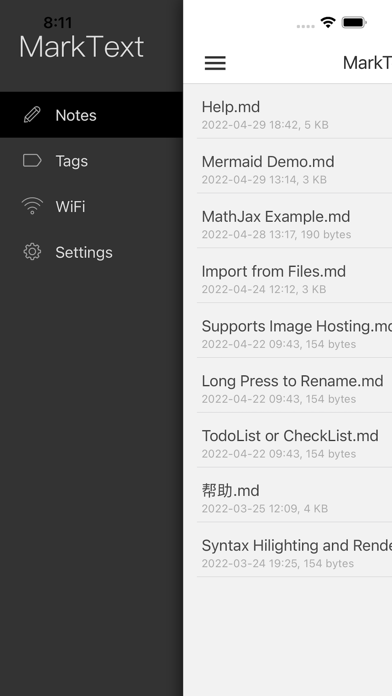
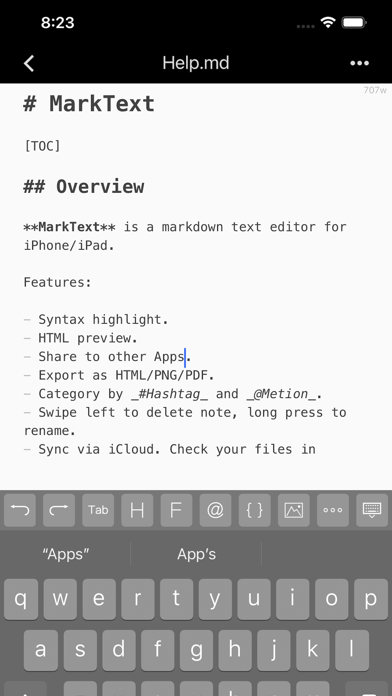
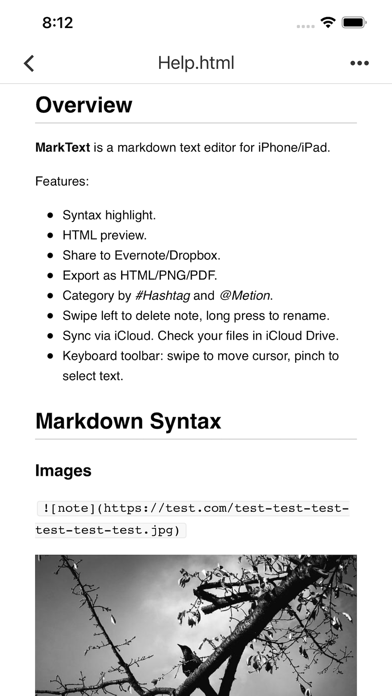
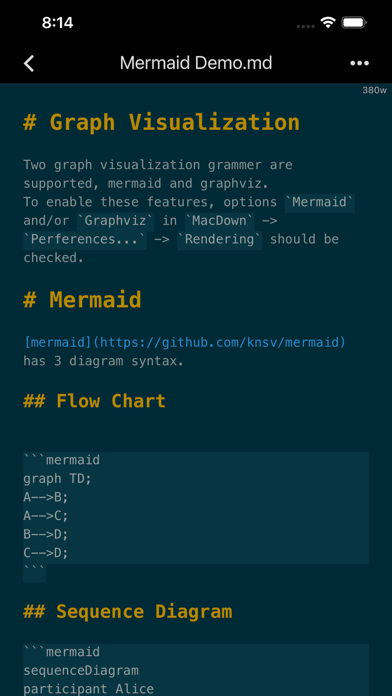
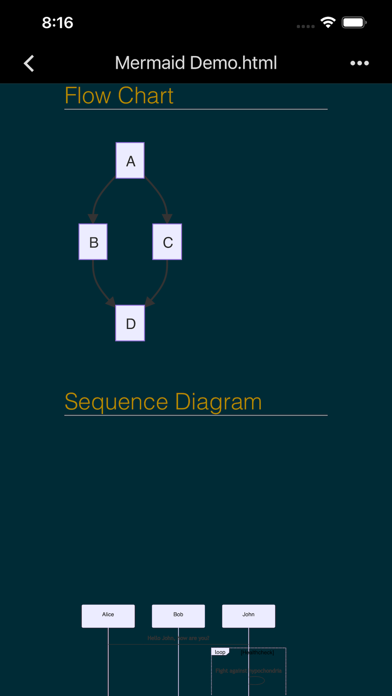
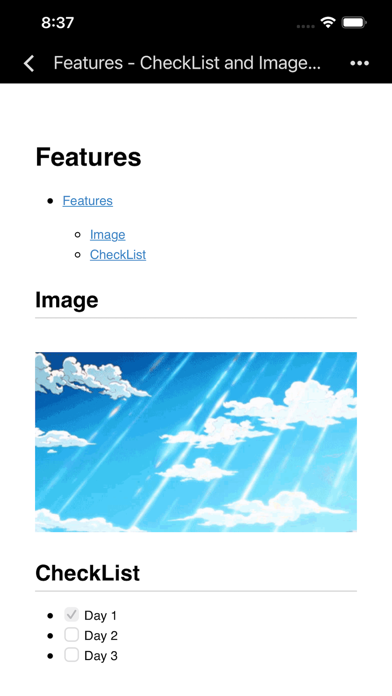
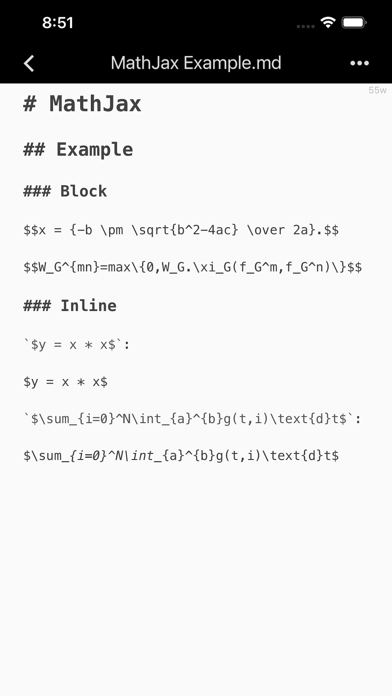
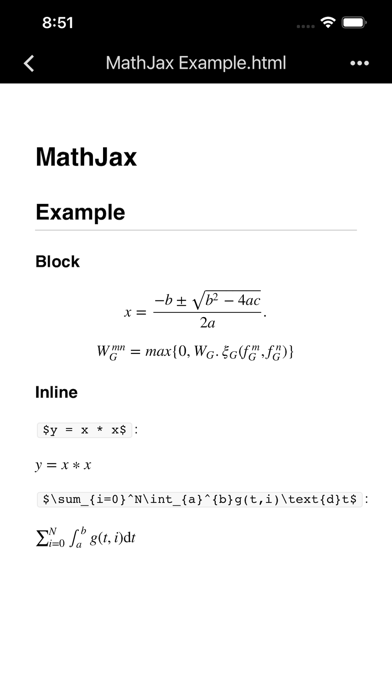
MarkText is a markdown text editor and note taking app for iOS. Write markdown note with real-time syntax highlighting, convert to HTML, PNG or PDF, and share to Evernote, Dropbox and Email. Sync via iCloud Drive across your iPhone & iPad & Mac (in iCloud Drive Folder). # Key Features + Beautiful markdown syntax highlighting. + Swipe on the bar above the keyboard to move cursor. + HTML preview with CSS. + Change theme style, font size. + Import notes via iTunes and export notes with HTML, PNG or PDF formats. + Share notes to Evernote, Dropbox, Email or other Apps. + Full-text search using regex. + Sync notes across iPhone, iPad and Mac using iCloud Drive. + FlowChart & Diagrams using Mermaid & Graphviz. + Display LaTeX and MathML using MathJax. # Todo List Todo list is list with items marked as either [ ] or [x] (incomplete or complete). For example: - [ ] Incomplete - [x] Completed # Import & Export Import markdown documents via iTunes, or create a new one via MarkText, then edit with syntax highlighting. Once you’re done editing, you can export markdown documents to PC via iTunes. You can convert to HTML, PNG or PDF and share to or open in other Apps such as Evernote, Dropbox, Email, etc. # Caret Enhance With the input accessory tools bar, you can insert tabs, headers, lists, code blocks, or create inline links with the tap of a button; left-right swipe on the bar will move the cursor quickly. # Html Preview HTML preview with style sheet(CSS). It supports regular Markdown, MultiMarkdown, and HTML code. It renders footnotes, images, tables and code blocks. # iCloud Drive Automatically store your documents in the cloud to keep them up-to-date across all your devices. # Support Extensions md, mmd, markdown, markdn, mdown, mkdn, markd, txt, text. # Tips + Swipe left to delete note. + Category by #Hashtag and @Metion, no need to create folder. + You could find notes in iCloud Drive from Mac. Please mail to xappbox@gmail.com if you need any help.