Plain Org
Screenshots




ASO analysis
Short title. You're leaving keyword space on the table.
Could go longer. The first 252 chars are above-the-fold; everything else still indexes.
Used by similar apps in your niche, but not in your title or description. Adding these (where genuinely relevant) can broaden your search reach.
Words you and your peers both use. Confirms positioning in this niche.
Keyword rankings
iTunes Search · top 200About
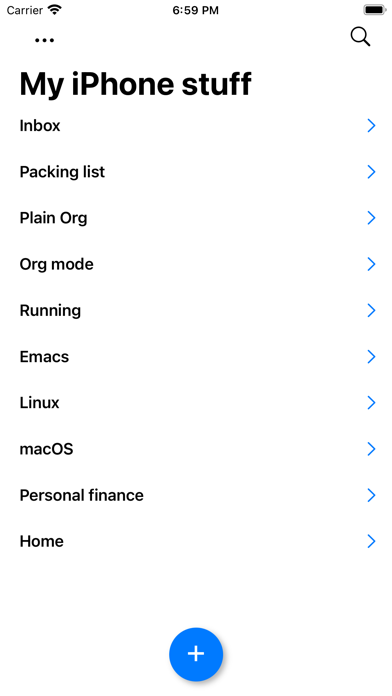
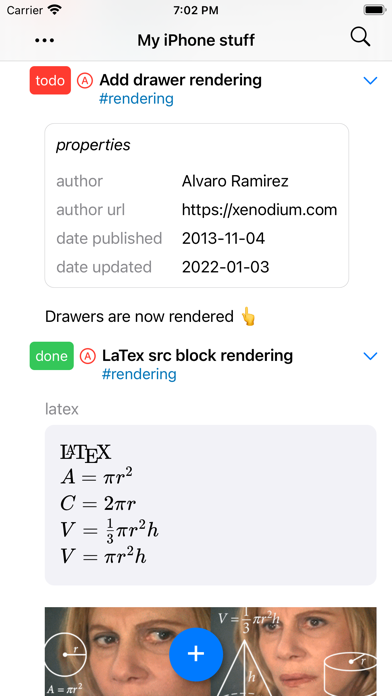
View and edit your org mode tasks while on the go. Org is a wonderfully rich markup language, so **please check** if your favorite feature is supported below (or check https://plainorg.com/#faq): - Beautifully rendered org markup. - Filter by keyword, tag, and priority. - High fidelity org roundtripping. - Sync your org files using your favorite cloud provider. - Control your display between regular and compact mode. - Toggle visibility for scheduling, tags, and stars. - Toggle recurring tasks. - Log state transitions. - Optimize wrapping using paragraph fill. - Regroup your tasks so active ones bubble up. - Create new files. - Outline-style editing with toolbar - Keywords - Indent - Priority - Tags - Formatting: bold, italic, underline, strikethrough, verbatim, and code. - Open files via the iOS Files app using its "Share" menu. - Add links from Safari via share extension. - Add new tasks via Spotlight. - Reorder headings via drag/drop. - Checkboxes - Interactive toggling. - Quickly reset multiple checkboxes. - Open local links (including id links). - Render latex src blocks (experimental). - Render LOGBOOK. - Show inline images. - Show property drawers. - File-local keywords and visibility. - Filter open/closed tasks. - Edit raw text. - Light/dark mode. - Open either .org or .txt files. - Quickly switch between open file and recently open (tap on title). NOTE: Cloud syncing support varies across providers. Please check for compatibility https://plainorg.com/#cloud-providers