AppScoutAppScout.gallery
Ridmik Keyboard icon
Productivity

Ridmik Keyboard

by Ridmik Labs
Rating3.8(523)
PriceFree
Updated1y ago
Released6y ago
Latest rank
#62
Top Free · Productivity
Rank change
↓ 16
vs last refresh
Rank history
Movement appears after the next data refresh.
Charting in:GB·Top Free#62↓16

Screenshots

Ridmik Keyboard screenshot 1Ridmik Keyboard screenshot 2Ridmik Keyboard screenshot 3Ridmik Keyboard screenshot 4Ridmik Keyboard screenshot 5Ridmik Keyboard screenshot 6

Estimates

low confidence
Downloads / month
38K–228K
Chart-rank signal only
Revenue / month
$27K–$799K
After Apple's 30% cut

ASO analysis

Title15 / 30
Ridmik Keyboard

Good use of the title field.

Description833 / 4,000
5 paragraphs · 21% of limit used

Could go longer. The first 252 chars are above-the-fold; everything else still indexes.

Top keywords in your description
keyboard×7access×3allow×3container×3full×3ridmik×3settings×3extension×2writing×2accessed×1ads×1avro×1
Keyword opportunities

Used by similar apps in your niche, but not in your title or description. Adding these (where genuinely relevant) can broaden your search reach.

ipad7 peerstyping7 peerscom6 peersiphone6 peerslanguages6 peerswords6 peersdevice5 peersnever5 peerspeople5 peersrequired5 peers
Shared niche keywords

Words you and your peers both use. Confirms positioning in this niche.

keyboard9 peersaccess6 peersprivacy6 peersfeatures5 peersfull5 peersworks5 peerswriting5 peersdata4 peerskeyboards4 peerslayout4 peers

Keyword rankings

iTunes Search · top 200
Keyword tracking starts automatically for apps on the top charts — ranks appear after the next data refresh. Manual tracking for search-only and niche apps coming soon.

About

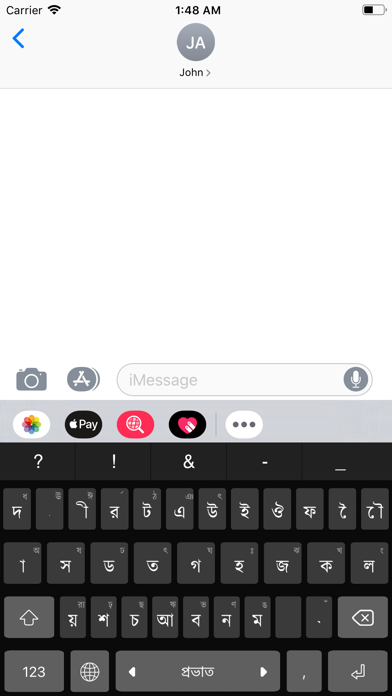
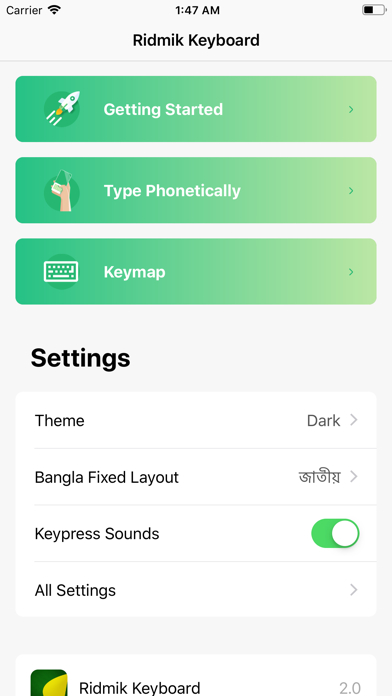
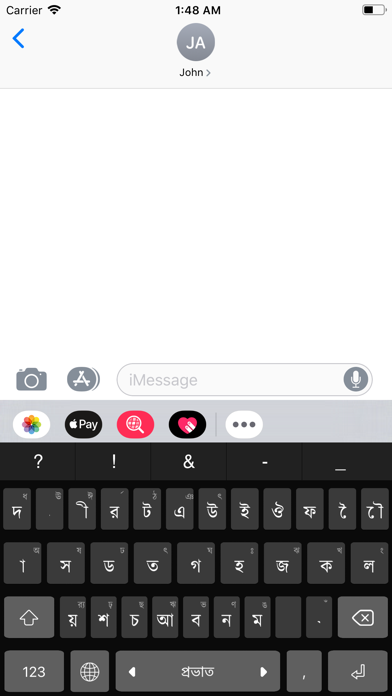
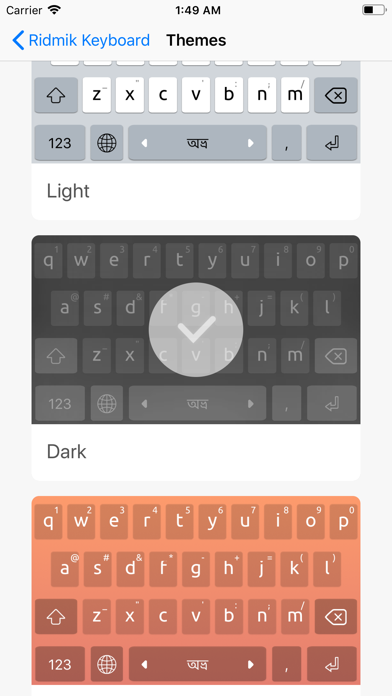
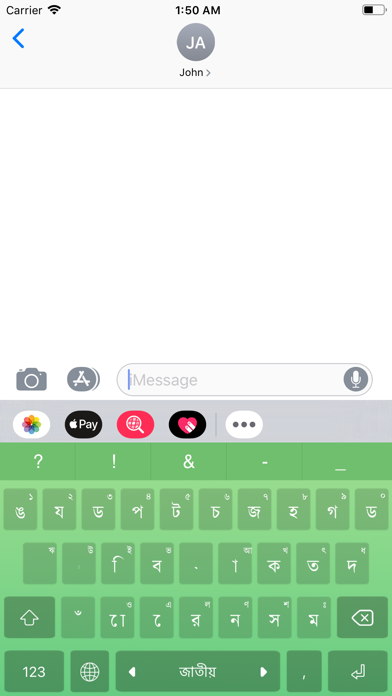
Ridmik Keyboard is a full-featured keyboard for writing in Bangla on iOS. This app is totally free and does not contain any ads. FEATURES - Writing in Avro, Jatiyo and Probhat layout - 7 Colorful themes HOW TO SETUP - Go to Settings > Ridmik Keyboard > Keyboards > Enable & Allow Full Access PERMISSION EXPLANATION - Allow Full Access: The interface where you see the settings and various instructions & guides is called the container app. The keyboard is an extension of the container app. These are different entities and the settings that you set in the container app can only be accessed from the Keyboard extension when "Allow Full Access" is enabled. This works in the same way as any other 3rd party keyboard. Ridmik Keyboard does not collect/send any sensitive data. For more information, please read the privacy policy.

01
ABCDEF Keyboard Custom layout icon
ABCDEF Keyboard Custom layout
Philipp Baldauf
3.4
02
Grammarly: AI Keyboard & Notes icon
Grammarly: AI Keyboard & Notes
Grammarly, Inc
4.5
03
Sayboard: Offline AI Keyboard icon
Sayboard: Offline AI Keyboard
Stanislav Cherniavskyi
0.0
04
Wispr Flow: AI Voice Keyboard icon
Wispr Flow: AI Voice Keyboard
Wispr AI, Inc.
4.8
05
Typefinity icon
Typefinity
Natural Designs Software
4.2
06
Nintype icon
Nintype
Jormy Games
4.3
07
Writemator - Plain Text Editor icon
Writemator - Plain Text Editor
Amit Chaudhary
4.0
08
Fingerprint Login:PassKey Lock icon
Fingerprint Login:PassKey Lock
DoubleVision Labs
2.3
09
NumPad: Your Number Keyboard icon
NumPad: Your Number Keyboard
More Voltage
4.2
10
KanbanBoard - Organize tasks icon
KanbanBoard - Organize tasks
naoki otsu
0.0