

ImagExif 2 - edit exif data
Screenshots

ASO analysis
Good use of the title field.
Solid length. Make sure the first 252 chars hook the reader.
Used by similar apps in your niche, but not in your title or description. Adding these (where genuinely relevant) can broaden your search reach.
Words you and your peers both use. Confirms positioning in this niche.
Keyword rankings
iTunes Search · top 200About
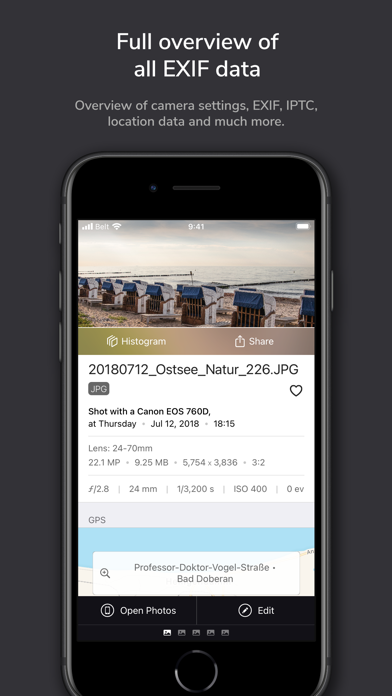
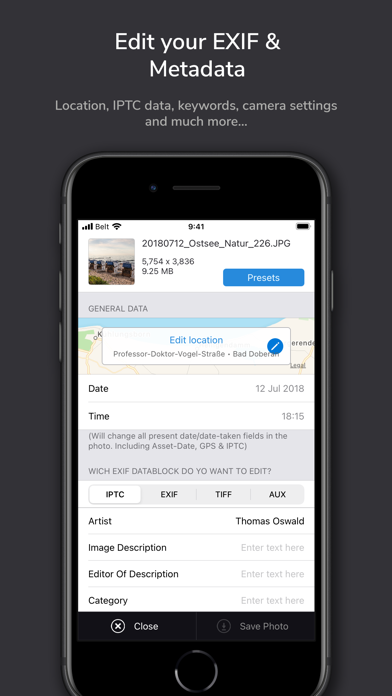
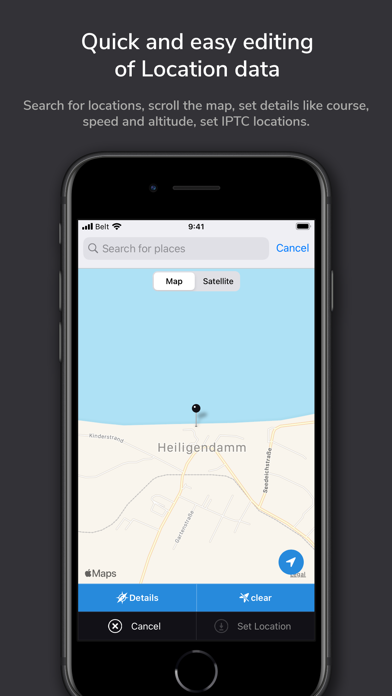
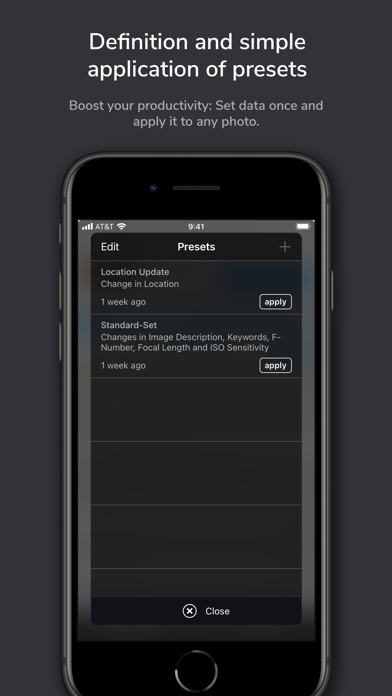
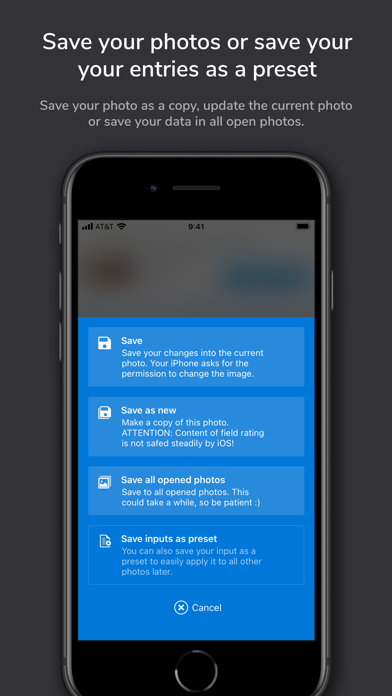
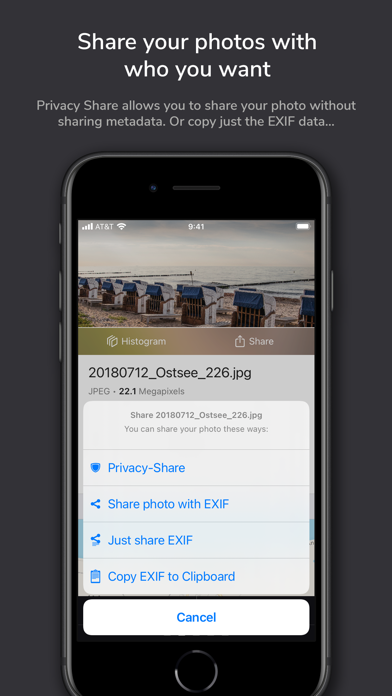
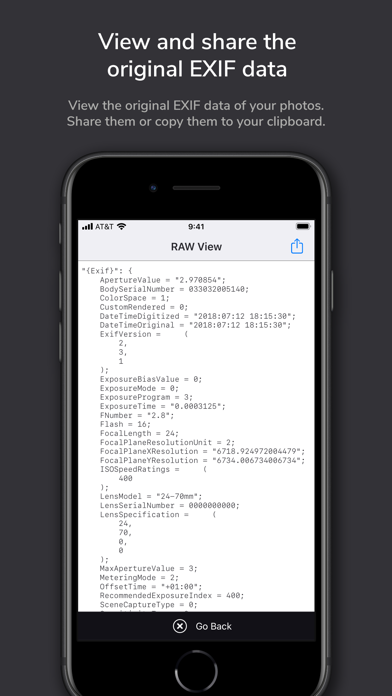
This app gives you full control over the EXIF and metadata of your photos! ImagExif 2 focuses on real EXIF data, not just iOS metadata—this sets it apart from most of its competitors. 14 strong arguments why you need this app: 1. No subscription, no trial, no in-app purchases: buy once, use always on iPad and iPhone. 2. Display EXIF, IPTC and other metadata of photos in iOS devices, iCloud Files and iCloud Stream. 3. Edit, remove EXIF & metadata like camera info, photographer info, location & IPTC info and much more - in Apple Photos and also in iCloud Files! Geotagging directly on a map with location search.4. Edit location coordinates completely free without having so select specific places. 5. Save your work by using customizable templates - presets. 6. Batch processing of many photos at the same time. 7. Display EXIF data in an extension directly in the Photos app or in iMessage and many more. 8. Privacy share: protect your privacy and share your photos with your people with or without EXIF data. 9. Display EXIF source text - incl. its export. 10. Copy EXIF data directly to clipboard. 11. Focus on simple workflows and intuitive handling. 12. No collection of personal data like many copy-cat apps in this category. 13. Runs on iPad and iPhone. 14. Is under active development. Real customer testimonials: "Finally - This program is exactly what I was looking for. Easy to use but very effective and comprehensive. And the best: Pay once and good! Thanks to the developer!" "Just good! - Comprehensive and zero effort to use. For me the best app to edit the EXIF data of my photos. The presets are great and finally no in-app purchases! Keep it up!" "IPad version - it is here - Many thanks to the developer. Now I can add location information to photos on iPad. The developer also responds very quickly to requests and suggestions for improvement." "For a long time I was missing a possibility on the iPhone / iPad to store the location data of photos, because I still shoot a lot with "old" DSLRs and they do not have GPS. With this, this also works from Apple's photo app. Without complications. That's how it should be!" The app works with: - All photos in your iPhone or iPad photo library. - Photos in iCloud (Apple's exclusive file app, locally and in the cloud. Third-party cloud apps are only partially supported because their manufacturers do not fully support Apple's file API – please use with caution!) What the app doesn't do: - Changing the filename: EXIF isn't about filenames. Also iOS does not allow the renaming of photos in the Photos Library. - Until now it can't edit RAW (will come in a later release) or PNG (see below why). - Full support of third-party cloud apps (e.g., GDrive or OneDrive) are only partially supported because their manufacturers do not fully support apples files api. Do you have questions or need help? Write to imagexif@gmail.com, we're happy to help! Question: What is EXIF data? EXIF stands for "Exchangeable Image File Format." When you take or receive a photo with a digital camera, it contains invisible metadata. This is information attached to the photo that describes, for example, certain properties and settings of the camera or even the place where the picture was taken. Services that can read this data are able to collect the circumstances and contexts of the photos and match them with certain other events (e.g. calendar entries, motion profiles, etc.). Question: Why doesn't the app handle PNG? Unfortunately, the Photos API does not allow modification of PNG files, but saves them as JPG. Therefore, to avoid confusion, imagExif cannot edit PNGs.


